Updating your profile and photo
Change your name, display name, website, bio and profile image in Account settings.
Everything is in Account settings.
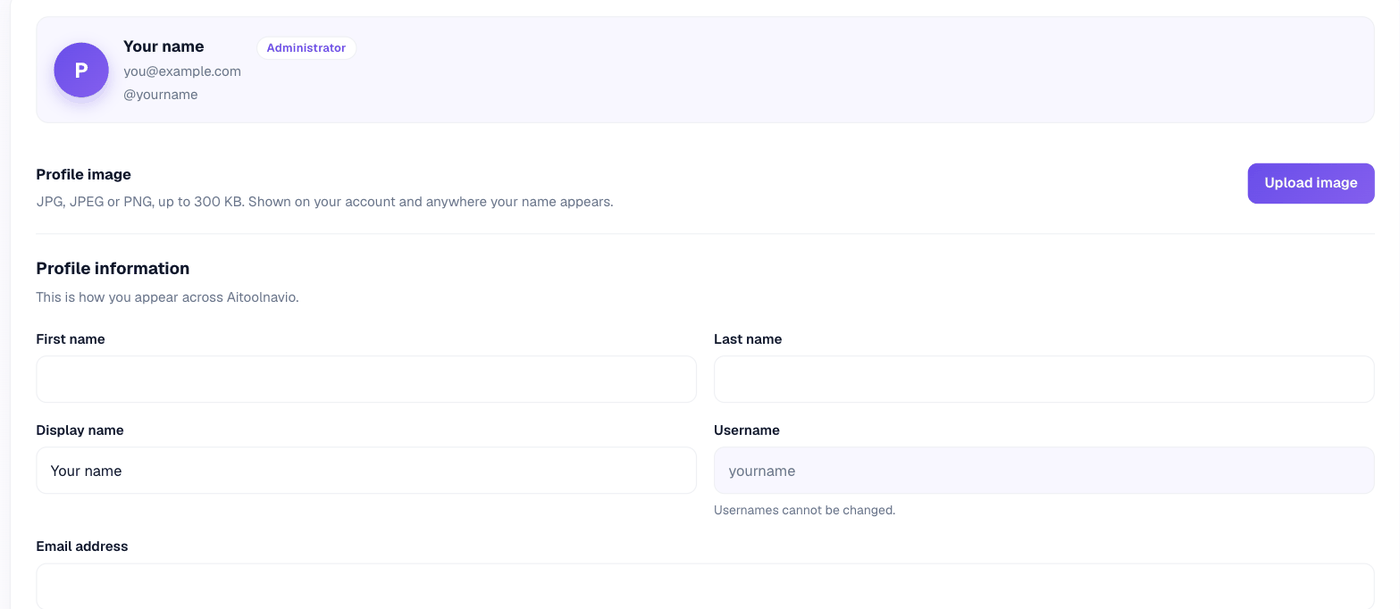
Profile image
JPG, JPEG or PNG, up to 300 KB. You can remove it at any time; without one you get a colored tile with your initial.
Profile information
- First and last name — up to 60 characters each
- Display name — up to 100 characters. This is the name shown on your reviews
- Website — must start with
http://orhttps:// - Bio — up to 2,000 characters
Password
Change it in the same place. You need your current password, and the new one must be at least 12 characters.
Billing information
Kept separately from your profile, and used to pre-fill checkout next time. See Paying for a listing.