
Generate full songs with vocals, lyrics, and instrumentals from text prompts in minutes.
75M visits/mo+3.8%#1 Audio & Voice
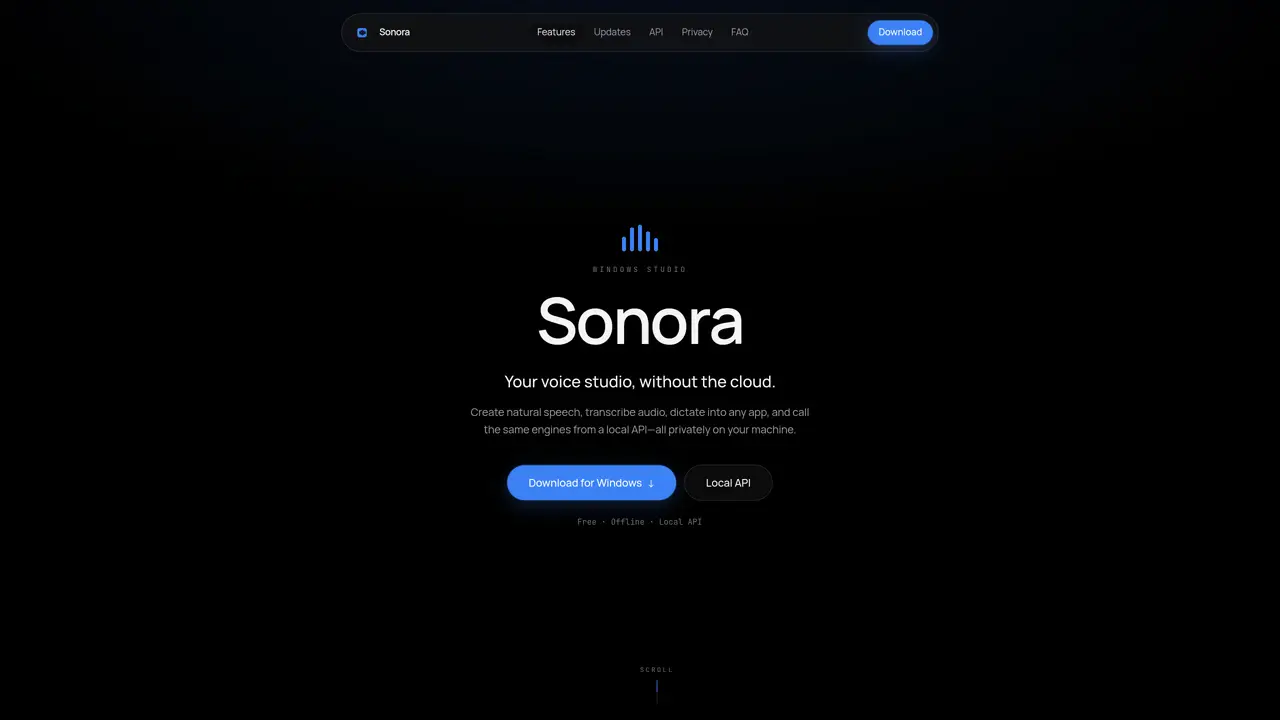
Sonora is a private offline speech studio designed specifically for Windows Studio environments. It enables users to process speech-related tasks without relying on cloud services, ensuring data privacy and security. The tool operates entirely locally, making it suitable for scenarios where internet connectivity is restricted or where sensitive information must remain offline. By leveraging Windows Studio compatibility, Sonora integrates seamlessly with the Windows ecosystem, providing a streamlined experience for speech processing tasks such as transcription, voice commands, and voice assistant development. Its offline-first approach addresses concerns about data exposure and dependency on external servers, making it ideal for professionals and organizations prioritizing confidentiality.
Sonora is a private offline speech studio designed for Windows Studio environments, enabling local speech processing without internet dependency.
It suits professionals and organizations needing secure, offline speech processing, such as developers, researchers, or enterprises handling sensitive voice data.
Sonora processes speech tasks locally on Windows Studio-compatible systems, ensuring data remains private and offline.
No, Sonora operates entirely offline, eliminating the need for internet connectivity during use.
Sonora is designed for Windows Studio environments, requiring compatibility with Windows Studio systems.
Download and install Sonora on a Windows Studio-compatible system to begin using its offline speech processing capabilities.
We use essential cookies to run aitoolnavio™, and optional cookies to analyze traffic and measure our marketing. You choose what we use — optional cookies stay off unless you turn them on. See our Privacy Policy.
One short email a week: fresh tools worth trying, honest takes and the updates that actually matter. No spam, unsubscribe any time.
Generate full songs with vocals, lyrics, and instrumentals from text prompts in minutes.
Explore and test Google’s experimental AI tools and prototypes before they become products.
Creates licensed videos, images, music.
Create instrumental versions, enhance clarity, and boost music quality effortlessly.
Generate original songs, lyrics, and studio-quality soundtracks from text prompts in minutes using AI.
Multimodal AI models for text, video, speech, music, and coding
Create studio-ready vocals, choirs, and instruments from MIDI.
An AI music platform that generates royalty-free songs, instrumentals, and lyrics from text prompts, with stem splitting, vocal removal, and mastering tools.
Turn music & ideas into viral videos in one click.
Browser tools and guides for composing and refining Suno AI music prompts
All-in-one AI platform for writing, image, music, and analysis.
Convert text and lyrics into unique songs.
Matched on what this tool does — grouped by the job you would be replacing.
matches Offline speech processing · Windows Studio integration · Private data handling
Captures audio and screen locally, transcribes with speaker separation, and generates private AI summaries without cloud dependency.
Local AI assistant running entirely on a PC for chat, speech and document analysis
Local AI-powered desktop workspace for creators
matches Offline speech processing · Private data handling · Local execution of speech tasks
Local speech-to-text transcription for macOS with privacy-focused features
Local speech-to-text for macOS with no cloud processing