Revolutionize transcription with unmatched accuracy, speed, and language support.

Vocatim
€29.99Starting price
0Popularity
About Vocatim
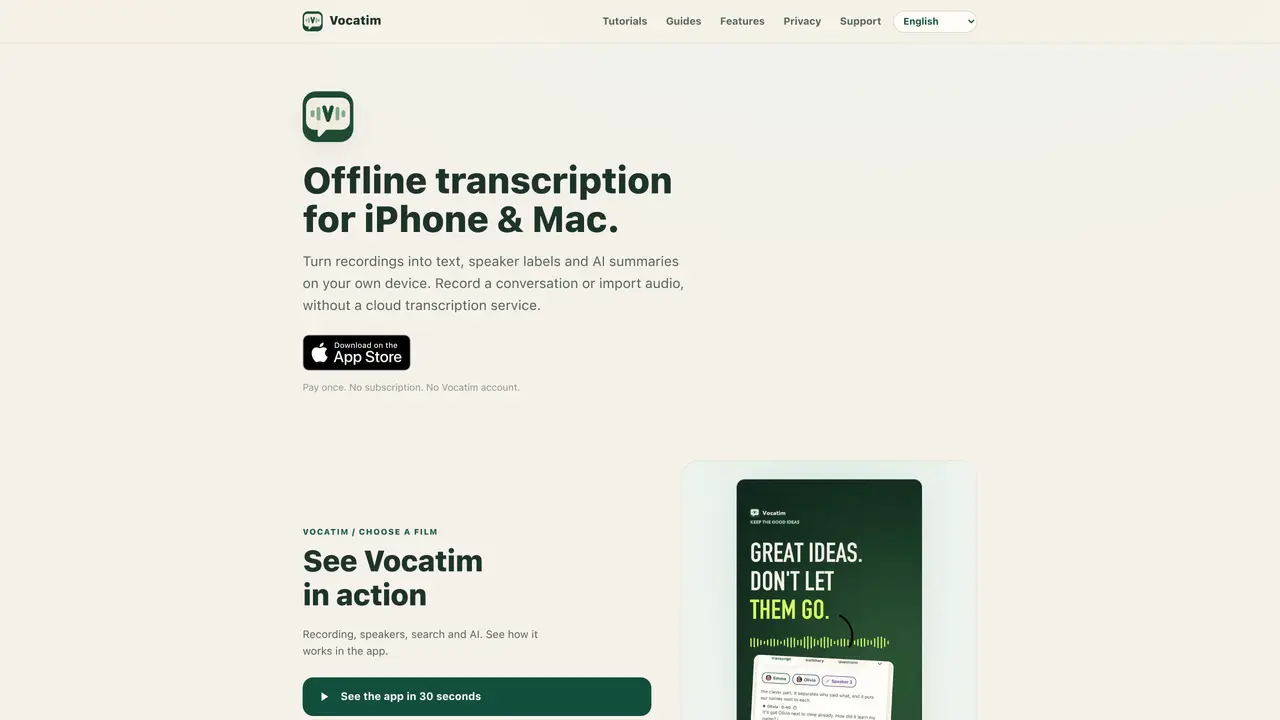
Vocatim performs transcription and AI summarization entirely on-device for iPhone and Mac users. Audio can be recorded live or imported from files and Voice Memos. The application separates speakers, labels voices consistently across recordings, and generates local AI summaries and answers to questions about the content. Transcription models are downloaded and run locally, eliminating the need for cloud processing or an internet connection. Optional iCloud sync allows sharing transcripts between devices while keeping raw audio and processing local. The interface and speech recognition support eighteen languages including Polish, English, Dutch, German, French, Spanish, Italian, Portuguese, Japanese, Korean, Swedish, Traditional Chinese, Turkish, Norwegian, Danish, Czech, Slovak and Ukrainian.
Key features
- Offline transcription
- Speaker labeling and recognition
- AI-generated summaries
- In-meeting live transcription
- Question answering during recording
- iCloud sync option
- Eighteen supported languages
- Direct import from Voice Memos
Use cases
- Transcribing meetings with speaker identification
- Converting voice memos into searchable text
- Generating private meeting summaries and notes
Pros
- Local processing without cloud dependency
- Speaker separation and consistent voice labeling
- AI summaries and question answering on-device
- One-time purchase with no subscription
- Supports eighteen languages
Cons
- Requires model downloads for full functionality
- Limited to iPhone and Mac platforms
- No free tier beyond initial 5-minute trial
Frequently asked questions about Vocatim
What is Vocatim and how does it work?
Vocatim is an offline transcription and AI summarization tool for iPhone and Mac that processes audio locally without requiring an internet connection. Users can record live or import audio files, and the app separates speakers, labels voices consistently, and generates AI summaries and answers to questions about the content entirely on-device.
Who is Vocatim designed for?
Vocatim is designed for users who prioritize privacy and offline functionality, such as professionals, researchers, or individuals who need reliable transcription and summarization without relying on cloud services. It is particularly useful for those who want to keep their data local and avoid subscriptions.
Does Vocatim require an internet connection to work?
No, Vocatim operates entirely offline once the transcription models are downloaded. The app does not send audio or data to the cloud, ensuring full privacy. Optional iCloud sync is available for sharing transcripts between devices, but raw audio and processing remain local.
What languages does Vocatim support?
Vocatim supports transcription and speech recognition in eighteen languages, including Polish, English, Dutch, German, French, Spanish, Italian, Portuguese, Japanese, Korean, Swedish, Traditional Chinese, Turkish, Norwegian, Danish, Czech, Slovak, and Ukrainian.
Can Vocatim be used on both iPhone and Mac?
Yes, Vocatim is available for both iPhone and Mac. Users can record on one device and process the transcription on the other, such as recording on iPhone and using Mac for heavier processing via local network or iCloud transfer.
How do I get started with Vocatim?
To get started, download Vocatim from the App Store on your iPhone or Mac. You can try the first 5 minutes of any recording for free. For full functionality, purchase the one-time license, download the transcription models, and begin recording or importing audio files for local processing.