Generate captions, optimize content, and enhance with custom images for maximum engagement.
46M visits/mo-10%#3 Image & Design

A local browser for running AI agents with real user logins and session replay
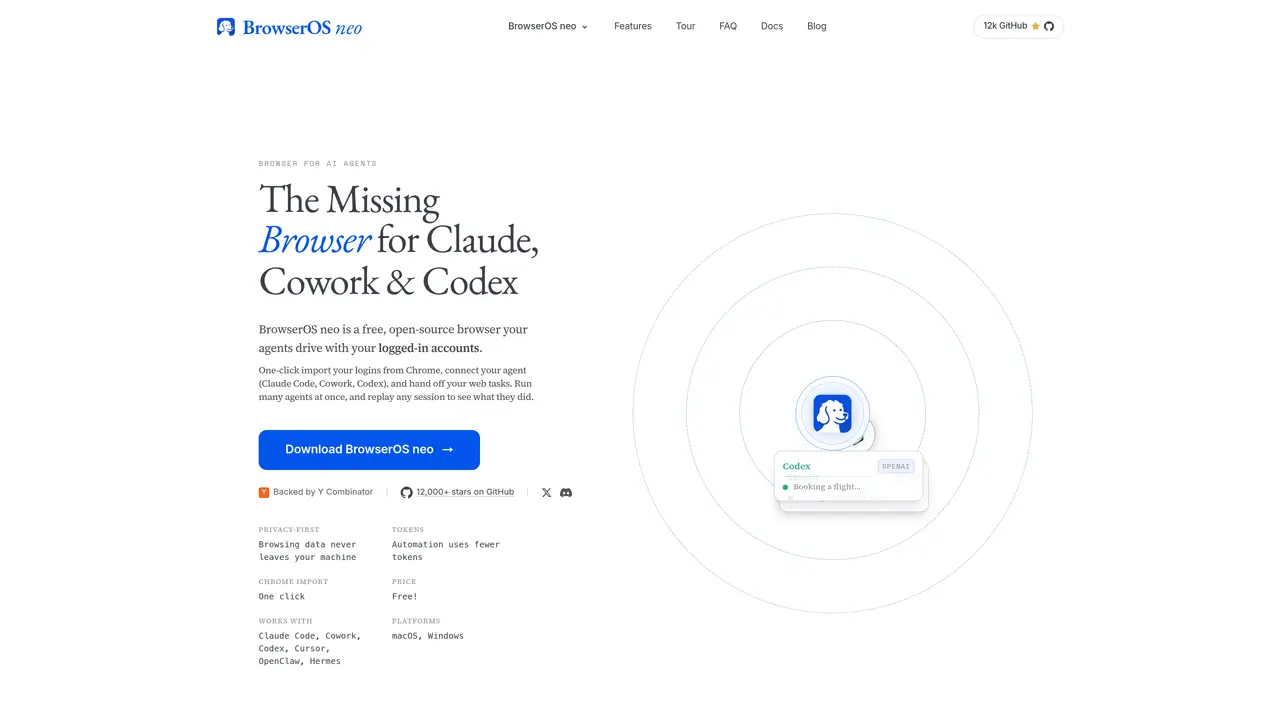
BrowserOS neo is a free, open-source browser designed for AI agents to perform web tasks using the user’s logged-in accounts. It allows agents such as Claude Code, Cowork, Codex, Cursor, OpenClaw, and Hermes to operate in a separate browser instance while the user continues working in their primary browser. The tool enables one-click import of logins from Chrome and connects to supported agents via the MCP standard with no configuration required. Agents can navigate, click, and read web pages in real time, with each agent running in isolated tabs. Sessions are recorded as full-screen, scrubbable videos, enabling users to review, rewind, and verify agent actions. All browsing data remains on the user’s machine, ensuring privacy, and the tool supports parallel execution of multiple agents without interrupting the user’s workflow.
BrowserOS neo is a free, open-source browser designed specifically for AI agents to perform web tasks using the user’s logged-in accounts. It enables agents like Claude Code, Cowork, Codex, Cursor, OpenClaw, and Hermes to operate in a separate browser instance while the user continues working in their primary browser.
Connecting an AI agent to BrowserOS neo is done in one click via the MCP standard. The browser automatically detects supported agents like Claude Code, Cowork, or Codex on your machine and establishes a connection without requiring configuration files or CLI commands.
Yes, BrowserOS neo supports parallel execution of multiple agents, each working in isolated tabs. A cockpit dashboard on the new-tab page shows the status of each agent, allowing users to monitor progress without interrupting their own workflow.
All browsing data remains on the user’s machine, ensuring privacy. Session history, screenshots, replays, and settings are stored as files on the local disk, and nothing is sent to a cloud dashboard or external servers.
Every agent session is recorded as a full-screen, scrubbable video. Users can replay these sessions to review, rewind, and verify the agent’s actions, helping to identify mistakes or improve future interactions.
BrowserOS neo is available for macOS and Windows, with a free download for both platforms.
We use essential cookies to run aitoolnavio™, and optional cookies to analyze traffic and measure our marketing. You choose what we use — optional cookies stay off unless you turn them on. See our Privacy Policy.
One short email a week: fresh tools worth trying, honest takes and the updates that actually matter. No spam, unsubscribe any time.
Generate captions, optimize content, and enhance with custom images for maximum engagement.
Build conversational forms, capture rich responses, and automate follow-ups with AI-powered surveys and workflows.
Automate code, research, and documents using agents.
AI-powered IDE for autonomous coding tasks and agentic development workflows
Source, match, and manage talent with predictive analytics for effortless recruiting.
Automate workflow, optimize operations, and detect potential issues with this efficient AI-driven solution.
Transforms thoughts into actions, enhancing productivity and efficiency.
AI Recruitment engine to hire top global talent
All-in-one team productivity platform combining chat, docs, video meetings, workflows, and AI tools in one place.
Personal assistant that coordinates tasks across apps and devices via text or call
AI automation and agent-building platform with 3,000+ app integrations
AI job search copilot that matches roles to skills, optimizes resumes for ATS, generates cover letters, and autofills applications with real-time insights.
Matched on what this tool does — grouped by the job you would be replacing.
matches One-click login import from Chrome · Real-time agent browsing with user accounts · Parallel agent execution in isolated tabs
Routes and manages cloud browser sessions across multiple providers with failover and session replay
Desktop browser that persists agent workspaces with sign-ins and tabs
Browser Cloud gives AI agents real Chrome sessions on demand, no headless fleet to babysit.
matches Parallel agent execution in isolated tabs · Session replay with scrubbable video · Local storage of all session data
matches Parallel agent execution in isolated tabs · Compact page snapshots to reduce token usage · Local storage of all session data
Local-first agent runtime for running AI agents on user hardware with direct provider billing
Local persistent execution layer for coding agents that resumes interrupted runs
Native macOS dashboard for monitoring and managing multiple coding agents locally
Self-hosted Chromium automation engine that turns web pages into compact, token-efficient text for AI agents.
Open-source AI browser that assists with browsing tasks using local or cloud models