Unify customer data, automate workflows, and scale experiences with Einstein AI, Copilot, and Data Cloud in one CRM platform.
110M visits/mo+1.1%#1 Business & Marketing

Open-source AI browser that assists with browsing tasks using local or cloud models
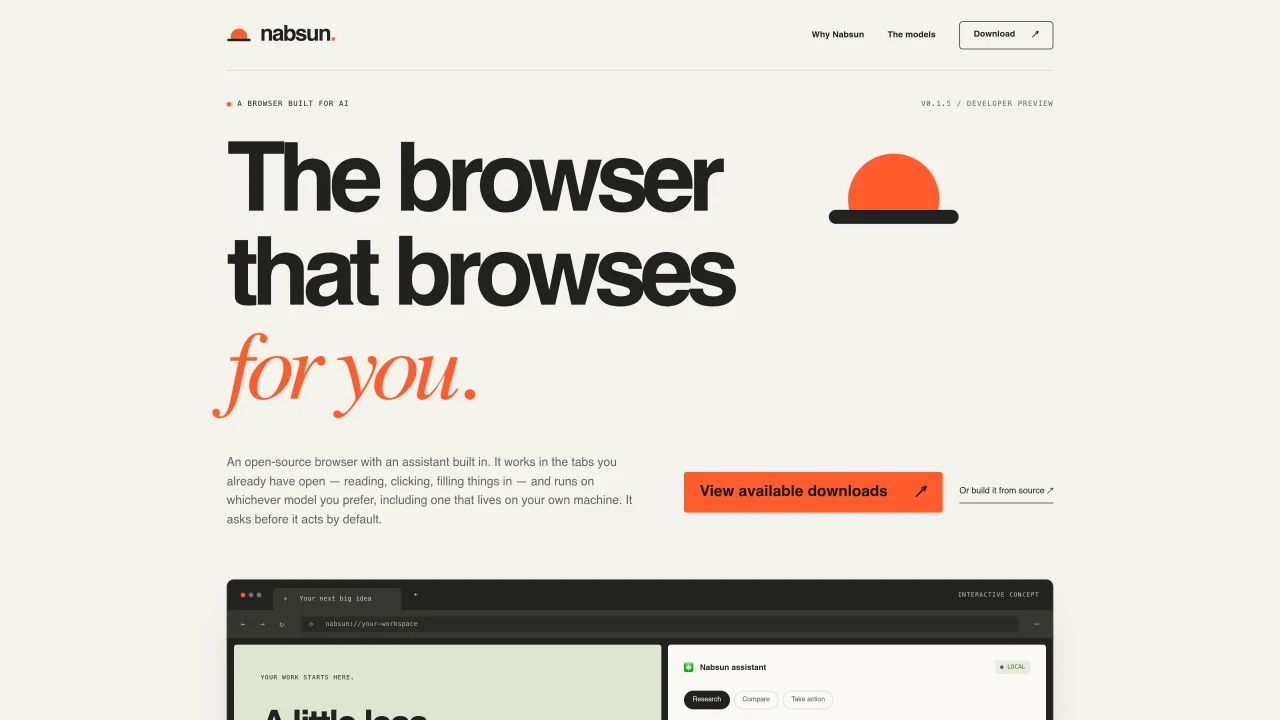
Nabsun is an open-source browser with a built-in AI assistant designed to handle routine browsing tasks such as reading pages, extracting key ideas, answering questions, and performing actions like clicking, typing, and navigating within existing tabs. It operates on either local models running on the user’s CPU or cloud-based models via API keys, allowing flexibility in model choice and cost. The assistant defaults to requesting approval before taking actions but can be configured for Autopilot mode for routine tasks. Nabsun integrates with existing workflows by functioning as an MCP server, enabling tools like Claude Code or Codex to interact with the browser through the same login and approval settings. The browser retains familiar features such as encrypted passwords, bookmarks, downloads, and extensions while adding AI-driven assistance. A local configuration file, soul.md, stores user preferences like name and time zone to personalize interactions without exposing data to cloud providers by default. The built-in model is optimized for everyday tasks, while larger models can be used for complex research.
Nabsun is an open-source AI-powered browser with a built-in assistant that automates routine browsing tasks such as reading pages, extracting key ideas, answering questions, and performing actions like clicking, typing, and navigating within existing tabs.
Nabsun is designed for users who want to reduce busywork in their browser workflows, such as researchers, developers, or anyone who frequently interacts with web-based tools and needs assistance with repetitive tasks.
Nabsun allows users to run models locally on their CPU at no cost or connect to cloud-based models via API keys, providing flexibility in model choice and cost management without model lock-in.
Yes, Nabsun functions as an MCP server, enabling tools like Claude Code or Codex to interact with the browser through the same login and approval settings, bridging your editor and browser workflows.
The built-in local model in Nabsun can operate entirely offline, while cloud-based models require an internet connection for API access.
Nabsun defaults to requesting approval before taking actions, and user preferences are stored locally in a file called soul.md, which is not shared with cloud providers by default, ensuring privacy.
We use essential cookies to run Aitoolnavio, and optional cookies to analyze traffic and measure our marketing. You choose what we use — optional cookies stay off unless you turn them on. See our Privacy Policy.
One short email a week: fresh tools worth trying, honest takes and the updates that actually matter. No spam, unsubscribe any time.
Unify customer data, automate workflows, and scale experiences with Einstein AI, Copilot, and Data Cloud in one CRM platform.
Build conversational forms, capture rich responses, and automate follow-ups with AI-powered surveys and workflows.
Transforms thoughts into actions, enhancing productivity and efficiency.
Automate code, research, and documents using agents.
All-in-one team productivity platform combining chat, docs, video meetings, workflows, and AI tools in one place.
Automate workflow, optimize operations, and detect potential issues with this efficient AI-driven solution.
AI-powered IDE for autonomous coding tasks and agentic development workflows
AI Recruitment engine to hire top global talent
Automate tailored conversations, analyze customer behavior, and automate lead gen, customer service, and sales.
AI job search copilot that matches roles to skills, optimizes resumes for ATS, generates cover letters, and autofills applications with real-time insights.
Source, match, and manage talent with predictive analytics for effortless recruiting.
Personal assistant that coordinates tasks across apps and devices via text or call
Matched on what this tool does — grouped by the job you would be replacing.
matches Built-in AI assistant for reading and summarizing pages · Personalization via soul.md configuration file · Familiar browser features (passwords, bookmarks, extensions)
A privacy-focused browser that automates browsing, extracts content, and runs AI models locally without sending data to the cloud.
A local browser for running AI agents with real user logins and session replay
Fetch live web pages and search results directly into your AI assistant's context with this open-source MCP server.
matches MCP server for editor integration (Claude Code, Codex) · Local model integration with Ollama
matches Supports cloud models via API keys (Anthropic, OpenAI)
Open-source desktop AI chat app that runs local LLMs offline or connects to cloud providers via API keys.
Kanban-style orchestration layer for local AI coding agents
Open-source macOS video editor that integrates AI agents directly into the timeline for text-to-video and collaborative editing.
AI assistant for safe, reliable productivity with code, collaboration, and integrations.
Automate code, research, and documents using agents.