

Generate captions, optimize content, and enhance with custom images for maximum engagement.
46M visits/mo-10%#3 Image & Design
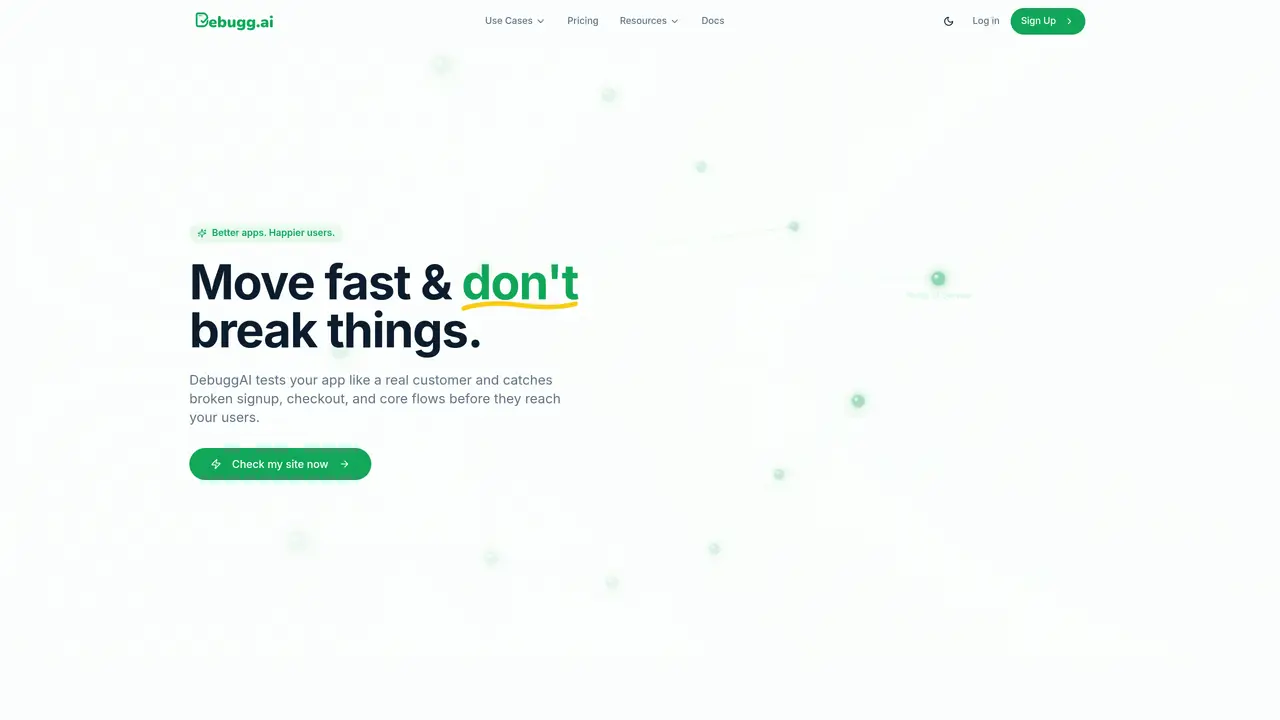
DebuggAI is an AI-powered testing and browser-agent platform that automatically understands your code changes, generates the right tests, and executes them in scalable remote browsers—no setup required. Developers connect their repo, and DebuggAI analyzes diffs, creates rich test specifications, runs autonomous browser flows, and provides clear results directly in GitHub, VS Code, or the dashboard. Building on this foundation, Surfs.dev extends the platform into a full lifecycle system for training, testing, monitoring, and deploying autonomous browser agents. Every interaction with a browser becomes structured data—captured, labeled, and fed back into agent training to create smarter, more reliable automations over time. Teams can visualize step-by-step browser flows, track agent behavior, evaluate quality metrics, and rapidly iterate on agent performance. Whether used for end-to-end QA, autonomous workflows, or building next-gen browser agents, the platform gives teams a unified platform for testing and deploying AI-powered browser automation.
DebuggAI uses AI to explore your app like a real user, automatically identifying and testing critical flows such as signup, login, and checkout without requiring manual test scripts or predefined paths.
No technical setup is required. DebuggAI connects to your app in minutes with a one-click GitHub integration, handles the testing infrastructure, and provides results directly in your workflow.
Your code remains secure with encrypted, isolated, and temporary access. DebuggAI does not require code changes and ensures sensitive data is protected during testing.
DebuggAI automatically detects every change and starts testing right away, providing fast pass or fail results with screenshots and videos to help identify issues before they reach customers.
DebuggAI delivers results in minutes, with a typical setup taking around 2 minutes and full testing completed within a few minutes for each change.
Yes, DebuggAI integrates directly with GitHub and provides results in your workflow, eliminating the need for additional dashboards or manual tracking.
debugg.ai · third-party estimates from Similarweb
Last 4 months · grows by one month every month
Automation & Agents · Sep 2026
Traffic figures are third-party estimates, good for scale and trends; they can differ from a company's own numbers. Updated monthly.
We use essential cookies to run aitoolnavio™, and optional cookies to analyze traffic and measure our marketing. You choose what we use — optional cookies stay off unless you turn them on. See our Privacy Policy.
One short email a week: fresh tools worth trying, honest takes and the updates that actually matter. No spam, unsubscribe any time.
Generate captions, optimize content, and enhance with custom images for maximum engagement.
Build conversational forms, capture rich responses, and automate follow-ups with AI-powered surveys and workflows.
Automate code, research, and documents using agents.
AI-powered IDE for autonomous coding tasks and agentic development workflows
Source, match, and manage talent with predictive analytics for effortless recruiting.
Automate workflow, optimize operations, and detect potential issues with this efficient AI-driven solution.
Transforms thoughts into actions, enhancing productivity and efficiency.
AI Recruitment engine to hire top global talent
All-in-one team productivity platform combining chat, docs, video meetings, workflows, and AI tools in one place.
Personal assistant that coordinates tasks across apps and devices via text or call
AI automation and agent-building platform with 3,000+ app integrations
AI job search copilot that matches roles to skills, optimizes resumes for ATS, generates cover letters, and autofills applications with real-time insights.
Matched on what this tool does — grouped by the job you would be replacing.
matches Zero-config setup · Automated test generation · Scalable remote browser execution
Autonomous AI agents test applications by exploring flows, generating tests, and surfacing regressions in isolated sandboxes.
Autonomous AI QA engineer that explores apps, writes tests, and reports bugs without scripts
Automated end-to-end testing for pull requests with AI-driven user journey checks
Browser Cloud gives AI agents real Chrome sessions on demand, no headless fleet to babysit.
matches Rich test specifications · Clear results in GitHub, VS Code, or dashboard
AI-powered frontend testing that records user sessions and flags UI bugs automatically before release.
AI-powered test automation that builds and maintains cross-platform test suites using computer vision, reducing setup and maintenance overhead.
Automate app testing with AI-driven user simulations.
AI-driven QA tool that automatically clicks through preview deployments to catch UI regressions