Generate captions, optimize content, and enhance with custom images for maximum engagement.
46M visits/mo-10%#3 Image & Design

Turn screen recordings into governed agent workflows that operate across real software
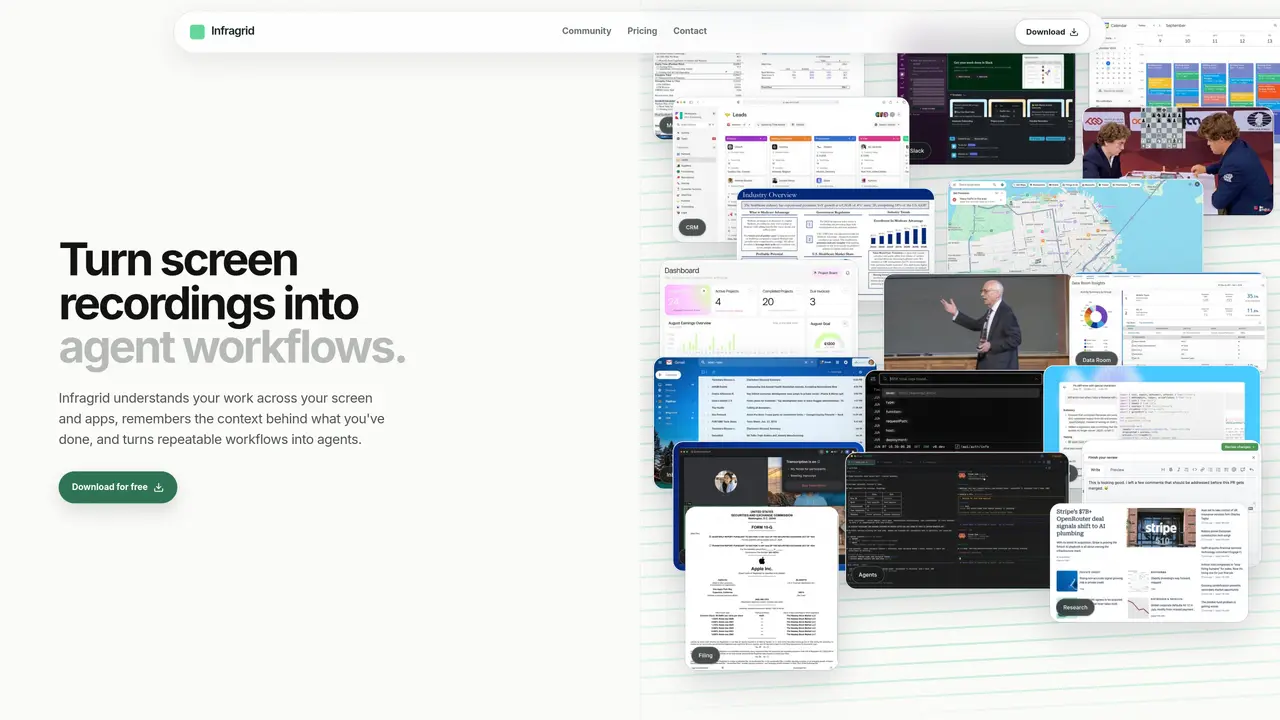
Infragrid records user actions across browsers and desktop applications to create repeatable workflows that can be deployed as agents. The tool captures sequences, context, and decisions during a single recording session and converts them into an editable runbook. Users can review and modify workflow steps, define approval requirements, and specify which tools and accounts each step will use. Once approved, workflows execute across real software interfaces without requiring custom integrations for each tool. Infragrid maintains an audit trail of every run, tracks exceptions, and allows improvements to the runbook while preserving historical context. The system provides role-based views so different team members can monitor relevant actions without exposing sensitive data. It also includes an activity timeline that records and indexes user activity across applications for later retrieval and analysis.
Infragrid operates through the real interfaces of websites and desktop applications that users approve, so it does not require custom integrations for each tool. Its capabilities depend on the app, user permissions, and granted approvals.
Your Activity Timeline is stored locally on your Mac. When querying Infragrid about your activity, it sends only the bounded context needed to answer, not the full dataset.
Yes, Infragrid converts recordings into editable runbooks where users can review, modify steps, adjust constraints, define approval requirements, and specify tools or accounts for each step.
No, Infragrid executes workflows across real software interfaces without needing custom integrations for each tool, relying instead on approved user accounts and permissions.
Infragrid routes sensitive or uncertain actions to the appropriate person for review and keeps a reviewable record of every run and outcome, including exceptions and approvals.
Yes, Infragrid provides role-based views so team members can monitor relevant actions without exposing sensitive information, and it maintains an audit trail of all workflow runs.
infragrid.ai · third-party estimates from Similarweb
Share of visits by channel
Automation & Agents · Sep 2026
Traffic figures are third-party estimates, good for scale and trends; they can differ from a company's own numbers. Updated monthly.
We use essential cookies to run aitoolnavio™, and optional cookies to analyze traffic and measure our marketing. You choose what we use — optional cookies stay off unless you turn them on. See our Privacy Policy.
One short email a week: fresh tools worth trying, honest takes and the updates that actually matter. No spam, unsubscribe any time.
Generate captions, optimize content, and enhance with custom images for maximum engagement.
Build conversational forms, capture rich responses, and automate follow-ups with AI-powered surveys and workflows.
Automate code, research, and documents using agents.
AI-powered IDE for autonomous coding tasks and agentic development workflows
Source, match, and manage talent with predictive analytics for effortless recruiting.
Automate workflow, optimize operations, and detect potential issues with this efficient AI-driven solution.
Transforms thoughts into actions, enhancing productivity and efficiency.
AI Recruitment engine to hire top global talent
All-in-one team productivity platform combining chat, docs, video meetings, workflows, and AI tools in one place.
Personal assistant that coordinates tasks across apps and devices via text or call
AI automation and agent-building platform with 3,000+ app integrations
AI job search copilot that matches roles to skills, optimizes resumes for ATS, generates cover letters, and autofills applications with real-time insights.
Matched on what this tool does — grouped by the job you would be replacing.
matches Screen recording capture across applications · Editable workflow runbook creation · Role-based access and policy controls
Mac desktop app that records screens into a searchable timeline and uses AI to detect patterns and generate automations from repetitive tasks.
Connects AI agents to a Mac's browser, files and accounts for local task completion
Enterprise AI operating system for governed agentic workflows and institutional memory
matches Editable workflow runbook creation · Role-based access and policy controls · Audit trail for all workflow executions
Automate security, IT runbooks into governed, AI workflows.
Centralized control plane for managing internal AI agents across teams
AI-powered workflow automation and execution platform for business operations
Centralized budgeting and execution layer for AI agents across 40+ services