Generate captions, optimize content, and enhance with custom images for maximum engagement.
46M visits/mo-10%#3 Image & Design

Continuously captures screen, audio, and app data to provide AI agents with local work history
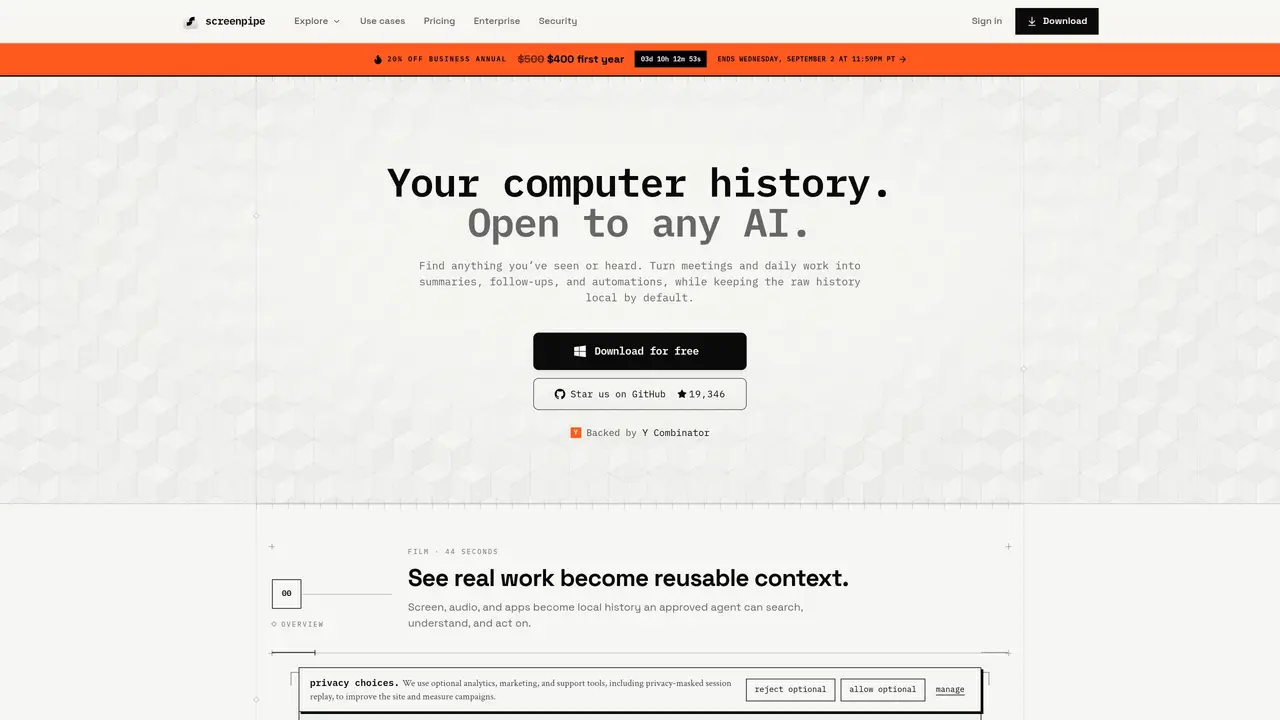
Screenpipe is a local-first application that continuously records screen frames, audio, and app events on macOS, Windows, and Linux. It captures both visual and textual context, including OCR from screen content and transcripts from system audio, to build a searchable history of a user’s work. The tool exposes this history via a local REST API and MCP server, allowing any approved AI agent to query the captured data without relying on cloud services. Users can define triggers for automated workflows, such as generating meeting notes, updating CRM records, or drafting follow-ups, which run directly on-device. Screenpipe captures and stores work history locally by default. Depending on your configuration, cloud AI, transcription, sync, integrations, or connected AI clients may process context off-device.
screenpipe is AI agent memory that continuously captures what a user has seen, said, and heard on their computer, providing that context to any approved AI through a local REST API and MCP server. It runs on macOS, Windows, and Linux without relying on cloud services by default.
By default, all captured data remains local on your device. Screenpipe captures and stores work history locally by default. Depending on your configuration, cloud AI, transcription, sync, integrations, or connected AI clients may process context off-device.
Yes, screenpipe allows users to define app-specific exclusions, redact sensitive fields, and apply local policies to control what is captured and stored, ensuring privacy and compliance.
screenpipe captures screen frames, audio, and app events, which may impact CPU, battery, and storage usage depending on system resources and capture settings. The tool is designed to balance performance with functionality.
screenpipe runs on macOS, Windows, and Linux. The source code is available for inspection, and the tool is designed to be portable, allowing users to manage their history independently of any single model or service.
Yes, screenpipe supports enterprise deployments where raw history remains on individual devices, with centralized management for policies, identity, and audit logs without requiring raw data centralization.
screenpipe.com · third-party estimates from Similarweb
Last 4 months · grows by one month every month
Share of visits · estimated visits
Other countries: 29.3%
How people reach this site from other AI tools
1.9K a month · 3% of all visits
Automation & Agents · Sep 2026
Traffic figures are third-party estimates, good for scale and trends; they can differ from a company's own numbers. Updated monthly.
We use essential cookies to run aitoolnavio™, and optional cookies to analyze traffic and measure our marketing. You choose what we use — optional cookies stay off unless you turn them on. See our Privacy Policy.
One short email a week: fresh tools worth trying, honest takes and the updates that actually matter. No spam, unsubscribe any time.
Generate captions, optimize content, and enhance with custom images for maximum engagement.
Build conversational forms, capture rich responses, and automate follow-ups with AI-powered surveys and workflows.
Automate code, research, and documents using agents.
AI-powered IDE for autonomous coding tasks and agentic development workflows
Source, match, and manage talent with predictive analytics for effortless recruiting.
Automate workflow, optimize operations, and detect potential issues with this efficient AI-driven solution.
Transforms thoughts into actions, enhancing productivity and efficiency.
AI Recruitment engine to hire top global talent
All-in-one team productivity platform combining chat, docs, video meetings, workflows, and AI tools in one place.
Personal assistant that coordinates tasks across apps and devices via text or call
AI automation and agent-building platform with 3,000+ app integrations
AI job search copilot that matches roles to skills, optimizes resumes for ATS, generates cover letters, and autofills applications with real-time insights.
Matched on what this tool does — grouped by the job you would be replacing.
matches Continuous screen and audio capture · OCR for screen content and transcripts for audio · Local REST API and MCP server for AI access
Screen-aware local AI hardware that reads your desktop, proposes multi-step tasks, and executes only after hardware approval via HDMI capture and USB-HID control.
Captures audio and screen locally, transcribes with speaker separation, and generates private AI summaries without cloud dependency.
Local-first AI assistant for Mac that captures notes, transcribes meetings, and provides context-aware chat
A private Mac app that continuously records, searches, and queries your screen history with optional on-device AI processing.
matches OCR for screen content and transcripts for audio · Local REST API and MCP server for AI access · App-specific exclusions and field redaction
Pieces auto-captures your workflow context across tools and surfaces it via a privacy-first AI assistant for faster recall and reuse.
Shared AI memory layer that syncs context across multiple AI tools automatically
On-device memory for engineers to query work history via chat or CLI
Structured project memory for AI coding agents