Generate captions, optimize content, and enhance with custom images for maximum engagement.
46M visits/mo-10%#3 Image & Design
Mac automation tool that builds and runs workflows from plain English descriptions
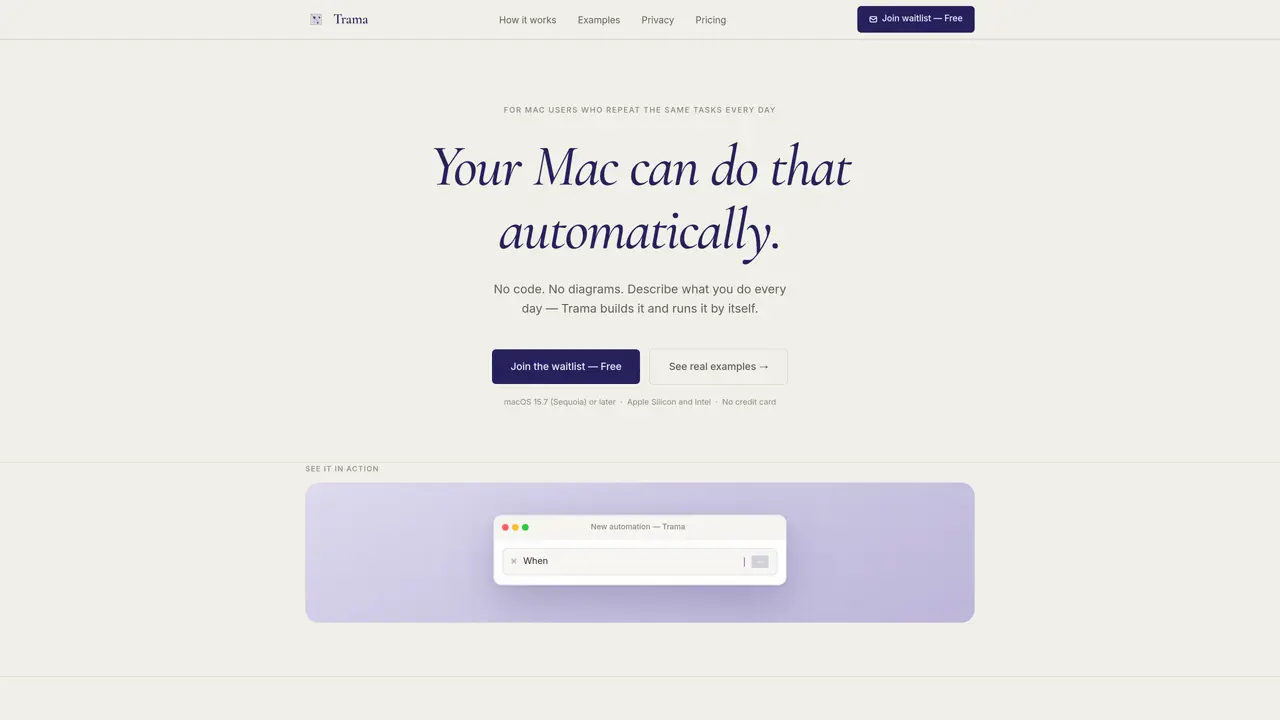
Trama is a desktop automation tool for macOS that converts plain English descriptions of repetitive tasks into executable workflows without requiring code or diagrams. Users describe what they want to automate using a keyboard shortcut, and the application builds, explains, and executes the automation locally. It supports multiple trigger types including clipboard content, scheduled times, screenshots, and keyboard shortcuts, performing actions across integrated tools like Gmail, Slack, Notion, and GitHub. The tool runs entirely on the user’s Mac, ensuring data privacy and offline operation, while allowing optional integration with external services. AI assistance is provided for error diagnosis and one-click fixes, and automations can be reviewed and adjusted before activation. The application targets users who perform repetitive computer tasks daily and aims to eliminate manual work through automated workflows.
Trama is a desktop automation tool for macOS that converts plain English descriptions of repetitive tasks into executable workflows without requiring code or diagrams. Users describe their desired automation using a keyboard shortcut, and Trama builds, explains, and executes the workflow locally on their Mac.
Trama is designed for Mac users who perform repetitive computer tasks daily, such as summarizing emails, extracting text from screenshots, or compiling weekly reports. It suits professionals across roles, including marketing, development, design, operations, and writing.
No, Trama does not require any coding or technical knowledge. Users describe their automation needs in plain English, and the tool handles the rest, including building, explaining, and executing the workflow.
Trama supports multiple trigger types, including clipboard content, scheduled times, screenshots, and keyboard shortcuts. Automations can be activated based on these triggers without manual intervention.
Trama runs entirely on the user’s Mac, ensuring data privacy and offline operation. Automations execute locally, and data only leaves the Mac when explicitly sent by the user, such as posting to Slack or saving to Notion.
Yes, you can download and run your first automation without signing in. To save and enable automations, a free account is required, but no credit card or tracking is involved.
usetrama.com · third-party estimates from Similarweb
Share of visits by channel
Share of visits · estimated visits
Automation & Agents · Sep 2026
Traffic figures are third-party estimates, good for scale and trends; they can differ from a company's own numbers. Updated monthly.
We use essential cookies to run aitoolnavio™, and optional cookies to analyze traffic and measure our marketing. You choose what we use — optional cookies stay off unless you turn them on. See our Privacy Policy.
One short email a week: fresh tools worth trying, honest takes and the updates that actually matter. No spam, unsubscribe any time.
Generate captions, optimize content, and enhance with custom images for maximum engagement.
Streamline teamwork, manage projects, automate tasks efficiently.
Automate support, target customers, gather insights – all with AI-powered tools.
Open-source workflow automation platform to build, run, and monitor agentic and traditional workflows with 500+ integrations and AI governance.
Automate complex processes, leverage real-time analytics, customize workflow with powerful tools.
Continuous integration and delivery platform that automates builds, tests, and deployments to accelerate software delivery.
Automate tasks on websites with Browser-Use's AI browser control.
AI-powered platform for optimizing delivery routes, tracking shipments in real time, and managing driver operations to streamline last-mile logistics.
Create custom templates, automate contract workflow, and use analytics to optimize contracts.
Runable lets users automate computer tasks by typing plain-language commands instead of writing code.
Create personalized schedules, prioritize tasks, set goals, and track progress with reminders and ease.
Kissflow automates workflows, lets teams customize processes, track tasks in real time, and collaborate without switching tools.
Matched on what this tool does — grouped by the job you would be replacing.
Paid placement · similar tools from listings that support aitoolnavio™
Instant lead response for home-service pros: your phone rings on every new lead, plus 14 days of follow-up
matches Plain English automation creation · Local execution on Mac · Clipboard content triggers
Runable lets users automate computer tasks by typing plain-language commands instead of writing code.
Mac command center with local AI, window management and clipboard history
Automate mundane tasks, access AI assistance, and streamline daily tasks to maximize productivity.
AI workforce that runs on a single Mac with up to 100 specialized agents