Automate job postings, track applicants, and streamline hiring with an intuitive HCM platform for talent acquisition.
32M visits/mo+3.9%#5 Business & Marketing

AI-powered Stream Deck companion that creates shortcuts, automates tasks, and switches profiles with voice or mouse commands.
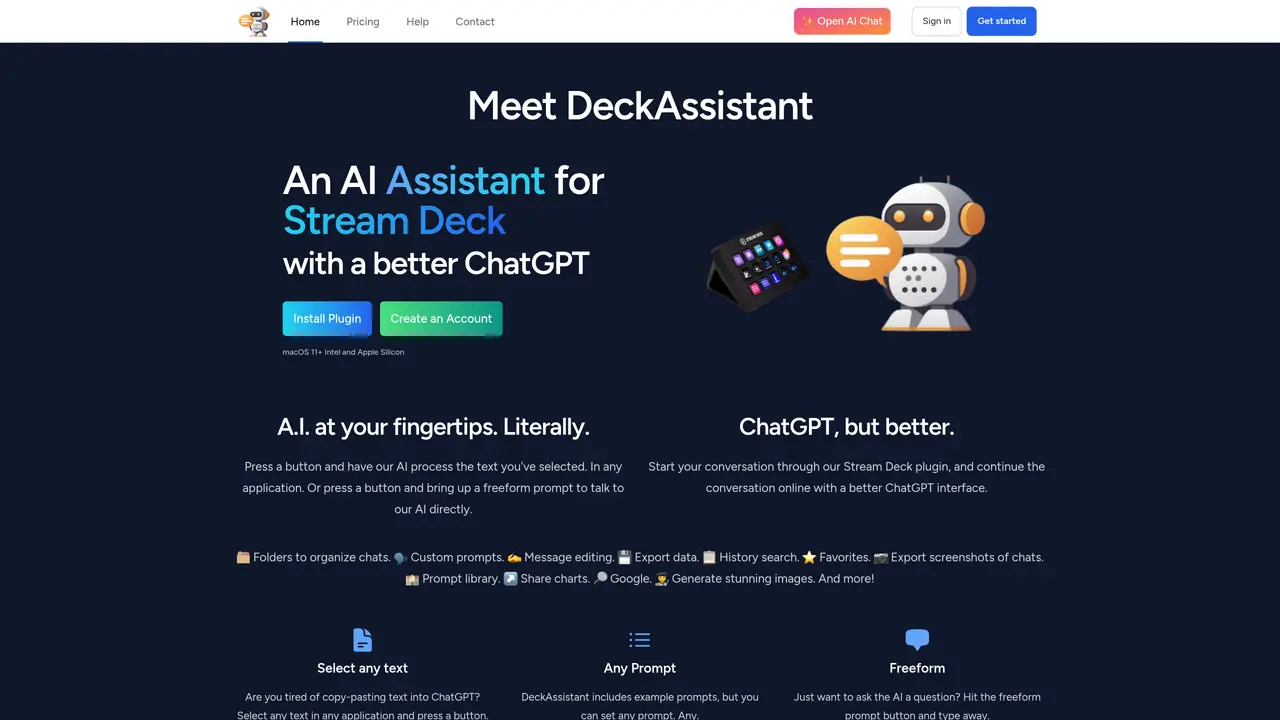
A.I. DeckAssistant for Stream Deck is designed to enhance productivity by integrating with Stream Deck devices to automate workflows and streamline interactions. It allows users to create custom shortcuts and buttons for quick access to applications, tools, and system settings, enabling faster execution of routine tasks. The tool supports macro recording, window switching, and automation control, making it useful for both professional and personal use cases. A built-in AI engine enables voice command recognition, mouse movement detection, and one-click execution of complex actions. Users can build and switch between multiple profiles tailored to different activities such as gaming, work, or media control. The software is aimed at Stream Deck owners looking to maximize device utility without manual scripting.
DeckAssistant is an AI assistant plugin for Stream Deck that allows users to interact with AI models directly from their Stream Deck device. It enables text selection processing, freeform chat, and customizable prompts without leaving the current application.
DeckAssistant is designed for Stream Deck users who want to streamline AI interactions, such as content creators, developers, writers, and professionals who rely on quick access to AI tools for tasks like text correction, research, or image generation.
DeckAssistant offers a single subscription plan with monthly or annual billing options. A 7-day free trial is available to test the service before subscribing.
DeckAssistant primarily integrates with Stream Deck devices and supports AI model interactions. It does not list direct integrations with other third-party software beyond Stream Deck.
DeckAssistant requires macOS 11 or later and supports both Intel and Apple Silicon processors. A Stream Deck device is necessary for full functionality.
To get started, create an account on the DeckAssistant website, copy the API token from your dashboard, install the Stream Deck plugin, and add a button to your Stream Deck to paste the API token. Once configured, you can begin using AI features immediately.
deckassistant.io · third-party estimates from Similarweb
Last 4 months · grows by one month every month
Share of visits by channel
No measurable traffic from Paid Referrals.
Share of visits · estimated visits
Automation & Agents · Sep 2026
Traffic figures are third-party estimates, good for scale and trends; they can differ from a company's own numbers. Updated monthly.
We use essential cookies to run aitoolnavio™, and optional cookies to analyze traffic and measure our marketing. You choose what we use — optional cookies stay off unless you turn them on. See our Privacy Policy.
One short email a week: fresh tools worth trying, honest takes and the updates that actually matter. No spam, unsubscribe any time.
Automate job postings, track applicants, and streamline hiring with an intuitive HCM platform for talent acquisition.
Automate workflow, optimize operations, and detect potential issues with this efficient AI-driven solution.
AI automation and agent-building platform with 3,000+ app integrations
Automate email sending, save leads to CRMs, and create complex workflows for customer support tickets.
Open-source workflow automation platform to build, run, and monitor agentic and traditional workflows with 500+ integrations and AI governance.
AI-powered platform streamlining workflows with no-code automation.
With Accio, manufactures/ products/ suppliers/ inspirations will come to you, any time, any where.
Create & deploy AI apps, access real-time insights, and easily build models with an intuitive user interface.
Automate outreach campaigns, create personalized emails with AI, and monitor results with detailed analytics.
AI-powered fleet management platform for trucking, delivery, and field service teams, combining GPS tracking, ELD compliance, dash cams, maintenance, and spend management.
Automate tasks, streamline workflows, and create powerful automation flows effortlessly.
Control your computer and apps from any chat.
Matched on what this tool does — grouped by the job you would be replacing.
Paid placement · similar tools from listings that support aitoolnavio™
Instant lead response for home-service pros: your phone rings on every new lead, plus 14 days of follow-up
matches Custom shortcut and button creation · Macro recording for repetitive tasks · Window switching automation
A free cloud-based bot for Kick.com streamers offering chat automation, moderation, alerts, AI text-to-speech, clips, widgets, and tipping tools.
A free macOS app that analyzes your workflow and suggests personalized keyboard shortcuts to speed up tasks across apps and reduce mouse use.
AI agent that performs on-screen tasks on macOS via voice or text
AI assistant for Windows that performs tasks from a single keystroke