

Generate captions, optimize content, and enhance with custom images for maximum engagement.
46M visits/mo-10%#3 Image & Design
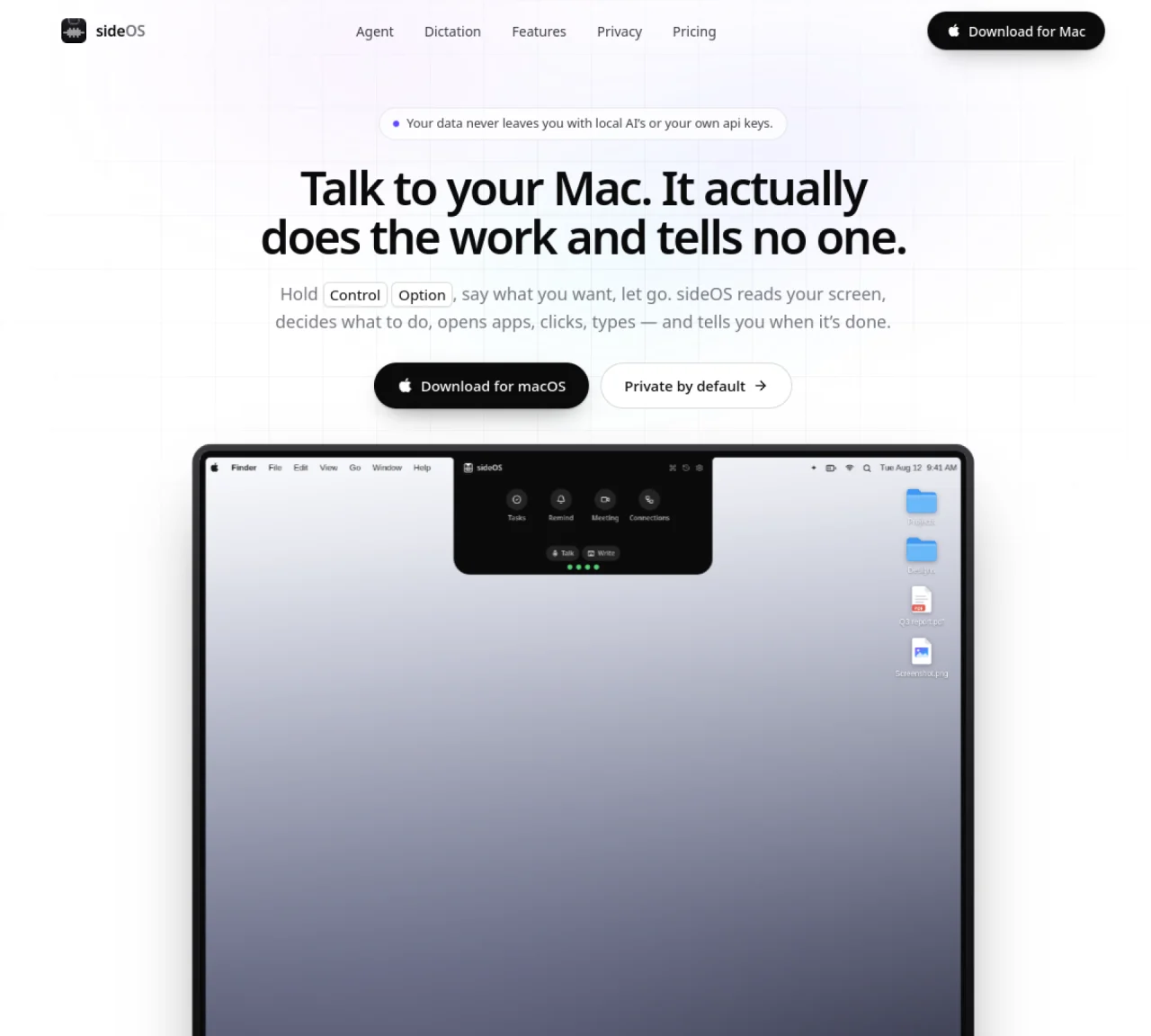
sideOS is a local AI agent for macOS that reads the screen, performs actions, and reports results without sending data to the cloud. It operates through a small interface element in the menu bar called the island, which listens for voice commands or text input. The agent can open applications, click buttons, type text, run shell commands, and execute AppleScript across supported apps like Mail, Notes, Calendar, and browsers. It handles background tasks such as research, file generation, and PDF rendering without interrupting the user. sideOS also provides on-device meeting transcription, reminder scheduling, and integrations with external services like Gmail, Calendar, Notion, Slack, and GitHub. All processing occurs locally using macOS accessibility features and optional on-device models, with no API keys or internet required for core functionality.
sideOS.ai is a local AI agent for macOS that operates through a menu bar interface called the island. It reads the screen, performs actions like opening apps, clicking buttons, or typing text, and reports results without sending data to the cloud. Users can issue voice commands or text input to control their Mac hands-free.
No, sideOS.ai does not require an internet connection for core functionality. All processing occurs locally using macOS accessibility features and optional on-device models. Even features like dictation and background tasks operate without cloud dependency.
sideOS.ai integrates with built-in macOS apps like Mail, Notes, Calendar, and browsers, as well as external services including Gmail, Google Calendar, Notion, Slack, and GitHub. Connections are established via one-click authentication through the user's browser.
Yes, sideOS.ai can run background tasks such as research, file generation, or PDF rendering without interrupting the user. These tasks operate in a separate loop and notify the user upon completion via a notification or colored strip in the menu bar.
sideOS.ai records meetings from platforms like Zoom, Google Meet, or Microsoft Teams, transcribes them on-device, and generates summaries with action items. These action items can be converted into reminders, which can also perform tasks before alerting the user.
Yes, sideOS.ai is designed with privacy in mind. It processes all data locally, never sends information to the cloud, and does not require API keys for core functionality. Users retain full control over their data and can delete recordings immediately after transcription.
We use essential cookies to run aitoolnavio™, and optional cookies to analyze traffic and measure our marketing. You choose what we use — optional cookies stay off unless you turn them on. See our Privacy Policy.
One short email a week: fresh tools worth trying, honest takes and the updates that actually matter. No spam, unsubscribe any time.
Generate captions, optimize content, and enhance with custom images for maximum engagement.
Build conversational forms, capture rich responses, and automate follow-ups with AI-powered surveys and workflows.
Automate code, research, and documents using agents.
AI-powered IDE for autonomous coding tasks and agentic development workflows
Source, match, and manage talent with predictive analytics for effortless recruiting.
Automate workflow, optimize operations, and detect potential issues with this efficient AI-driven solution.
Transforms thoughts into actions, enhancing productivity and efficiency.
AI Recruitment engine to hire top global talent
All-in-one team productivity platform combining chat, docs, video meetings, workflows, and AI tools in one place.
Personal assistant that coordinates tasks across apps and devices via text or call
AI automation and agent-building platform with 3,000+ app integrations
AI job search copilot that matches roles to skills, optimizes resumes for ATS, generates cover letters, and autofills applications with real-time insights.
Matched on what this tool does — grouped by the job you would be replacing.
matches Voice-controlled on-screen actions · Screen region selection for targeted commands · AppleScript and shell command execution
A MacOS app that lets users control their computer with voice commands, dictate text, and automate workflows using GPT-4.
AI agent that performs tasks across Apple devices from natural language instructions
Personal AI agent that sees the screen, takes control and remembers context across sessions
Voice-first AI assistant for macOS that executes tasks via natural language commands
matches On-device meeting transcription · Reminder scheduling with context
matches Background task automation · Local PDF rendering and file operations · Integration with Gmail, Calendar, Notion, Slack, GitHub
MacOS app that automatically captures, summarizes conversations, and generates follow-up tasks with AI.
macOS voice assistant for dictation, screen queries and AI meeting notes
Local AI assistant that captures work context on a Mac and automates routine tasks across integrated tools
AI agent that reads, edits and organizes files and runs commands on desktop
AI agent that performs tasks in connected apps and returns finished work
Desktop AI assistant that executes plain-language requests across files, tools and services