AI-powered video messaging tool that records, shares, and manages video messages with AI-generated titles, summaries, and tasks.
16M visits/mo-3.4%#5 Chatbots & Assistants

MacOS app that automatically captures, summarizes conversations, and generates follow-up tasks with AI.
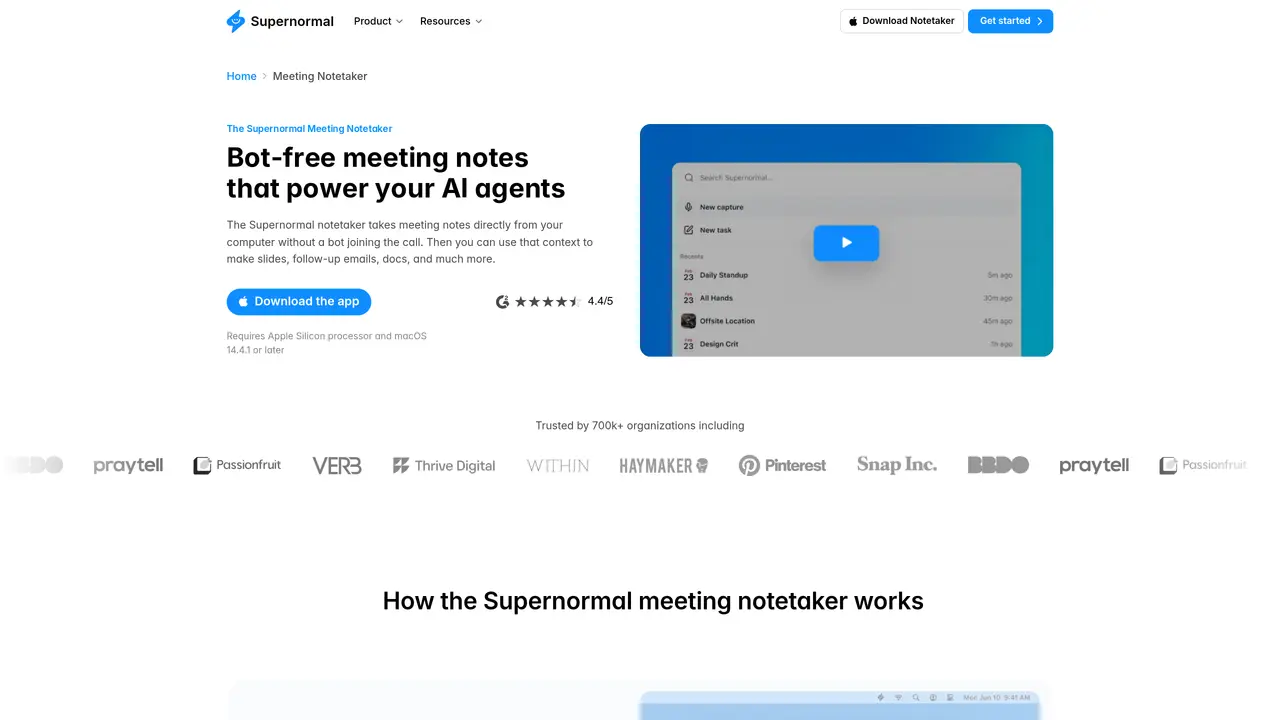
Radiant AI is an AI-powered personal assistant for macOS designed to streamline meeting and conversation management. It runs in the background, transcribing discussions in real time and producing smart summaries along with actionable items. The app integrates seamlessly with productivity tools like Gmail, Google Docs, and Slack, eliminating the need for meeting bots or manual note-taking. Radiant suggests tailored follow-up communications and can execute next steps such as sending emails or creating tickets directly within existing workflows. By automating note-taking and post-meeting tasks, it helps users save time while ensuring accuracy and consistency in documentation. The tool is particularly useful for startups, freelancers, and professionals who want to reduce manual effort and avoid missing critical follow-ups. It operates quietly in the background, requiring no setup or intervention beyond initial configuration.
Radiant AI is an AI-powered personal assistant for macOS that transcribes meetings in real time, produces smart summaries, and generates follow-up materials like emails or slides without joining calls as a bot.
It is designed for professionals, freelancers, and startups who want to automate note-taking, reduce manual post-meeting tasks, and maintain accurate documentation without disrupting meeting workflows.
Radiant AI uses MCP to connect meeting notes with productivity tools, enabling automated generation of follow-up emails, documents, calendar invites, and other outputs based on meeting content.
Radiant AI requires an Apple Silicon processor and macOS 14.4.1 or later. It also supports Windows 11 or later.
Download the app, sign in with Google or your work email, connect your calendar, grant audio permissions, and complete a quick setup process that takes less than two minutes.
No, Radiant AI runs quietly in the background and takes notes directly from your computer without joining the call as a bot.
radiantapp.com · third-party estimates from Similarweb
Traffic figures are third-party estimates, good for scale and trends; they can differ from a company's own numbers. Updated monthly.
We use essential cookies to run aitoolnavio™, and optional cookies to analyze traffic and measure our marketing. You choose what we use — optional cookies stay off unless you turn them on. See our Privacy Policy.
One short email a week: fresh tools worth trying, honest takes and the updates that actually matter. No spam, unsubscribe any time.
AI-powered video messaging tool that records, shares, and manages video messages with AI-generated titles, summaries, and tasks.
Hardware device that records conversations and converts them into searchable transcripts, summaries, and notes.
Automate transcription, generate summaries, identify speakers, and timestamps for video-conferencing conversations.
AI-powered meeting recorder and summarizer that captures, transcribes, and generates actionable insights from conversations.
Automatically record, transcribe, take notes, and create summaries with key insights during meetings.
Transforms audio/video to summarized text, instantly, across platforms.
Automatically transcribe meetings, create summaries, and securely store audio files in a searchable format.
Automatically turn meetings into searchable notes and tasks.
Wearable AI device that captures conversations and meetings, then auto-generates transcripts, summaries, action items, mind maps, and searchable notes.
Record, transcribe, and share key insights from virtual trainings, online meetings, and content creation.
Record, transcribe, and summarize online meetings from Google Meet and Zoom with AI, then share insights across collaboration tools.
Transform audio/video to text with precision, supporting 1500+ platforms, enriched by AI features.
Matched on what this tool does — grouped by the job you would be replacing.
matches Automatic meeting and conversation capture · Real-time transcription and smart summaries · Action item and follow-up task generation
Real-time AI meeting assistant that transcribes on-device, summarizes discussions, extracts action items, and translates 140+ languages.
A desktop AI assistant that captures meeting notes, summarizes context across apps, supports AI writing with memory, and tracks tasks.
AI meeting assistant that transcribes calls, generates summaries, action items, and follow-up emails for teams.
Automatically record Mac meetings, generate notes and follow-ups.
matches Integration with Gmail, Google Docs, and Slack · Action item and follow-up task generation · Direct execution of next steps (e.g., sending emails)
AI CRM that automatically joins calls, writes notes, and updates pipelines for solopreneurs and small sales teams.
An AI sales OS that captures B2B conversations across channels and automates follow-ups, CRM updates, and meeting prep for teams.