

Generate captions, optimize content, and enhance with custom images for maximum engagement.
46M visits/mo-10%#3 Image & Design
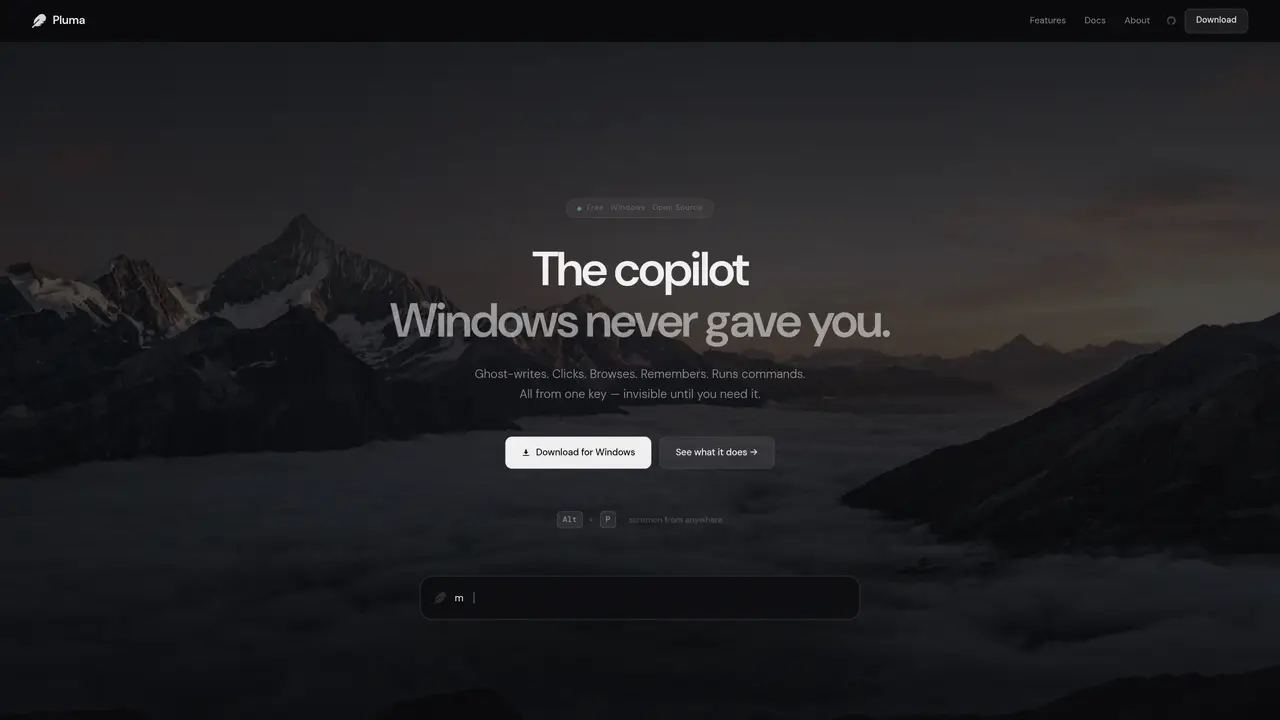
Pluma functions as a local AI copilot for Windows, activated by a single key combination. It integrates multiple capabilities into one interface, including ghost writing, screen interaction, memory retrieval, terminal commands, and an overlay UI. The tool operates entirely offline, requiring no cloud account or subscription. It can rewrite, summarize, or translate clipboard content in specified tones, navigate and interact with the desktop environment, and execute terminal commands in plain English. Pluma maintains session memory using RAG, enabling full-text search of past interactions without cloud synchronization. The overlay interface remains transparent and always-on-top until dismissed, minimizing context switching.
Pluma is a local AI copilot for Windows designed to assist with tasks such as ghost writing, screen interaction, memory retrieval, terminal commands, and an overlay UI. It operates entirely offline without requiring a cloud account or subscription.
Pluma is suitable for Windows users who want an AI assistant that can automate tasks, interact with their desktop, manage memory locally, and execute commands without relying on cloud services.
Download Pluma from its official website, install it on your Windows machine, and use the Alt + P key combination to summon the overlay interface. No cloud account or subscription is required.
No, Pluma operates entirely offline and does not require an internet connection to function. All processing and memory retrieval occur locally on your machine.
Yes, Pluma can see your screen, move the cursor, click, type, open applications like Chrome, and perform tasks as instructed through plain English commands.
Slash commands in Pluma are shortcuts like /bash, /regex, /explain, /translate, and /doc that allow users to perform instant transformations or actions without switching contexts.
We use essential cookies to run aitoolnavio™, and optional cookies to analyze traffic and measure our marketing. You choose what we use — optional cookies stay off unless you turn them on. See our Privacy Policy.
One short email a week: fresh tools worth trying, honest takes and the updates that actually matter. No spam, unsubscribe any time.
Generate captions, optimize content, and enhance with custom images for maximum engagement.
Build conversational forms, capture rich responses, and automate follow-ups with AI-powered surveys and workflows.
Automate code, research, and documents using agents.
AI-powered IDE for autonomous coding tasks and agentic development workflows
Source, match, and manage talent with predictive analytics for effortless recruiting.
Automate workflow, optimize operations, and detect potential issues with this efficient AI-driven solution.
Transforms thoughts into actions, enhancing productivity and efficiency.
AI Recruitment engine to hire top global talent
All-in-one team productivity platform combining chat, docs, video meetings, workflows, and AI tools in one place.
Personal assistant that coordinates tasks across apps and devices via text or call
AI automation and agent-building platform with 3,000+ app integrations
AI job search copilot that matches roles to skills, optimizes resumes for ATS, generates cover letters, and autofills applications with real-time insights.
Matched on what this tool does — grouped by the job you would be replacing.
matches Desktop automation and screen interaction · Terminal agent for command execution · Overlay UI with zero chrome
Windows voice agent that turns spoken commands into reliable game and desktop actions using LLM reasoning, instant phrases, and modular Skills/MCP integrations.
Windows desktop AI agent that plans and executes local tasks with user approval
AI agent that reads, edits and organizes files and runs commands on desktop
Personal AI agent that sees the screen, takes control and remembers context across sessions
matches Ghost writing with tone control
matches Session memory with full-text search
Generate content, correct spelling, suggest synonyms to enhance writing.
AI-powered writing tool for paraphrasing, summarizing, and enhancing writing effortlessly.
Local catalog and memory system for software projects on disk
Indexes photos and videos on-device to make every memory searchable by text, speech, faces and objects