AI chatbot for conversation, work, research, coding, and content creation.
5.9B visits/mo+5%#1 Chatbots & Assistants

Windows voice agent that turns spoken commands into reliable game and desktop actions using LLM reasoning, instant phrases, and modular Skills/MCP integrations.
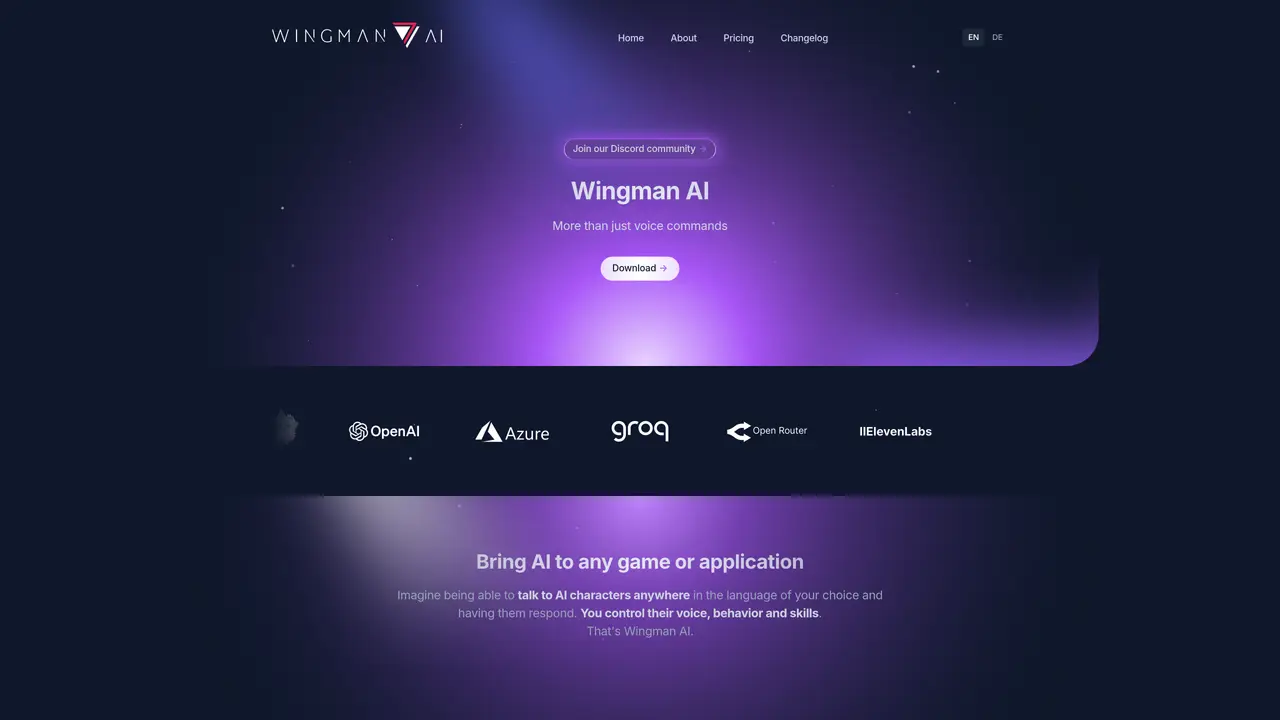
Wingman AI is a Windows client that transforms natural-language speech into deterministic actions for games, apps, and MCP-connected tools. It combines zero-latency Instant Activation phrases with LLM-powered Smart Commands to route intent through modular Skills and MCP servers, enabling hands-free control without invasive hooks or per-title integrations. The tool supports safe keystroke and mouse simulation, multilingual voices, and on-screen context analysis via Vision AI to validate UI states or retrieve live information without touching game memory. Users can switch between cloud and local AI stacks—such as LM Studio, Ollama, or PocketTTS—for latency, privacy, or cost control, while an open-source core and active community foster extensibility. Configuration is file-based with live previews, allowing rapid setup of hotkeys, macros, and custom Wingmen. The polished Windows client targets sim pilots, Star Citizen players, MMO/VR users, content creators, and accessibility-focused audiences, while technical users can build custom Skills or integrate bespoke MCP tools. Teams evaluating workflow automation benefit from an overlay-based approach that avoids per-title dependencies or invasive modifications.
Wingman AI is a Windows client that converts natural-language speech into actions for games, apps, and MCP-connected tools. It combines Instant Activation phrases with LLM-powered Smart Commands to control systems, automate tasks, and enable immersive roleplaying without invasive hooks or per-title integrations.
The tool targets sim pilots, Star Citizen players, MMO/VR users, content creators, and accessibility-focused audiences. It also suits technical users who want to build custom Skills or integrate MCP tools, as well as teams evaluating workflow automation.
No, Wingman AI operates as a standalone overlay and does not require per-title integrations or invasive memory access. It simulates keystrokes and mouse movements to control applications safely.
Yes, Wingman AI supports switching between cloud and local AI stacks, including LM Studio, Ollama, or PocketTTS, for latency, privacy, or cost control.
Instant Activation Commands are exact phrases that trigger actions without AI round-trips, minimizing latency for reliable and fast responses. They can be used alongside LLM-powered Smart Commands for flexible control.
Download the Windows client, configure hotkeys and commands via file-based settings, and define your preferred AI model or stack. The tool includes pre-configured setups for games like Star Citizen and supports live previews for rapid setup.
wingman-ai.com · third-party estimates from Similarweb
Last 4 months · grows by one month every month
Share of visits by channel
Share of visits · estimated visits
Chatbots & Assistants · Sep 2026
Traffic figures are third-party estimates, good for scale and trends; they can differ from a company's own numbers. Updated monthly.
We use essential cookies to run aitoolnavio™, and optional cookies to analyze traffic and measure our marketing. You choose what we use — optional cookies stay off unless you turn them on. See our Privacy Policy.
One short email a week: fresh tools worth trying, honest takes and the updates that actually matter. No spam, unsubscribe any time.
AI chatbot for conversation, work, research, coding, and content creation.
Create fully customizable AI companions with persistent memory, selfies, and live voice calls.
Create lifelike AI voice agents that can perform complex tasks and interact like humans.
Transform apps with advanced, multi-language voice AI; easy integration, scalable.
An AI voice assistant that delivers emotionally intelligent, context-aware conversations with natural timing and personal engagement.
Voice AI platform for building conversational agents across customer touchpoints and industries.
A free cloud-based bot for Kick.com streamers offering chat automation, moderation, alerts, AI text-to-speech, clips, widgets, and tipping tools.
Easily build interactive voice experiences, create voice-driven stories, games, and track performance.
Real-time voice, video, and AI infrastructure platform with WebRTC SDKs and Pipecat for developers building conversational agents.
AI Character Roleplay Platform!
AI-powered phone agents that simulate human-like conversations for automations like sales, surveys, and customer support.
Analyze and respond to human emotions in real-time voice interactions with AI.
Matched on what this tool does — grouped by the job you would be replacing.
Paid placement · similar tools from listings that support aitoolnavio™
Instant lead response for home-service pros: your phone rings on every new lead, plus 14 days of follow-up
matches LLM-powered Smart Commands for contextual action sequencing · Zero-latency Instant Activation phrases for mission-critical actions · Modular Skills and MCP integrations for external tool control
matches Modular Skills and MCP integrations for external tool control · Local and cloud AI stack flexibility (LM Studio, Ollama, PocketTTS) · File-based configuration with live previews and rapid setup
Voice-powered AI assistant for Mac that executes spoken commands as real tasks across apps.
AI companion for PC games that answers questions via voice and screen analysis while playing
AI assistant for Windows that performs tasks from a single keystroke
Open-source, on-device AI assistant for documents, meetings, and automation with no cloud or API keys required.
Open-source framework for running controllable, auditable AI agents in Docker sandboxes on your local hardware with a desktop launcher and plugin hub.
A cross-platform desktop app to run, manage, and monitor autonomous AI agents with persistent memory and multimodal tool support.
A macOS desktop app for deploying and managing OpenClaw autonomous agents and no-code workflows locally without terminal setup.