Discover personalized fashion, receive expert advice, and enjoy convenient shopping with free shipping and returns.
6.8M visits/mo+15.2%#5 Lifestyle & Education

Voice-powered AI assistant for Mac that executes spoken commands as real tasks across apps.
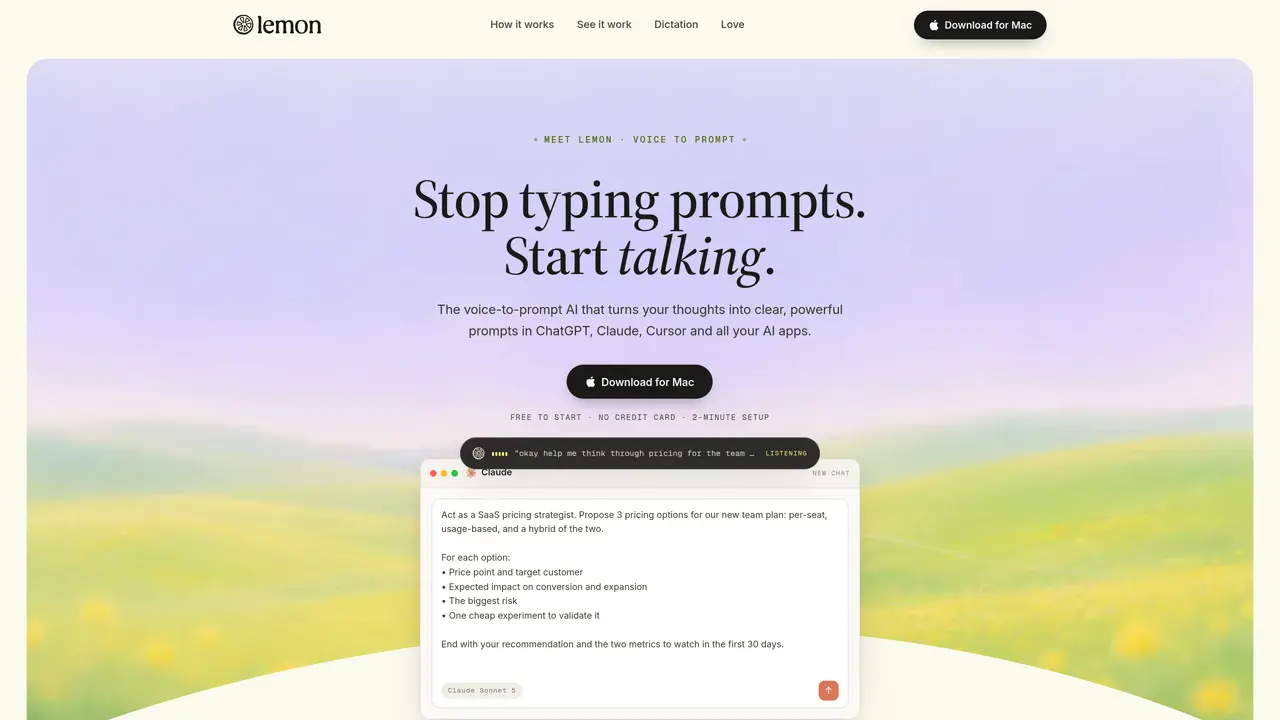
Lemon is a voice-powered AI agent designed for Mac that converts spoken commands into completed actions on your computer. It sits in the Mac menu bar, listens for voice input, interprets natural language requests, and executes them directly within your installed applications. Unlike standard voice assistants, Lemon operates at the application level, allowing it to interact with third-party software, fill forms, navigate menus, and chain multiple actions together. It supports tasks like composing emails, running web searches, opening documents, and automating repetitive workflows without requiring keyboard or mouse input. The tool runs locally on your Mac, ensuring privacy and reducing reliance on cloud-based processing. Lemon is positioned as a hands-free alternative for users who spend long hours at their computer and want to streamline interactions. While still in its early stages, the app library and integrations are expanding, with a free beta currently available. It appeals to Mac power users, busy professionals, multitaskers, and individuals with mobility limitations seeking more efficient ways to control their devices.
Lemon is an AI voice assistant that converts spoken commands into completed actions directly within applications on Mac and Windows. It listens to natural speech, interprets requests, and executes tasks such as drafting emails, composing documents, or automating workflows without requiring keyboard or mouse input.
Lemon is designed for Mac and Windows users who want to work more efficiently, including busy professionals, multitaskers, and individuals seeking hands-free control of their devices. It is particularly useful for those who spend long hours at their computer or prefer voice-based interaction.
Lemon operates at the application level, meaning it can interact with over 1,000 apps and 100+ languages without requiring integrations, plugins, or setup. It detects the active application and language automatically, allowing users to dictate directly into fields like Gmail, Slack, or ChatGPT.
Lemon processes voice input locally on the user's device, reducing reliance on cloud-based processing and ensuring privacy. However, some features may require an internet connection depending on the applications being used.
To get started, users can enter their email on the Lemon website to receive a download link for the app. The setup process takes approximately two minutes, and no credit card is required to begin using the tool.
Lemon supports over 100 languages, including English, Spanish, French, German, Portuguese, Hindi, Mandarin, Japanese, Korean, Italian, Dutch, Arabic, Russian, Turkish, and many others.
heylemon.ai · third-party estimates from Similarweb
Last 4 months · grows by one month every month
Share of visits · estimated visits
Other countries: 3.6%
Chatbots & Assistants · Sep 2026
Traffic figures are third-party estimates, good for scale and trends; they can differ from a company's own numbers. Updated monthly.
We use essential cookies to run aitoolnavio™, and optional cookies to analyze traffic and measure our marketing. You choose what we use — optional cookies stay off unless you turn them on. See our Privacy Policy.
One short email a week: fresh tools worth trying, honest takes and the updates that actually matter. No spam, unsubscribe any time.
Discover personalized fashion, receive expert advice, and enjoy convenient shopping with free shipping and returns.
Personal assistant that coordinates tasks across apps and devices via text or call
Quickly narrow searches by category, control results by country or language, and find relevant, accurate results with ease.
Optimizes schedules by auto-organizing tasks and meetings.
AI assistant that drafts, reviews, and researches legal documents for lawyers and law firms.
Real-time task tracking, project management, collaboration, and task assignment.
An AI voice assistant that delivers emotionally intelligent, context-aware conversations with natural timing and personal engagement.
Identify technologies, analyze data, and refine search criteria with AI-powered tools for patent research and trend analysis.
Automate audio and video transcription, timestamps, speaker labels, diarization, and export with customizations.
An AI chat platform for immersive, personalized interactions with virtual companions, including image generation.
Customer relations assistant in Gmail
AI-driven app personalizing adaptive workouts for continuous improvement.
Matched on what this tool does — grouped by the job you would be replacing.
matches Converts spoken commands into real tasks across Mac applications · Operates locally on Mac for privacy · Interacts with third-party apps and fills forms
Runable lets users automate computer tasks by typing plain-language commands instead of writing code.
Control any Mac app with natural language commands, replacing clicks and shortcuts for faster workflows.
A MacOS app that lets users control their computer with voice commands, dictate text, and automate workflows using GPT-4.
Voice-first AI assistant for macOS that executes tasks via natural language commands
matches Supports email composition, web searches, and document handling · Natural voice interaction with no scripting required
Dictate and edit documents three times faster with AI.
Dictate messages with real-time transcription.
AI dictation tool that turns speech into polished text anywhere, removes filler words, and supports 30+ languages with strong privacy.
A voice-native text editor that lets users create and edit documents entirely through natural language voice commands.