

Design, distribute, and analyze surveys online or via email with real-time insights using Survey Monkey.
38M visits/mo-3.9%#2 Business & Marketing
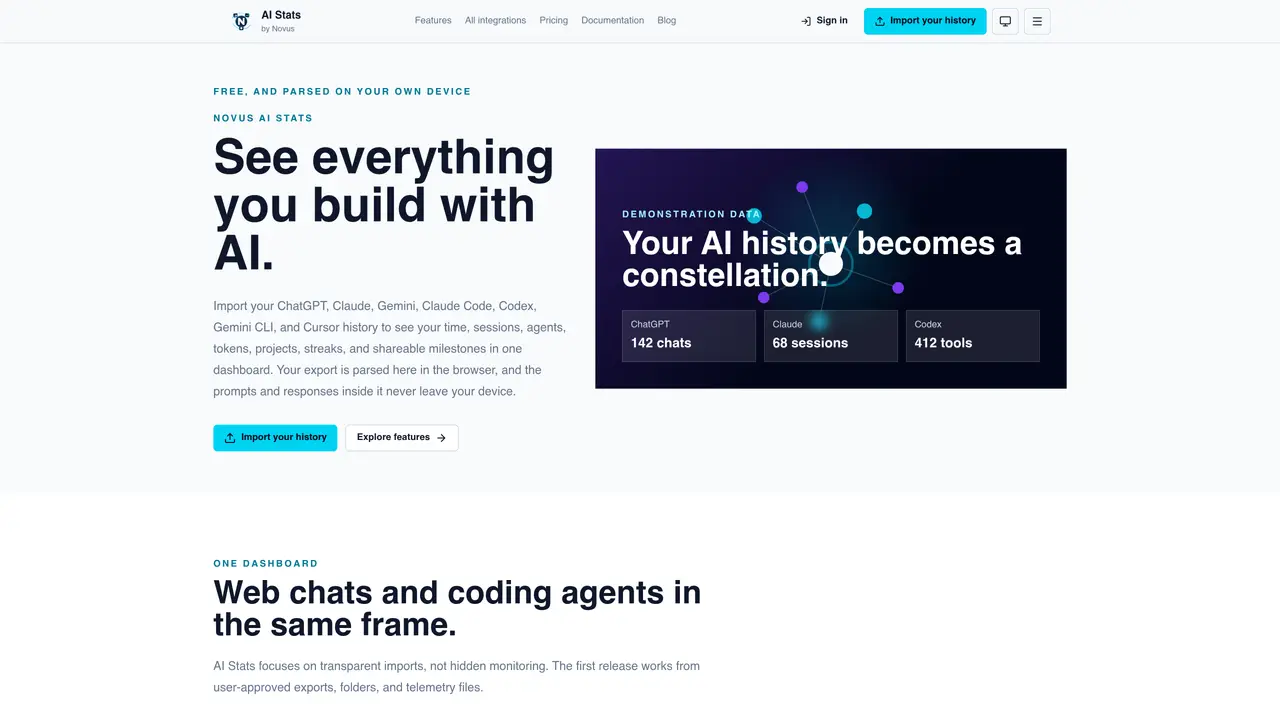
AI Stats is a privacy-focused analytics tool that imports and visualizes usage history from multiple AI assistants such as ChatGPT, Claude, Gemini, Codex, and Cursor. The application parses exports, folders, and telemetry files locally in the browser, ensuring raw prompts, responses, and transcripts remain on the user’s device. Metrics are labeled by quality—exact, source reported, derived, estimated, or unavailable—to maintain transparency. Users can share anonymized snapshots of their activity without exposing private content, with options to control visibility, expiration, and included fields. The tool emphasizes explicit user consent for all imports and does not perform background scanning of local folders. AI Stats is offered as a free product with all features included, funded by advertising on public marketing pages rather than user data monetization.
AI Stats supports importing and analyzing usage history from multiple AI assistants, including ChatGPT, Claude, Gemini, Codex, Claude Code, Gemini CLI, and Cursor.
AI Stats parses exports, folders, and telemetry files locally in the browser, ensuring raw prompts, responses, and transcripts never leave your device. Imports require explicit user file or folder selection.
Yes, AI Stats allows creating anonymized snapshots of your activity, called AI Wrapped, where you control visibility, expiration, and included fields to avoid exposing private prompts.
AI Stats is offered as a free product with all features included. There are no billing tiers, feature quotas, or per-user usage caps. Advertising on public marketing pages funds the service.
AI Stats provides metrics such as time, sessions, agents, tokens, projects, streaks, and milestones. Each metric is labeled with its quality—exact, source reported, derived, estimated, or unavailable—for transparency.
AI Stats has safety ceilings, such as a limit of up to 1,000 files or 512 MB in a single selection and a maximum of 256 MB in any single file. These limits are for safety and do not unlock paid features.
We use essential cookies to run aitoolnavio™, and optional cookies to analyze traffic and measure our marketing. You choose what we use — optional cookies stay off unless you turn them on. See our Privacy Policy.
One short email a week: fresh tools worth trying, honest takes and the updates that actually matter. No spam, unsubscribe any time.
Design, distribute, and analyze surveys online or via email with real-time insights using Survey Monkey.
Create targeted campaigns, automate email campaigns, and analyze performance for maximum ROI.
Discover keywords, analyze competitors' SEO strategies, and make data-driven decisions for website performance.
Analyze website performance, track competitors' tactics, and access comprehensive analytics and optimization features.
YouTube and Instagram growth toolkit with AI-powered optimization and analytics
Develop, run data jobs, transform datasets, leverage ML algorithms for actionable insights.
Streamline hiring, monitor job performance, and choose flexible pricing plans.
Unified AI-powered platform for real-time monitoring, analytics, and security across cloud infrastructure, applications, and services.
Securely store, analyze, and scale data while enhancing security and performance with encryption and automated backups.
AI-powered customer feedback platform for mid-market businesses to run conversational surveys and extract insights.
Automate review requests, analyze sentiment, and monitor ratings with a streamlined dashboard for improved customer feedback.
Monitor brand performance, create content for social media, and gain insights with deep analytics.
Matched on what this tool does — grouped by the job you would be replacing.
matches Local parsing of AI assistant exports and telemetry files · Cross-platform support for ChatGPT, Claude, Gemini, Codex, and Cursor · Metric quality labels for transparency
Local observability dashboard for AI coding agents and autonomous tools
Local analytics for AI coding agent sessions on macOS
Analyzes AI usage patterns from local logs to categorize users into 16 classes