
Design, distribute, and analyze surveys online or via email with real-time insights using Survey Monkey.
38M visits/mo-3.9%#2 Business & Marketing
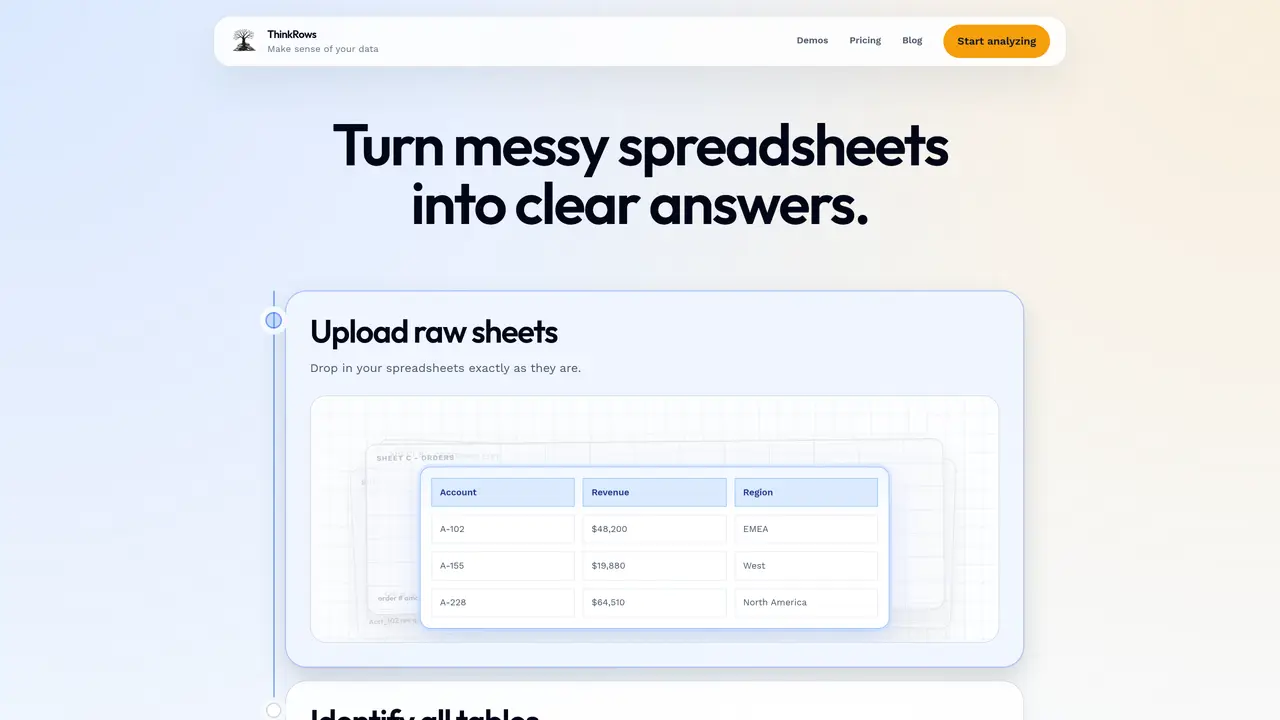
ThinkRows processes raw Excel workbooks to detect and extract usable tables across multiple sheets. It identifies tables by separating real data from headers, notes, and formatting noise, then maps how tables connect and which fields relate. Users can see which business questions the dataset can answer immediately and what additional data is needed. The tool supports AI-assisted transformations for renaming, reshaping, and preparing datasets for downstream use. It provides a structured view of entity relationships such as customers, orders, invoices, revenue, partners, and regions. The platform is designed to help users move from analysis to action by preparing data for further processing or export.
ThinkRows analyzes raw Excel spreadsheets to detect and extract usable tables across multiple sheets, separating real data from headers, notes, and formatting noise. It maps table connections, identifies entity relationships, and assesses which business questions the dataset can answer.
The tool is designed for users who work with messy spreadsheets and need to quickly understand, structure, and prepare their data for analysis or further processing. It suits analysts, business users, and teams dealing with complex Excel workbooks.
ThinkRows provides AI-assisted support for transforming data, including renaming fields, reshaping tables, and preparing datasets for downstream use or export. It helps users move from analysis to action by structuring data for immediate use.
Yes, ThinkRows identifies and visualizes how tables connect, which fields belong together, and how business entities like customers, orders, invoices, and regions relate to each other within the dataset.
Yes, after analyzing and transforming the data, ThinkRows allows users to export the structured dataset for further use in other tools or systems.
Users can start by uploading their raw Excel spreadsheets directly to the platform. ThinkRows then automatically detects tables, analyzes relationships, and provides insights into the dataset's structure and usability.
We use essential cookies to run aitoolnavio™, and optional cookies to analyze traffic and measure our marketing. You choose what we use — optional cookies stay off unless you turn them on. See our Privacy Policy.
One short email a week: fresh tools worth trying, honest takes and the updates that actually matter. No spam, unsubscribe any time.
Design, distribute, and analyze surveys online or via email with real-time insights using Survey Monkey.
Create targeted campaigns, automate email campaigns, and analyze performance for maximum ROI.
Discover keywords, analyze competitors' SEO strategies, and make data-driven decisions for website performance.
Analyze website performance, track competitors' tactics, and access comprehensive analytics and optimization features.
YouTube and Instagram growth toolkit with AI-powered optimization and analytics
Develop, run data jobs, transform datasets, leverage ML algorithms for actionable insights.
Streamline hiring, monitor job performance, and choose flexible pricing plans.
Unified AI-powered platform for real-time monitoring, analytics, and security across cloud infrastructure, applications, and services.
Securely store, analyze, and scale data while enhancing security and performance with encryption and automated backups.
AI-powered customer feedback platform for mid-market businesses to run conversational surveys and extract insights.
Automate review requests, analyze sentiment, and monitor ratings with a streamlined dashboard for improved customer feedback.
Monitor brand performance, create content for social media, and gain insights with deep analytics.
Matched on what this tool does — grouped by the job you would be replacing.
matches Automated table detection across workbooks · Entity relationship mapping · Business question coverage analysis
AI-powered data analyst that turns plain-English questions into charts, tables, code, and automated reports.
All-in-one analytics platform for connecting data, building dashboards and automating reports
Turn messy data into clear, decision-ready reports.
Generate automated insights, identify trends, patterns, visualize data with powerful dashboard and tools.