



Design, distribute, and analyze surveys online or via email with real-time insights using Survey Monkey.
38M visits/mo-3.9%#2 Business & Marketing

Open CSV files, add GPT column for data enrichment, translation, analysis, and cleanup, merge CSV files easily.
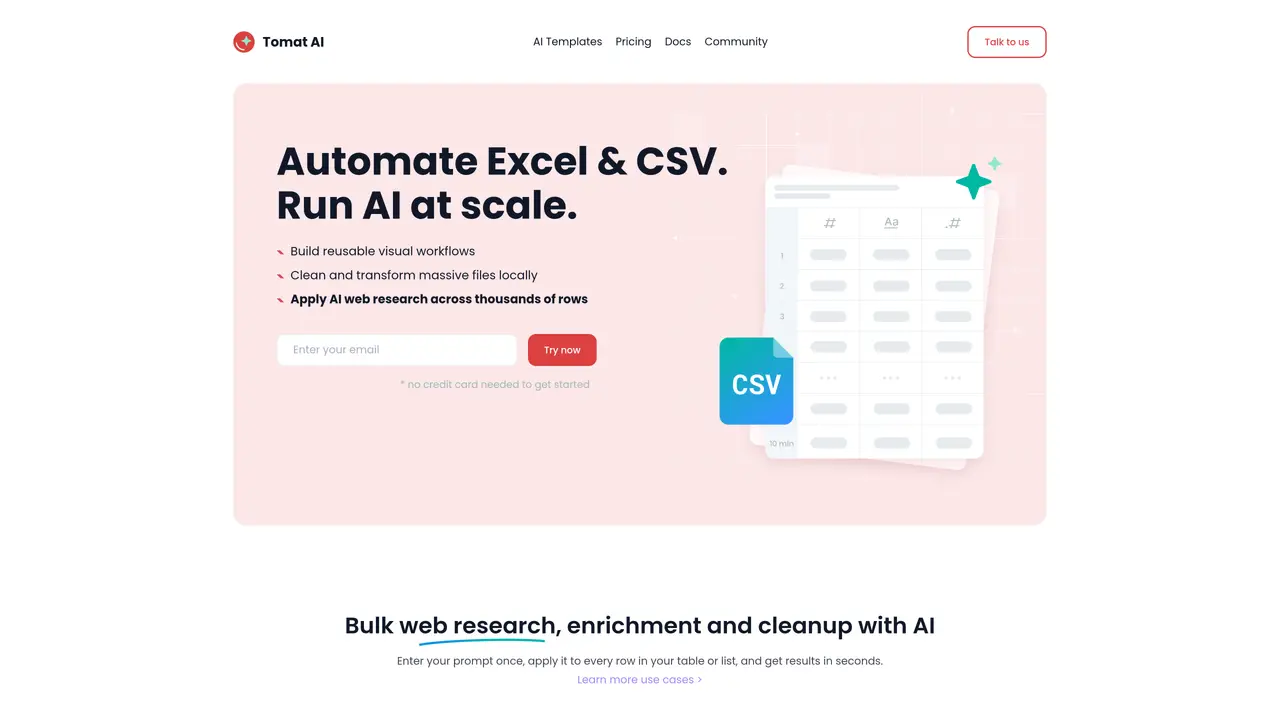
Tomat AI is a free tool to open and explore huge CSV files. With Tomat you solve your data tasks in minutes. If you have ever worked with spreadsheets, your can start working with Tomat right away. Download Tomat app, select your local files, filter, sort, group them with point-and-click UI. You can also easily combine your CSVs into a single file. With the AI assistant you can enrich your data, translate to other language, make sentiment analysis, cleanup and categorize your data. To use AI in Tomat, download and install Tomat.ai. Load any CSV or Excel file. Add tool “GPT column” and ask AI to enrich, translate, analyze, cleanup your data. Ask literally anything. AI is here to help you with your routine tasks.
Download and install the Tomat app, create a new workflow, add a 'Source' node to load your CSV or Excel file, then add the 'Use AI' node and enter your prompt to enrich, extract, or clean data. The AI processes each row individually based on the columns you specify.
Tomat supports CSV and Excel files. It also offers connectors for PostgreSQL and Snowflake, with access to over 450 additional data sources available upon request.
No special technical knowledge is required. If you are familiar with Excel, you can start using Tomat immediately. The tool uses a point-and-click interface and visual workflows.
Yes, Tomat operates entirely on your local machine, ensuring your files never leave your device. It uses the official OpenAI API and only sends data you explicitly request to be processed or enriched.
Tomat is compatible with both Windows and macOS operating systems.
Tomat can process datasets of any size, from 1 to 1 million rows, without uploading files to the cloud. It provides instant previews and allows you to run AI tasks at scale efficiently.
tomat.ai · third-party estimates from Similarweb
Last 4 months · grows by one month every month
Share of visits · estimated visits
Business & Marketing · Sep 2026
Traffic figures are third-party estimates, good for scale and trends; they can differ from a company's own numbers. Updated monthly.
We use essential cookies to run aitoolnavio™, and optional cookies to analyze traffic and measure our marketing. You choose what we use — optional cookies stay off unless you turn them on. See our Privacy Policy.
One short email a week: fresh tools worth trying, honest takes and the updates that actually matter. No spam, unsubscribe any time.
Design, distribute, and analyze surveys online or via email with real-time insights using Survey Monkey.
Create targeted campaigns, automate email campaigns, and analyze performance for maximum ROI.
Discover keywords, analyze competitors' SEO strategies, and make data-driven decisions for website performance.
Analyze website performance, track competitors' tactics, and access comprehensive analytics and optimization features.
YouTube and Instagram growth toolkit with AI-powered optimization and analytics
Develop, run data jobs, transform datasets, leverage ML algorithms for actionable insights.
Streamline hiring, monitor job performance, and choose flexible pricing plans.
Unified AI-powered platform for real-time monitoring, analytics, and security across cloud infrastructure, applications, and services.
Securely store, analyze, and scale data while enhancing security and performance with encryption and automated backups.
AI-powered customer feedback platform for mid-market businesses to run conversational surveys and extract insights.
Automate review requests, analyze sentiment, and monitor ratings with a streamlined dashboard for improved customer feedback.
Monitor brand performance, create content for social media, and gain insights with deep analytics.
Matched on what this tool does — grouped by the job you would be replacing.
matches Open CSV files · Add GPT column for data enrichment · Translate data into other languages
Integrates AI into Airtable to analyze data, summarize insights, draft content, and automate workflows without prior AI experience.
The AI agent for Excel and Sheets with advanced add-ons for Google Workspace and Microsoft Office.
Transform spreadsheets into AI-powered data analysis tools, simplifying complex insights.
Automate data entry, analyze data with advanced filtering and sorting, and easily collaborate with others.