
Automate customer service, track interactions, gather insights for improving customer support performance.
5.2M visits/mo-12.1%#17 Chatbots & Assistants

Automate review posting, provide tailored responses, and monitor feedback with an insightful dashboard.
ReviewReply is the perfect tool for businesses of all sizes looking to streamline their customer review management process. With ReviewReply, responding to customer reviews has never been simpler. Utilizing advanced AI technology, it automatically posts reviews to Google and Facebook, giving businesses the ability to reach a wider audience and gain more visibility. Additionally, it provides an insightful dashboard to help businesses monitor key customer feedback and respond to it quickly and easily. Furthermore, ReviewReply’s AI-powered model has been designed to generate tailored responses specific to each business’s brand. This ensures that businesses get the most out of their customer reviews and creates a more seamless experience for customers. And with its simple and intuitive user interface, it’s easy to keep track of all reviews and responses, allowing businesses to stay ahead of the competition. In summary, ReviewReply is the ideal solution for businesses looking to simplify the process of responding to customer reviews.
ReviewReply is an AI-powered tool designed to automate and streamline the process of managing online customer reviews. It collects reviews from multiple platforms, generates AI-driven responses, and provides analytical insights to help businesses improve their online reputation and customer engagement.
ReviewReply is suitable for businesses of all sizes looking to efficiently manage their online reviews. It is particularly useful for companies that want to automate review collection, respond to feedback quickly, and gain actionable insights from customer sentiment analysis.
ReviewReply uses AI to generate personalized and brand-aligned responses to customer reviews. This automation saves time, ensures timely replies, and maintains consistent communication with customers across platforms like Google, TripAdvisor, and Trustpilot.
Yes, ReviewReply seamlessly integrates with major review platforms such as Google, TripAdvisor, Trustpilot, and GetYourGuide. This allows businesses to centralize their review management and streamline responses across multiple channels.
ReviewReply offers deep review insights through AI-driven sentiment analysis. This feature helps businesses identify trends, strengths, and areas for improvement, enabling data-backed decisions to enhance customer satisfaction and service quality.
To get started, visit the ReviewReply website and sign up for an account. The platform offers a free trial, allowing businesses to explore its features before committing. Once registered, users can connect their review platforms and begin automating responses and collecting insights.
We use essential cookies to run aitoolnavio™, and optional cookies to analyze traffic and measure our marketing. You choose what we use — optional cookies stay off unless you turn them on. See our Privacy Policy.
One short email a week: fresh tools worth trying, honest takes and the updates that actually matter. No spam, unsubscribe any time.
Automate customer service, track interactions, gather insights for improving customer support performance.
Web-based CRM that unifies WhatsApp, Instagram, email, and calls into one inbox for sales teams to manage leads and automate conversations.
Automate support, target customers, gather insights – all with AI-powered tools.
Automate tailored conversations, analyze customer behavior, and automate lead gen, customer service, and sales.
Real-time customer support with personalized service, accessible through a mobile app.
Automate review requests, analyze sentiment, and monitor ratings with a streamlined dashboard for improved customer feedback.
AI-powered lead generation and customer communication platform for local businesses to capture, respond to, and convert leads across text, email, web chat, and calls.
Gorgias is an AI-driven Ecommerce customer experience enhancer that integrates major platforms.
Unify communication channels, automate customer service, track customer inquiries with advanced analytics.
Identify pain points, generate reports, and monitor customer sentiment in real-time.
Automate customer responses, personalize messages, and create an AI-powered chatbot for 24/7 customer service.
Automatically summarize chat transcripts, comprehend key components, and accelerate transcript analysis.
Matched on what this tool does — grouped by the job you would be replacing.
Paid placement · similar tools from listings that support aitoolnavio™
Instant lead response for home-service pros: your phone rings on every new lead, plus 14 days of follow-up
matches AI-powered model for tailored responses specific to each business · Generates tailored responses specific to each business’s brand · Streamlines customer review management process
matches Insightful dashboard to monitor customer feedback and respond quickly · Provides visibility into key customer feedback
AI-powered review management platform that monitors, replies, flags, and analyzes reviews across 100+ sites for restaurants and local businesses.
Automate review analysis, generate tailored responses, and quickly respond to reviews with the right message.
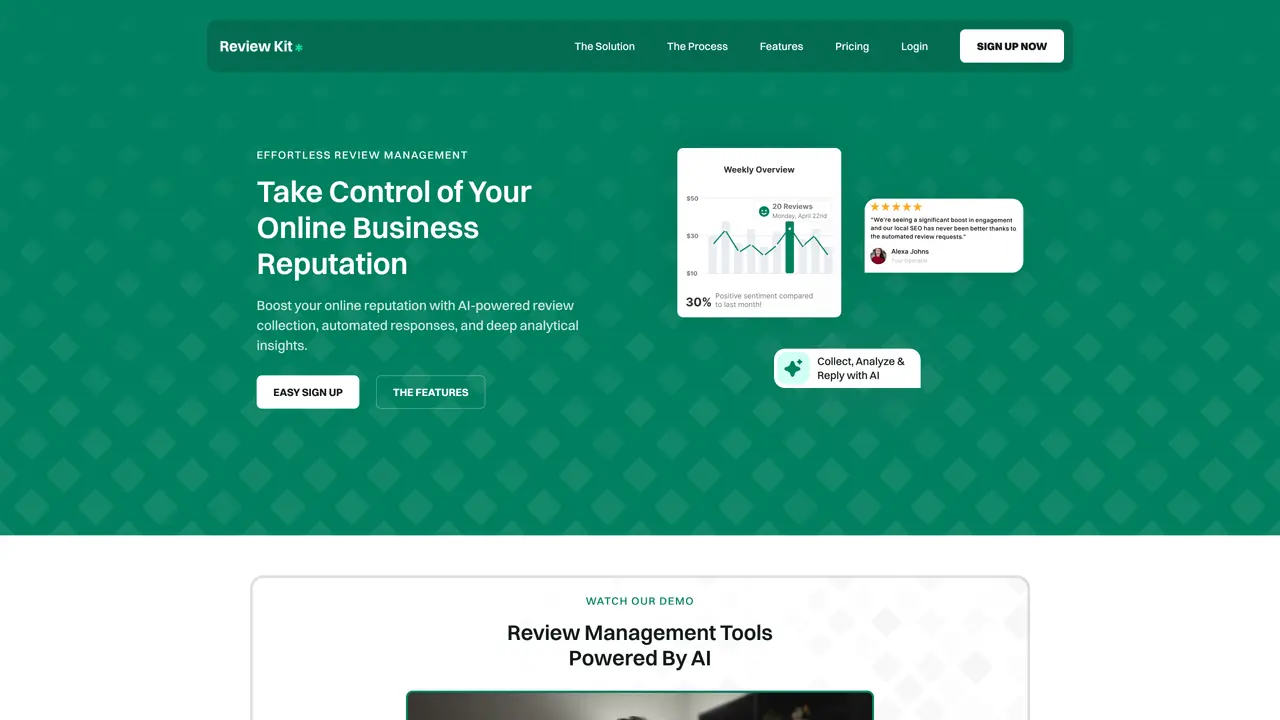
AI-powered review collection, automated responses and analytics for businesses
AI-powered platform for managing online reviews and reputation with automated, personalized responses and sentiment analysis.
Automate review requests, analyze sentiment, and monitor ratings with a streamlined dashboard for improved customer feedback.
Monitor reviews, identify areas for improvement, and engage with customers for feedback.
Automate review requests, monitor customer reviews, and respond quickly to build trust.
Monitor online reviews, generate marketing content, and track customer sentiment for businesses.