

Discover personalized fashion, receive expert advice, and enjoy convenient shopping with free shipping and returns.
6.8M visits/mo+15.2%#5 Lifestyle & Education
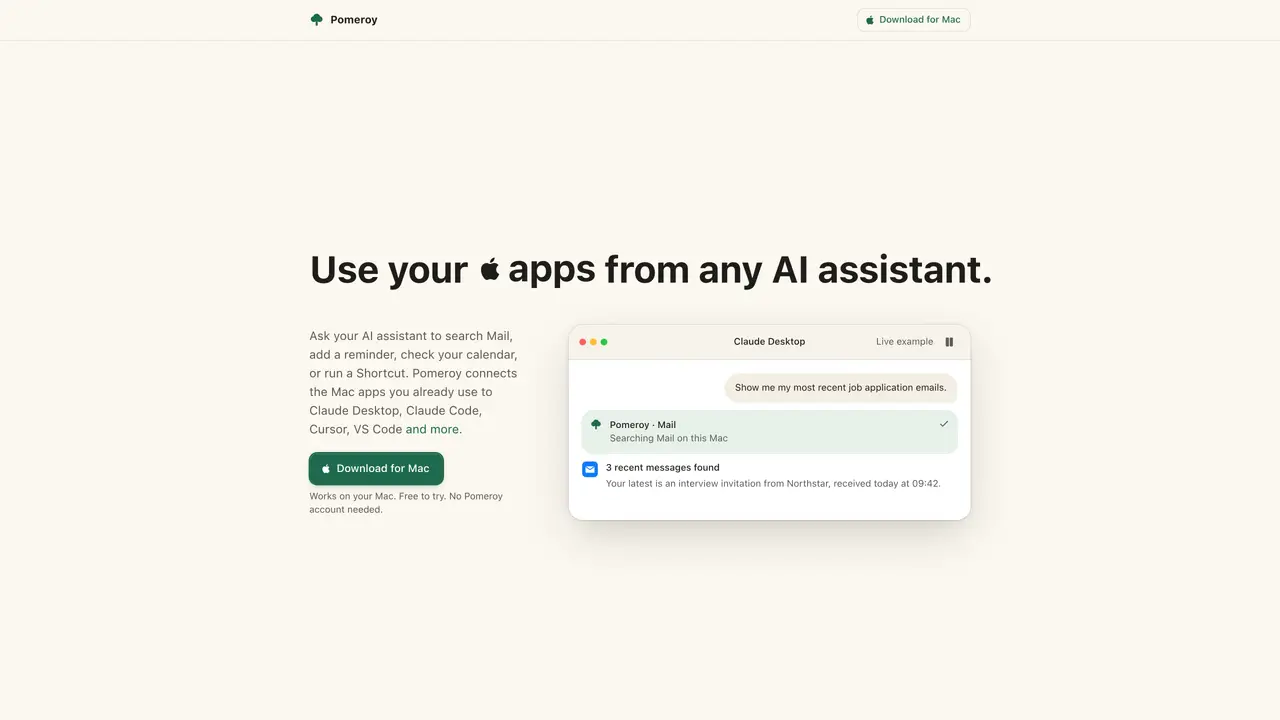
Pomeroy enables AI assistants to interact with native Mac applications such as Mail, Calendar, Reminders, Notes, Contacts, Messages, Maps, Shortcuts and Weather. It acts as a bridge between the user’s AI assistant and these apps, allowing the assistant to search inboxes, check schedules, add reminders, retrieve notes or contact details, read messages, calculate travel times, run shortcuts and fetch weather data. The tool does not send emails or messages and does not edit contacts. Setup is performed locally on the Mac without requiring terminal commands or configuration files. Pomeroy operates entirely on the user’s device and does not transmit app data to its servers. It is designed for users who want to leverage AI assistants for managing personal information and tasks within the Mac ecosystem without switching between applications.
Pomeroy connects AI assistants to native Mac applications such as Mail, Calendar, Reminders, Notes, Contacts, Messages, Maps, Shortcuts, and Weather. It allows AI assistants to search inboxes, check schedules, add reminders, retrieve notes or contact details, read messages, calculate travel times, run shortcuts, and fetch weather data.
Pomeroy is designed for users who want to leverage AI assistants for managing personal information and tasks within the Mac ecosystem without switching between applications. It suits anyone using AI assistants like Claude Desktop, Claude Code, Cursor, or VS Code on a Mac.
Pomeroy is free to start with 50 actions per week, no account or payment card required. A one-time payment of $19 removes the weekly action limit. There is no subscription, and the license includes updates to Pomeroy 1.
Pomeroy integrates with AI assistants such as Claude Desktop, Claude Code, Cursor, and VS Code. It connects to 9 native Mac apps: Mail, Calendar, Reminders, Notes, Contacts, Messages, Maps, Shortcuts, and Weather.
Pomeroy cannot send emails or messages, nor can it edit contacts. It operates entirely on the user’s device and does not transmit app data to its servers. The free tier is limited to 50 actions per week, and it requires macOS 15 or later.
Download Pomeroy from the Mac App Store, install it locally on your Mac, and grant the necessary permissions. No terminal commands or configuration files are required. Once installed, connect your AI assistant and start using Pomeroy to interact with your Mac apps.
We use essential cookies to run aitoolnavio™, and optional cookies to analyze traffic and measure our marketing. You choose what we use — optional cookies stay off unless you turn them on. See our Privacy Policy.
One short email a week: fresh tools worth trying, honest takes and the updates that actually matter. No spam, unsubscribe any time.
Discover personalized fashion, receive expert advice, and enjoy convenient shopping with free shipping and returns.
Personal assistant that coordinates tasks across apps and devices via text or call
Quickly narrow searches by category, control results by country or language, and find relevant, accurate results with ease.
Optimizes schedules by auto-organizing tasks and meetings.
AI assistant that drafts, reviews, and researches legal documents for lawyers and law firms.
Real-time task tracking, project management, collaboration, and task assignment.
An AI voice assistant that delivers emotionally intelligent, context-aware conversations with natural timing and personal engagement.
Identify technologies, analyze data, and refine search criteria with AI-powered tools for patent research and trend analysis.
Automate audio and video transcription, timestamps, speaker labels, diarization, and export with customizations.
An AI chat platform for immersive, personalized interactions with virtual companions, including image generation.
Customer relations assistant in Gmail
AI-driven app personalizing adaptive workouts for continuous improvement.
Matched on what this tool does — grouped by the job you would be replacing.
matches Search and read Mail inbox and attachments · View and add events to Calendar · Create and manage Reminders
Run your Mac autonomously with simple instructions.
AI agent that performs tasks across Apple devices from natural language instructions
Local AI agent for Mac that integrates mail, calendar, files and tools in one window