Discover personalized fashion, receive expert advice, and enjoy convenient shopping with free shipping and returns.
6.8M visits/mo+15.2%#5 Lifestyle & Education

Local AI agent for Mac that integrates mail, calendar, files and tools in one window
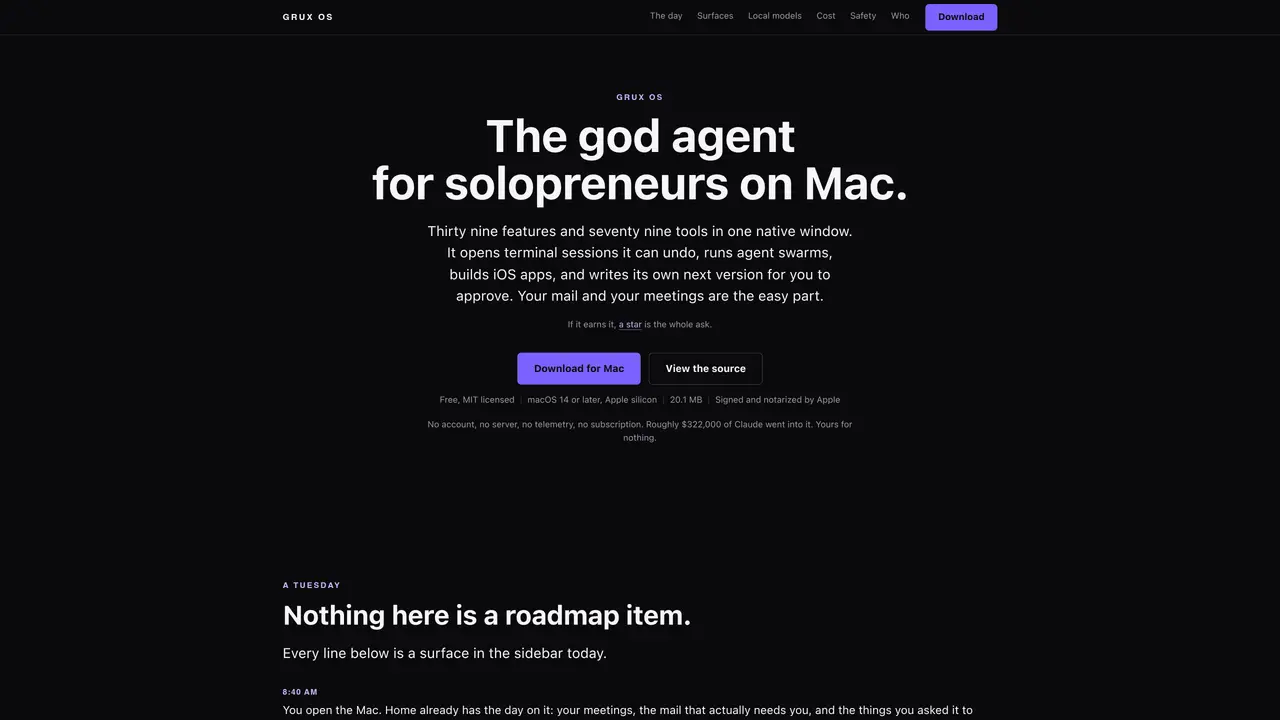
Grux OS is a native Mac application designed as a unified workspace for solopreneurs, consolidating productivity tools into a single sidebar interface. It integrates email, calendar, contacts, notes, and file management alongside an AI assistant capable of reading the active window, transcribing meetings locally, and executing commands with user approvals. The tool offers 39 built-in surfaces such as Chat, Approvals, Cognition Map, Projects, and Local Models, enabling users to manage tasks, research, design, and even develop iOS apps directly within the application. Grux OS prioritizes data privacy by processing everything locally without telemetry, server storage, or account requirements, ensuring that user data remains on the device. It supports local model providers like Ollama, allowing offline operation, and includes features like agent swarms, self-upgrading capabilities, and strict permission controls for sensitive operations. The application is free, MIT-licensed, and requires macOS 14 or later on Apple silicon, with no subscriptions or hidden costs beyond optional model provider fees. Users can customize their setup by selecting only the features they need, minimizing unnecessary permissions and data access. The tool is designed to replace multiple standalone applications by providing a cohesive, privacy-focused alternative that leverages local processing and user-controlled automation.
Grux OS is a native Mac application that consolidates productivity tools into a single sidebar interface, designed primarily for solopreneurs. It integrates email, calendar, contacts, notes, and file management with an AI assistant, enabling users to manage tasks, research, and even develop iOS apps locally.
Grux OS processes all data locally without telemetry, server storage, or account requirements, ensuring user data remains on the device. It includes strict permission controls, denylists for sensitive operations, and explicit permission requests for features like microphone or screen recording.
Yes, Grux OS can operate entirely offline by using local model providers like Ollama. It does not require an internet connection for core functionality, though some features may need internet access depending on user configuration.
Grux OS requires macOS 14 or later and runs on Apple silicon. The application is lightweight, with a download size of 22.4 MB, and is signed and notarized by Apple.
Grux OS allows users to select AI models, including local models like Ollama, which incur no additional costs beyond the model provider's fees. Users pay model providers directly, and Grux OS does not proxy or add markups to these costs.
Grux OS can be set up from the terminal with a single command. Users can then customize their setup by selecting the features they need, and the application will request permissions only for the selected features.
We use essential cookies to run aitoolnavio™, and optional cookies to analyze traffic and measure our marketing. You choose what we use — optional cookies stay off unless you turn them on. See our Privacy Policy.
One short email a week: fresh tools worth trying, honest takes and the updates that actually matter. No spam, unsubscribe any time.
Discover personalized fashion, receive expert advice, and enjoy convenient shopping with free shipping and returns.
Personal assistant that coordinates tasks across apps and devices via text or call
Quickly narrow searches by category, control results by country or language, and find relevant, accurate results with ease.
Optimizes schedules by auto-organizing tasks and meetings.
AI assistant that drafts, reviews, and researches legal documents for lawyers and law firms.
Real-time task tracking, project management, collaboration, and task assignment.
An AI voice assistant that delivers emotionally intelligent, context-aware conversations with natural timing and personal engagement.
Identify technologies, analyze data, and refine search criteria with AI-powered tools for patent research and trend analysis.
Automate audio and video transcription, timestamps, speaker labels, diarization, and export with customizations.
An AI chat platform for immersive, personalized interactions with virtual companions, including image generation.
Customer relations assistant in Gmail
AI-driven app personalizing adaptive workouts for continuous improvement.
Matched on what this tool does — grouped by the job you would be replacing.
matches Local model compatibility checker · Built-in terminal with approvals for sensitive commands · Meeting transcription with local audio processing
AI workforce that runs on a single Mac with up to 100 specialized agents
Runs private AI models entirely on a user’s Mac without cloud dependency
Desktop AI agent that queries local files and connected apps without cloud processing
Private AI platform that runs models locally with no telemetry or cloud dependency
matches Meeting transcription with local audio processing
Revolutionize transcription with unmatched accuracy, speed, and language support.
Offline AI subtitle generator for Mac with SRT and Final Cut Pro export
Maximize PDF productivity on Mac with OCR, local data privacy, and chat-based AI interaction.