Scales efficient language processing with open-source accessibility.
357M visits/mo+1%#2 Coding & Development

Offline tool measuring AI coding tool effectiveness by analyzing local session logs
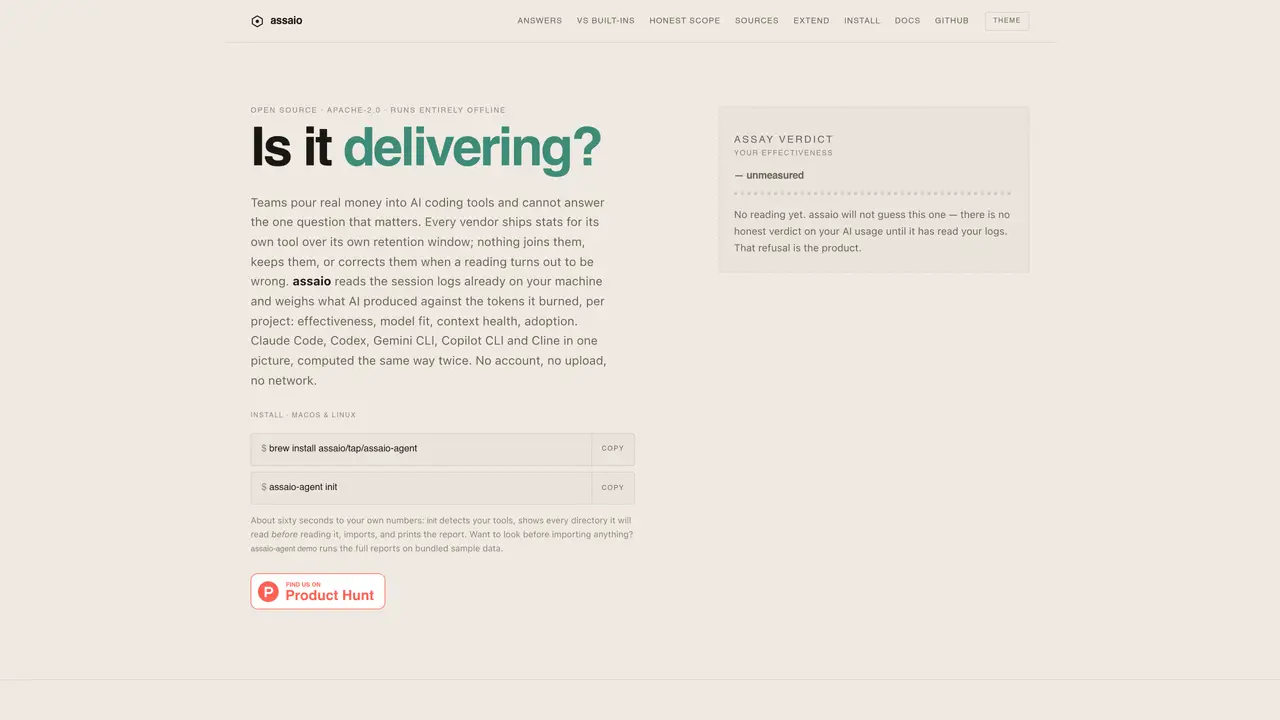
assaio is an offline application that analyzes session logs generated by AI coding tools such as Claude Code, Codex, Gemini CLI, Copilot CLI, and Cline. It evaluates the effectiveness of AI-generated code by comparing output against tokens consumed, providing metrics on model fit, context health, adoption, and rework. The tool runs entirely locally without requiring an account, uploads, or network access, ensuring data privacy. It aggregates and normalizes data across multiple AI coding tools into a single report, allowing teams to assess which projects and tasks yield productive code versus those that result in excessive token consumption or circular reasoning. The analysis includes metrics such as AI lines produced per million tokens, edit loops, cache hygiene, and adoption trends across projects and tools. Reports are generated from data already present on the user’s machine, enabling comparisons over customizable time windows and task types.
assaio analyzes session logs from AI coding tools like Claude Code, Codex, Gemini CLI, Copilot CLI, and Cline to evaluate the effectiveness of AI-generated code by comparing output against tokens consumed. It provides metrics on model fit, context health, adoption, and rework without requiring an account, uploads, or network access.
The tool is designed for teams and organizations that use AI coding tools and want to assess the productivity and cost-effectiveness of their AI-generated code. It helps determine which projects and tasks yield productive code versus those that result in excessive token consumption or circular reasoning.
assaio reads session logs already present on the user’s machine and weighs the AI’s output against the tokens consumed per project. It aggregates and normalizes data across multiple AI coding tools into a single report, allowing comparisons over customizable time windows and task types.
No, assaio runs entirely offline and does not require network access, uploads, or an account. It processes data locally to ensure data privacy.
assaio provides metrics such as AI lines produced per million tokens, edit loops, cache hygiene, adoption trends, model fit, context health, and rework. It also includes project-specific effectiveness ratios and session-level insights into token usage and output.
To get started, install assaio via Homebrew on macOS or Linux using the command 'brew install assaio/tap/assaio-agent'. Run 'assaio-agent init' to detect your tools, review the directories it will read, and generate a report. A demo mode ('assaio-agent demo') is also available to preview reports using bundled sample data.
We use essential cookies to run aitoolnavio™, and optional cookies to analyze traffic and measure our marketing. You choose what we use — optional cookies stay off unless you turn them on. See our Privacy Policy.
One short email a week: fresh tools worth trying, honest takes and the updates that actually matter. No spam, unsubscribe any time.
Scales efficient language processing with open-source accessibility.
Collaboration and version control platform for software development and AI model hosting.
Tesla’s AI stack powers Full Self-Driving, Optimus humanoid robots, and real-world autonomy with neural networks, custom hardware, and Dojo-scale training.
Integrates AI into Airtable to analyze data, summarize insights, draft content, and automate workflows without prior AI experience.
AI-powered website builder that generates a professional site in under a minute and includes tools for content, SEO, and analytics.
Unified platform to access and switch between hundreds of AI models like ChatGPT, Claude, and Gemini via a single API.
xAI builds Grok frontier AI models for reasoning, coding, voice, images, video, enterprise workflows, and developer APIs.
Meta AI enhances machine learning, NLP, and computer vision capabilities.
Crowdsourced platform for blind, side-by-side AI model comparisons with a public leaderboard.
Customize, deploy, and control AI models securely.
Independent benchmarks comparing AI models on quality, speed, and cost across multiple capabilities.
Chat, build, and explore with open AI models.
Matched on what this tool does — grouped by the job you would be replacing.
matches Offline analysis of AI coding tool logs · Multi-tool support (Claude Code, Codex, Gemini CLI, Copilot CLI, Cline) · Effectiveness measurement (AI lines per million tokens)
Tracks AI coding costs and token usage for local AI coding sessions
Local tracking tool for Claude Code activity on macOS
Monitors and logs token usage and execution traces for coding agents including Claude Code
Local analytics for AI coding agent sessions on macOS