

AI-powered website builder that generates a professional site in under a minute and includes tools for content, SEO, and analytics.
52M visits/mo+0.7%#4 Coding & Development
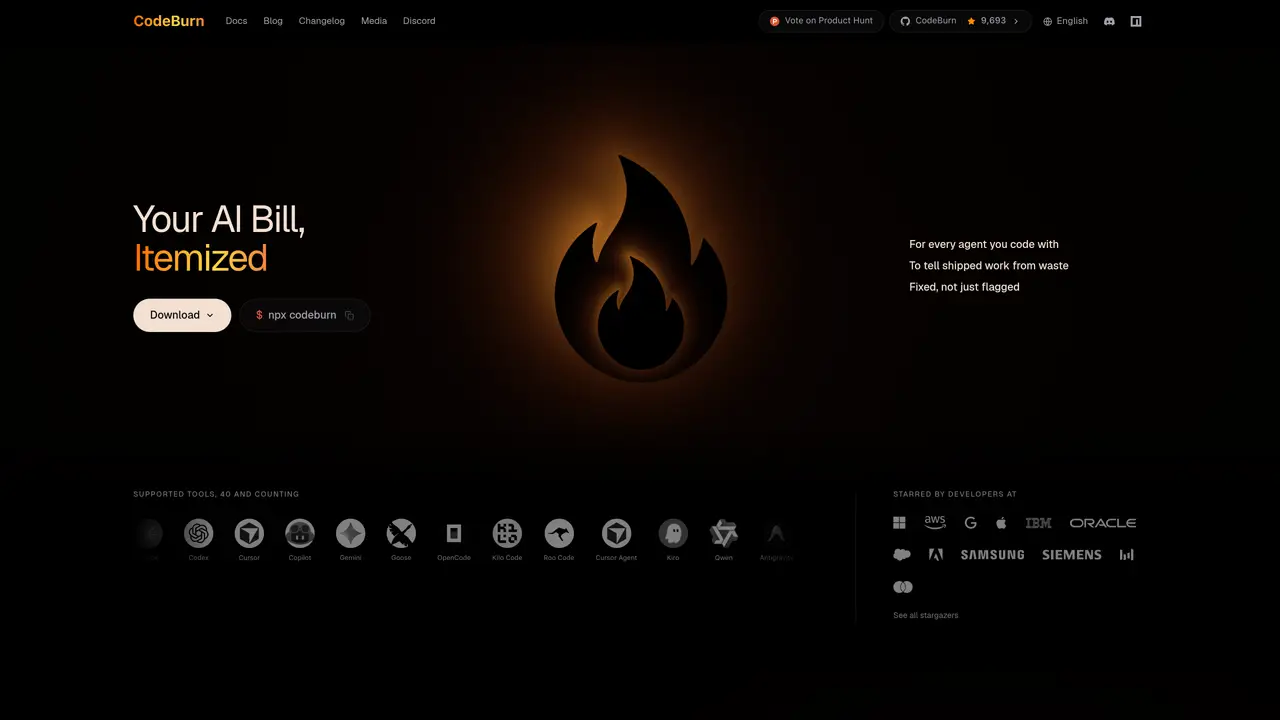
CodeBurn monitors spending and token usage for AI coding agents such as Claude Code, Cursor, and Codex by reading local session files without uploading data. It attributes costs to specific projects, activities, and pull requests, helping users identify wasteful sessions, duplicate reads, and context bloat. The tool provides a live spend tracker in the menu bar, detailed breakdowns by model, project, and activity, and efficiency scores based on one-shot rates and cache hits. It supports over 40 AI coding tools and runs locally on macOS, Windows, and Linux, with no account or configuration required. Users can view spending from today to lifetime, projected monthly totals, and reconcile costs with commits and PRs. The terminal command offers a quick dashboard without modifying existing workflows.
CodeBurn tracks spending and token usage for AI coding agents like Claude Code, Cursor, and Codex by reading local session files without uploading any data. It attributes costs to specific projects, activities, and pull requests, helping users identify wasteful sessions and inefficiencies.
CodeBurn is designed for developers and teams who use AI coding tools and want to monitor, understand, and optimize their spending and token usage across multiple agents and projects.
CodeBurn reads local session files generated by AI coding tools, such as transcripts and logs, to calculate spending and token usage. It does not send any data to external servers, ensuring privacy and security.
CodeBurn supports over 40 AI coding tools, including Claude Code, Cursor, Codex, Copilot, Gemini, Goose, OpenCode, Kilo Code, Roo Code, and many others. The list continues to expand as new tools are added.
Yes, CodeBurn provides efficiency scores based on metrics like one-shot rates and cache hits, and it highlights wasteful sessions, duplicate reads, and context bloat. It also offers fixes to optimize usage and reduce unnecessary spending.
You can start using CodeBurn by running the terminal command `npx codeburn`, which launches a dashboard without requiring an account or configuration. It also offers a menu bar app for macOS, Windows, and Linux.
codeburn.app · third-party estimates from Similarweb
Last 4 months · grows by one month every month
Share of visits by channel
No measurable traffic from Paid Referrals.
Share of visits · estimated visits
Other countries: 41.4%
Coding & Development · Sep 2026
Traffic figures are third-party estimates, good for scale and trends; they can differ from a company's own numbers. Updated monthly.
We use essential cookies to run aitoolnavio™, and optional cookies to analyze traffic and measure our marketing. You choose what we use — optional cookies stay off unless you turn them on. See our Privacy Policy.
One short email a week: fresh tools worth trying, honest takes and the updates that actually matter. No spam, unsubscribe any time.
AI-powered website builder that generates a professional site in under a minute and includes tools for content, SEO, and analytics.
AI-powered coding platform that uses agents to plan, write, and test software with real-time feedback and verifiable artifacts.
Automate code, research, and documents using agents.
AI-powered code assistant that generates, reviews, optimizes, and debugs code with natural language prompts and editor integrations.
AI assistant for safe, reliable productivity with code, collaboration, and integrations.
AI-powered IDE for autonomous coding tasks and agentic development workflows
Privacy-focused AI chatbot that generates uncensored text, code, images, and translations without storing conversations or requiring an account.
A free web-based AI chatbot and agent for writing, coding, research, and content creation with multilingual support.
Write & run code in 50+ languages, auto-complete with AI, and code faster with an intuitive interface.
An IDE that automates legacy-to-modern code migration using autonomous coding agents.
AI models that return typed decisions with calibrated confidence for software automation
Practice coding challenges, improve technical skills, get detailed explanations, compare performance with peers.
Matched on what this tool does — grouped by the job you would be replacing.
matches Live spend tracker in menu bar · Cost attribution to projects and pull requests · Efficiency scoring based on one-shot rates and cache hits
Native macOS menu bar tracker for AI usage limits, resets and spend across 47+ providers
Menu bar app that tracks AI coding spend for Claude Code and Codex
Monitors remaining Claude.ai usage and burn rate on macOS
A macOS menu-bar app that displays ChatGPT and Codex usage limits in real time
matches Live spend tracker in menu bar · Terminal command for quick access · Multi-platform support (macOS, Windows, Linux)
Native macOS dashboard for monitoring and managing multiple coding agents locally
Local tracking tool for Claude Code activity on macOS
Desktop library to search and resume coding agent sessions locally