

Scales efficient language processing with open-source accessibility.
357M visits/mo+1%#2 Coding & Development
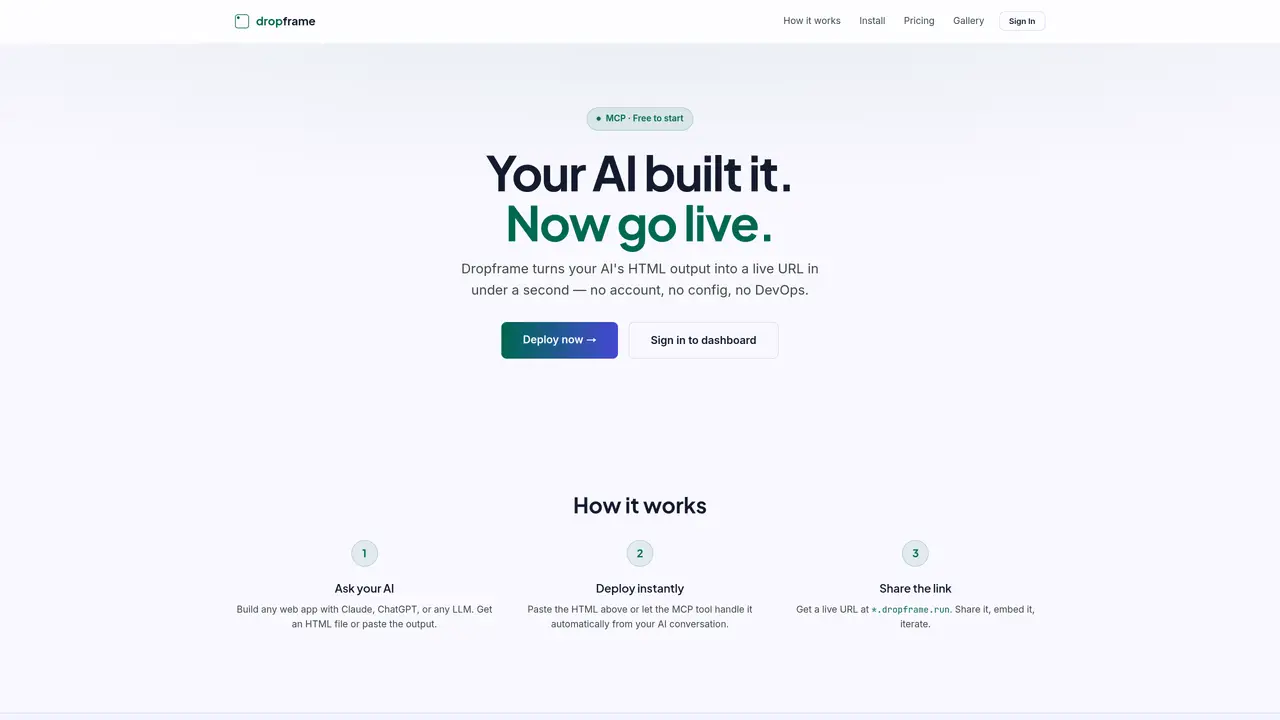
Dropframe converts HTML output from LLMs such as Claude, ChatGPT, Grok, or Mistral into live web URLs in under a second without requiring user accounts, configuration, or DevOps. It supports deployment through Model Context Protocol (MCP) servers, enabling AI assistants to push updates directly to a hosted endpoint. Users can paste HTML manually or configure MCP clients like Claude Desktop, Cursor, Windsurf, VS Code, or Antigravity to automate deployments. Each deployment generates a shareable URL under the *.dropframe.run domain, allowing immediate sharing, embedding, or further iteration. The platform operates on a global edge network to ensure low-latency access. Free tier allows five apps with 14-day lifespans, while the Pro plan offers eight permanent slots with custom domains and priority support.
Dropframe converts HTML output from large language models such as Claude, ChatGPT, Grok, or Mistral into live web URLs in under a second. It enables users to deploy web applications without requiring accounts, configuration, or DevOps expertise.
The tool is designed for developers, AI enthusiasts, and teams who want to quickly turn AI-generated HTML into shareable web applications. It suits users who prefer automation via MCP servers or manual deployment through browser-based connectors.
Users can connect their AI assistant by adding Dropframe as a custom MCP connector in browser settings or by configuring their local AI editor like Claude Desktop, Cursor, Windsurf, VS Code, or Antigravity using the provided MCP server URL and connection key.
Dropframe supports two main deployment methods: pasting HTML directly into the platform or automating deployments through MCP servers integrated with AI assistants. Each deployment generates a shareable URL under the *.dropframe.run domain.
Yes, Dropframe provides a free tier that allows users to deploy up to five apps with a 14-day lifespan. This tier includes global edge network access but does not support custom domains.
The Pro plan offers permanent hosting for up to eight apps, custom domains, and priority support. It operates on a global edge network to ensure low-latency access and includes no expiry on deployed projects.
We use essential cookies to run aitoolnavio™, and optional cookies to analyze traffic and measure our marketing. You choose what we use — optional cookies stay off unless you turn them on. See our Privacy Policy.
One short email a week: fresh tools worth trying, honest takes and the updates that actually matter. No spam, unsubscribe any time.
Scales efficient language processing with open-source accessibility.
Collaboration and version control platform for software development and AI model hosting.
Tesla’s AI stack powers Full Self-Driving, Optimus humanoid robots, and real-world autonomy with neural networks, custom hardware, and Dojo-scale training.
Integrates AI into Airtable to analyze data, summarize insights, draft content, and automate workflows without prior AI experience.
AI-powered website builder that generates a professional site in under a minute and includes tools for content, SEO, and analytics.
Unified platform to access and switch between hundreds of AI models like ChatGPT, Claude, and Gemini via a single API.
xAI builds Grok frontier AI models for reasoning, coding, voice, images, video, enterprise workflows, and developer APIs.
Meta AI enhances machine learning, NLP, and computer vision capabilities.
Crowdsourced platform for blind, side-by-side AI model comparisons with a public leaderboard.
Customize, deploy, and control AI models securely.
Independent benchmarks comparing AI models on quality, speed, and cost across multiple capabilities.
Chat, build, and explore with open AI models.
Matched on what this tool does — grouped by the job you would be replacing.
matches MCP server integration for AI assistants · Manual HTML paste deployment · Global edge network hosting
Transform ideas into fully functional applications with Lovable, a groundbreaking AI tool.
Turns AI prompts into live web apps with sign-in and a database in minutes
Hosts AI-generated UIs with a public URL without cloud setup