Scales efficient language processing with open-source accessibility.
357M visits/mo+1%#2 Coding & Development

Easily build custom image classifiers, analyze sentiments, detect objects, and run ML tasks in the cloud.
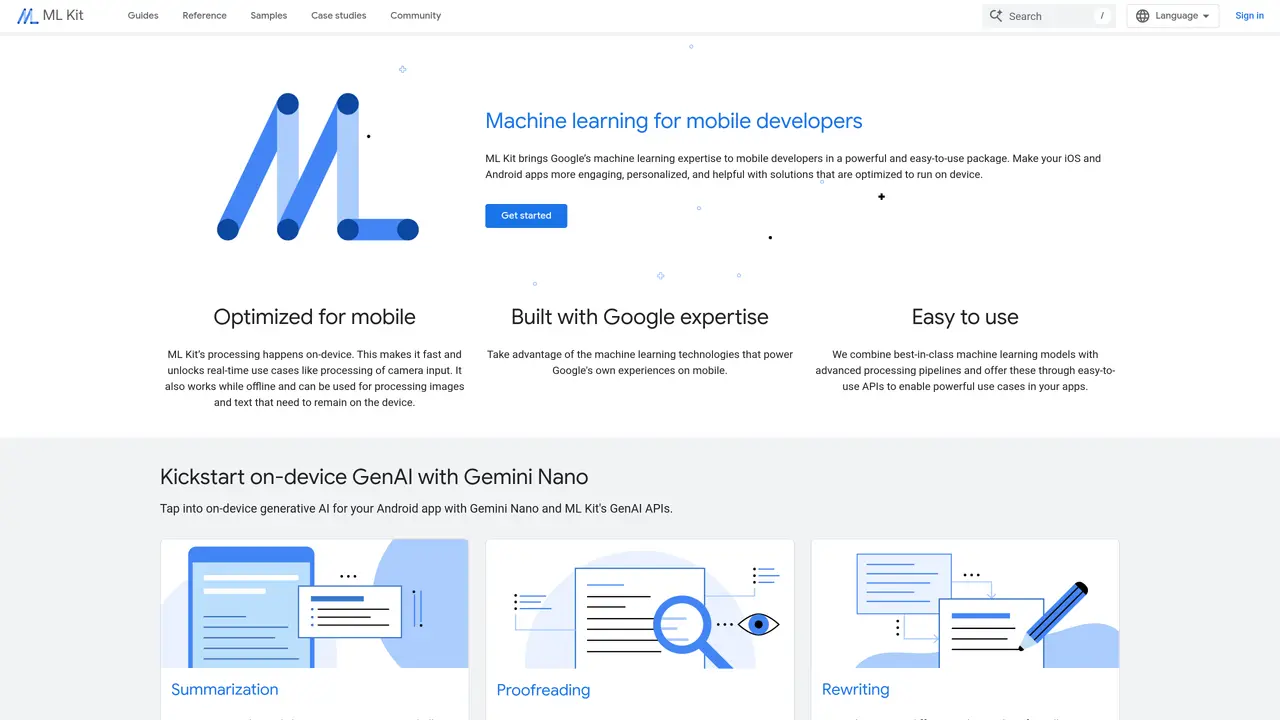
Google ML Kit is a mobile-focused machine learning platform that enables developers to integrate pre-trained or custom ML models into Android and iOS applications with minimal effort. The tool abstracts complex machine learning workflows, allowing users to incorporate capabilities such as text recognition, face detection, barcode scanning, image labeling, and pose estimation without requiring deep expertise in ML or extensive coding. ML Kit supports both on-device and cloud-based processing, providing flexibility depending on performance and connectivity needs. For on-device tasks, models run locally to ensure low latency and offline functionality, while cloud-based APIs handle more computationally intensive tasks like advanced natural language processing or custom model inference. The platform includes ready-to-use APIs for common use cases, such as document text recognition, language identification, and smart reply suggestions, as well as tools like AutoML Vision Edge for training custom image classification models tailored to specific datasets. Developers can also leverage Firebase integration for backend services, enabling seamless deployment and management of ML models within mobile apps. ML Kit is designed to accelerate the integration of AI features, making advanced machine learning accessible to developers regardless of their prior experience with the technology. It is particularly well-suited for applications in areas like accessibility, productivity, and user engagement, where real-time or offline ML capabilities are critical.
Google ML Kit is a mobile-focused machine learning platform that provides developers with APIs to integrate vision, language, and generative AI capabilities into iOS and Android apps. It enables on-device processing for tasks like text recognition, image labeling, face detection, and speech transcription without requiring advanced ML expertise.
ML Kit is designed for mobile developers of all skill levels who want to add machine learning features to their apps without building custom models from scratch. It is particularly useful for developers targeting real-time, offline, or privacy-sensitive use cases on mobile devices.
Yes, ML Kit is optimized for on-device processing, which allows it to function offline. This makes it suitable for applications where connectivity is unreliable or where data privacy is a priority.
ML Kit supports a wide range of tasks including text recognition, image labeling, barcode scanning, face and pose detection, speech transcription, language identification, translation, and generative AI features like summarization and smart replies.
Yes, ML Kit allows you to integrate custom TensorFlow Lite models for tasks like image labeling or object detection, enabling you to tailor the functionality to your specific use case.
To get started, visit the ML Kit documentation on the Google Developers site, choose the APIs relevant to your needs, and follow the integration guides for Android or iOS. The platform provides sample code and step-by-step instructions to help you implement the features.
We use essential cookies to run aitoolnavio™, and optional cookies to analyze traffic and measure our marketing. You choose what we use — optional cookies stay off unless you turn them on. See our Privacy Policy.
One short email a week: fresh tools worth trying, honest takes and the updates that actually matter. No spam, unsubscribe any time.
Scales efficient language processing with open-source accessibility.
Collaboration and version control platform for software development and AI model hosting.
Tesla’s AI stack powers Full Self-Driving, Optimus humanoid robots, and real-world autonomy with neural networks, custom hardware, and Dojo-scale training.
Integrates AI into Airtable to analyze data, summarize insights, draft content, and automate workflows without prior AI experience.
AI-powered website builder that generates a professional site in under a minute and includes tools for content, SEO, and analytics.
Unified platform to access and switch between hundreds of AI models like ChatGPT, Claude, and Gemini via a single API.
xAI builds Grok frontier AI models for reasoning, coding, voice, images, video, enterprise workflows, and developer APIs.
Meta AI enhances machine learning, NLP, and computer vision capabilities.
Crowdsourced platform for blind, side-by-side AI model comparisons with a public leaderboard.
Customize, deploy, and control AI models securely.
Independent benchmarks comparing AI models on quality, speed, and cost across multiple capabilities.
Chat, build, and explore with open AI models.
Matched on what this tool does — grouped by the job you would be replacing.
matches Create custom image classification models using AutoML Vision Edge · Perform sentiment analysis and object detection
Create custom vision AI models, deploy to cloud for insights, access tutorials, templates, and automated AI development software.
Automates image recognition, creates custom ML models, and leverages deep learning for model training and deployment.
Detect, classify, and tailor object recognition in images and videos with a user-friendly interface and advanced analytics.
Build sophisticated models easily with minimal code, intuitive interface, and pre-trained models for fast implementation.
matches Perform sentiment analysis and object detection · Run machine learning tasks in the cloud with Firebase Cloud Functions
Identify objects, classify images, and detect emotions in photos and videos.
Automate facial recognition, flag inappropriate content, and gain customer behavior insights from images and videos.
Azure Cognitive Services provides pre-built APIs for vision, speech, language, and decision-making to integrate AI into applications.
Label, identify, and transcribe videos with accuracy.