Scales efficient language processing with open-source accessibility.
357M visits/mo+1%#2 Coding & Development

Create applications, automate tasks, add voice recognition, and find the best ML algorithms for any application.
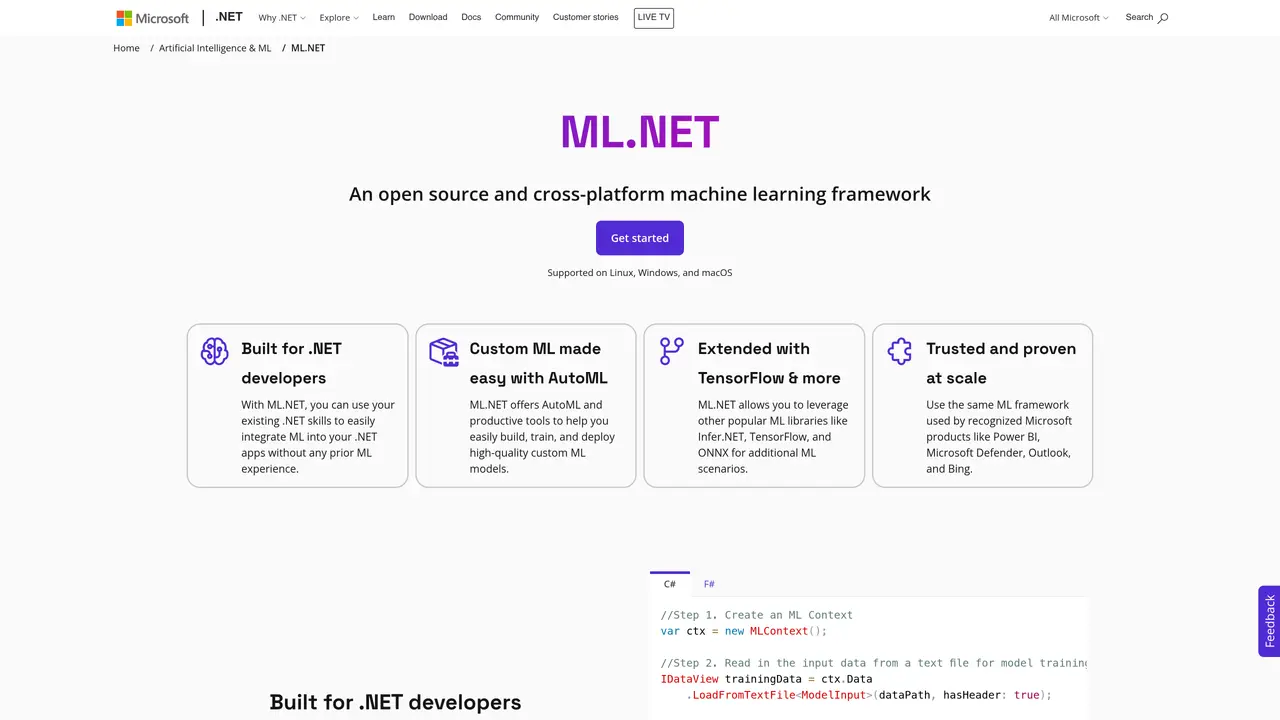
ML is a comprehensive, open-source machine learning framework for .NET developers. Using ML, developers can quickly create sophisticated models and use them to create applications that can make predictions and automate tasks. With ML, developers can easily integrate machine learning into their existing applications, allowing them to quickly add features such as voice recognition and natural language processing. By leveraging the power of ML, developers can create applications that are able to make smarter decisions and automate tasks, saving time and resources. ML makes machine learning accessible to all developers, regardless of their experience, by providing tools and libraries that are easy to use and understand. With ML, developers can experiment with different algorithms and models to find the best fit for their application, allowing them to create powerful and efficient applications. ML is the perfect solution for developers looking to create powerful applications that can make smarter decisions and automate tasks.
Microsoft
Redmond, United States · Founded 1975
ML.NET is an open-source, cross-platform machine learning framework designed specifically for .NET developers. It enables integration of machine learning into .NET applications using familiar tools and languages like C# and F#.
ML.NET is ideal for .NET developers who want to add machine learning capabilities to their applications without requiring prior machine learning experience. It is suitable for building web, mobile, desktop, games, and IoT applications.
ML.NET allows developers to create custom machine learning models by leveraging AutoML tools like Model Builder and ML.NET CLI. Users load their data, and the framework automates the model-building process, including training and deployment.
Yes, ML.NET is designed to be extensible and supports integration with popular frameworks such as TensorFlow, ONNX, and Infer.NET. This allows access to advanced scenarios like image classification and object detection.
ML.NET offers AutoML for automated model building, support for multiple .NET languages, integration with existing .NET applications, and compatibility with Windows, Linux, and macOS. It also provides tools like Model Builder and ML.NET CLI for ease of use.
To get started, visit the ML.NET documentation or GitHub repository for tutorials and sample code. Use Model Builder for a visual interface or the ML.NET CLI for command-line model creation. Both options guide users through loading data and building models.
We use essential cookies to run aitoolnavio™, and optional cookies to analyze traffic and measure our marketing. You choose what we use — optional cookies stay off unless you turn them on. See our Privacy Policy.
One short email a week: fresh tools worth trying, honest takes and the updates that actually matter. No spam, unsubscribe any time.
Scales efficient language processing with open-source accessibility.
Collaboration and version control platform for software development and AI model hosting.
Tesla’s AI stack powers Full Self-Driving, Optimus humanoid robots, and real-world autonomy with neural networks, custom hardware, and Dojo-scale training.
Integrates AI into Airtable to analyze data, summarize insights, draft content, and automate workflows without prior AI experience.
AI-powered website builder that generates a professional site in under a minute and includes tools for content, SEO, and analytics.
Unified platform to access and switch between hundreds of AI models like ChatGPT, Claude, and Gemini via a single API.
xAI builds Grok frontier AI models for reasoning, coding, voice, images, video, enterprise workflows, and developer APIs.
Meta AI enhances machine learning, NLP, and computer vision capabilities.
Crowdsourced platform for blind, side-by-side AI model comparisons with a public leaderboard.
Customize, deploy, and control AI models securely.
Independent benchmarks comparing AI models on quality, speed, and cost across multiple capabilities.
Chat, build, and explore with open AI models.
Matched on what this tool does — grouped by the job you would be replacing.
matches Create sophisticated machine learning models · Experiment with different algorithms and models · Integrate machine learning into existing applications
Train models, develop applications, and build custom projects with powerful algorithms, intuitive GUI, APIs, and SDKs.
Build sophisticated models easily with minimal code, intuitive interface, and pre-trained models for fast implementation.
Automate processes, unlock data insights, build/train/deploy models to maximize AI potential.
Build, deploy, and scale AI applications with pre-trained models and automation tools on Azure AI.
matches Add voice recognition and natural language processing · Automate tasks and make predictions
matches Automate tasks and make predictions
Scales efficient language processing with open-source accessibility.
Develop chatbots, perform sentiment analysis, and create AI-powered tools for text & voice recognition in Arabic.
Create smarter applications with Amazon's suite of AI services.
Create faster applications, auto-generate models, optimize for improved performance with advanced model optimization.
An open-source CLI tool that integrates Google's Gemini model directly into your terminal for autonomous task execution.
Automate facial recognition, OCR for data extraction, and gain insights from customer feedback with sentiment analysis.
Create custom applications, integrate with third-party services, and build conversational bots and voice/text-based apps.
Automate tasks, create reports, and integrate with popular apps for time and cost savings.