Scales efficient language processing with open-source accessibility.
357M visits/mo+1%#2 Coding & Development

A lightweight local proxy that bridges OpenAI Codex with multiple LLM providers like Claude, Gemini, and Ollama without changing existing workflows.
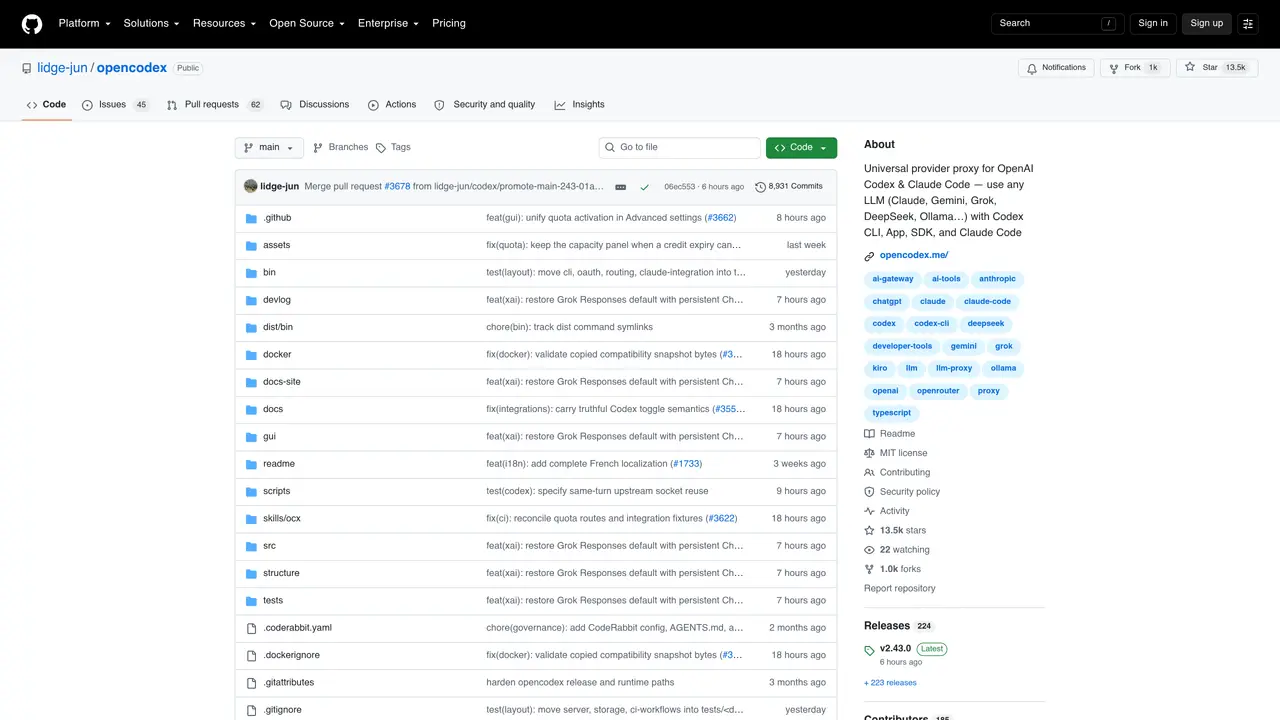
opencodex is a lightweight local proxy that translates OpenAI Codex’s Responses API into requests compatible with a wide range of LLM providers, including Claude, Gemini, Grok, DeepSeek, and Ollama. It supports Codex CLI, App, SDK, and Claude Code without requiring any changes to existing workflows. The proxy handles streaming, tool calls, reasoning tokens, and images across over 40 providers through five protocol adapters. It also manages ChatGPT account pools with features like quota tracking, session affinity, and automatic failover to ensure reliability. A web dashboard provides live request logs, provider management, and OAuth login support for streamlined oversight. The tool is designed for developers and teams who want to leverage multiple AI models seamlessly while maintaining their current workflows and tools.
GitHub, Inc.
San Francisco, California, US · Founded 2008
opencodex is a lightweight local proxy that translates OpenAI Codex’s Responses API into requests compatible with over 40 LLM providers, including Claude, Gemini, Grok, DeepSeek, and Ollama. It allows users to leverage multiple AI models seamlessly while maintaining their existing workflows.
The tool is designed for developers and teams who want to use multiple AI models without changing their current workflows or tools. It supports Codex CLI, App, SDK, and Claude Code, making it suitable for both individual developers and collaborative environments.
opencodex uses five protocol adapters to handle streaming, tool calls, reasoning tokens, and images across providers. It also includes a web dashboard for managing providers, monitoring requests, and configuring accounts.
Yes, opencodex can manage a ChatGPT account pool, allowing users to add accounts, track quotas, and route new sessions to the lowest-usage account while maintaining session affinity for existing threads.
opencodex requires Node.js 18+ and the Bun runtime for installation. It can be installed globally using npm or run via Docker Compose for containerized environments.
Users can install opencodex globally using npm, then start the proxy and dashboard with the command 'ocx start'. The web dashboard, accessible at localhost:10100, provides configuration options for providers and accounts.
We use essential cookies to run aitoolnavio™, and optional cookies to analyze traffic and measure our marketing. You choose what we use — optional cookies stay off unless you turn them on. See our Privacy Policy.
One short email a week: fresh tools worth trying, honest takes and the updates that actually matter. No spam, unsubscribe any time.
Scales efficient language processing with open-source accessibility.
Collaboration and version control platform for software development and AI model hosting.
Tesla’s AI stack powers Full Self-Driving, Optimus humanoid robots, and real-world autonomy with neural networks, custom hardware, and Dojo-scale training.
Integrates AI into Airtable to analyze data, summarize insights, draft content, and automate workflows without prior AI experience.
AI-powered website builder that generates a professional site in under a minute and includes tools for content, SEO, and analytics.
Unified platform to access and switch between hundreds of AI models like ChatGPT, Claude, and Gemini via a single API.
xAI builds Grok frontier AI models for reasoning, coding, voice, images, video, enterprise workflows, and developer APIs.
Meta AI enhances machine learning, NLP, and computer vision capabilities.
Crowdsourced platform for blind, side-by-side AI model comparisons with a public leaderboard.
Customize, deploy, and control AI models securely.
Independent benchmarks comparing AI models on quality, speed, and cost across multiple capabilities.
Chat, build, and explore with open AI models.
Matched on what this tool does — grouped by the job you would be replacing.
matches Translates Codex Responses API to work with 40+ LLM providers · Supports streaming, tool calls, reasoning tokens, and images · Manages ChatGPT account pools with quota tracking and failover
Centralizes and visualizes AI coding tool configurations, provider keys, and model routing for developers and teams.
Unified OpenAI-compatible API to route, manage, and analyze LLM requests across 25+ providers for multi-model app development.
Unified API gateway for 39 language models with pay-as-you-go pricing
An LLM Gateway that functions as an intelligent middleware for all your LLM needs.