
Create cloud servers with ease, enjoy full control, automated backups, secure networking, and reliable support.
3.8M visits/mo-4.4%#40 Coding & Development

Managed deployment platform that turns git pushes into live web apps with databases and storage
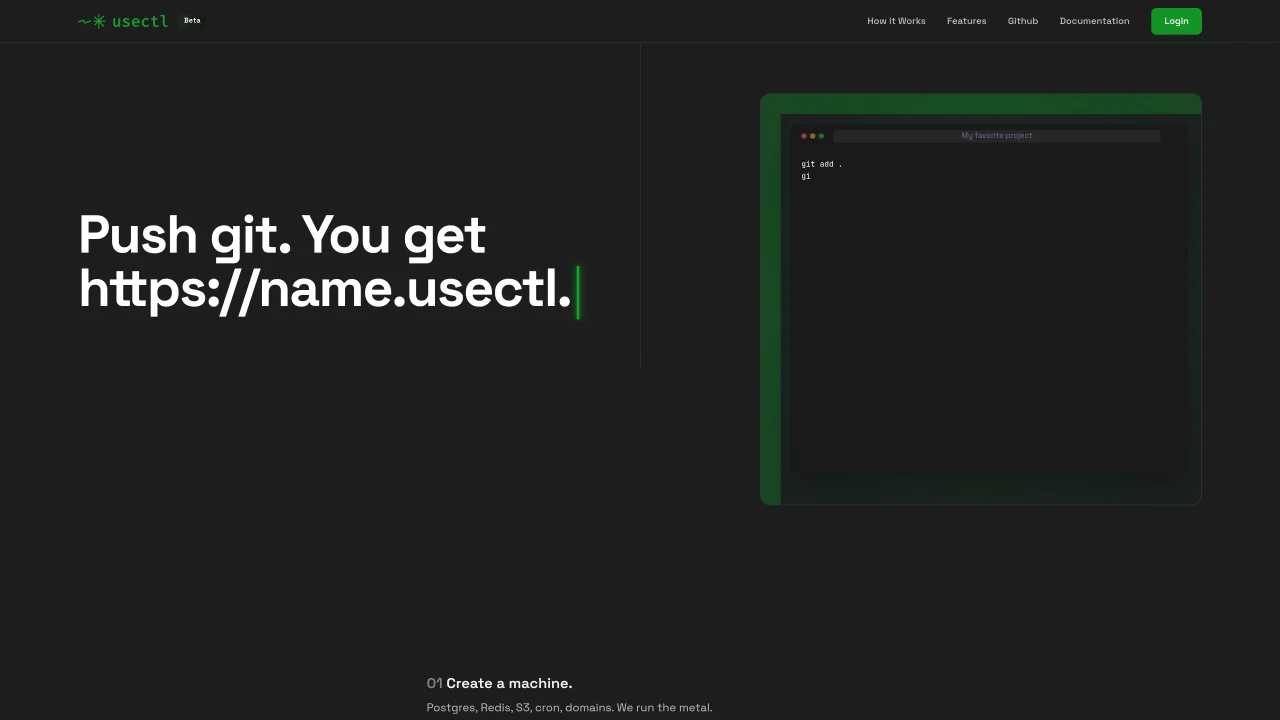
usectl is a managed deployment service that turns a git push into a live web application with associated infrastructure. It provisions compute, databases, object storage, cron jobs, and TLS certificates automatically. Projects run in isolated Kubernetes namespaces with dedicated PostgreSQL, Redis, and S3-compatible storage. The platform uses K3s, Kaniko, CloudNativePG, SeaweedFS, and Traefik to provide production-grade infrastructure without manual configuration. Users interact primarily through a single-binary CLI that supports structured JSON output for tooling integration. The service is designed for AI-assisted engineers who prefer terminal-based workflows over web dashboards.
usectl is a managed deployment service that turns a git push into a live web application with associated infrastructure. It provisions compute, databases, object storage, cron jobs, and TLS certificates automatically.
usectl is designed for AI-assisted engineers who prefer terminal-based workflows over web dashboards. It works seamlessly with AI coding agents like Claude Code, Cursor, Windsurf, or ChatGPT.
To get started, install the single-binary CLI, authenticate with your account, create a machine with the desired resources (PostgreSQL, Redis, etc.), connect a GitHub repository, and push your code to deploy a live application.
No special plugins or MCP connectors are required. The CLI is the primary interface, and a built-in MCP server is available for tighter integration with specific agents like Claude Code and Cursor.
usectl provides production-grade infrastructure including isolated Kubernetes namespaces, dedicated PostgreSQL, Redis, S3-compatible storage, cron jobs, and TLS certificates. It runs on bare metal at Hetzner.
Yes, the CLI supports structured JSON output, allowing your tooling to pipe and process usectl commands. The S3-compatible storage uses the same API, so existing AWS SDK code remains compatible.
usectl.com · third-party estimates from Similarweb
Share of visits by channel
No measurable traffic from Social, Paid Referrals or Search.
Share of visits · estimated visits
Coding & Development · Sep 2026
Traffic figures are third-party estimates, good for scale and trends; they can differ from a company's own numbers. Updated monthly.
We use essential cookies to run Aitoolnavio, and optional cookies to analyze traffic and measure our marketing. You choose what we use — optional cookies stay off unless you turn them on. See our Privacy Policy.
One short email a week: fresh tools worth trying, honest takes and the updates that actually matter. No spam, unsubscribe any time.
Create cloud servers with ease, enjoy full control, automated backups, secure networking, and reliable support.
Backend platform providing Postgres databases, authentication, storage and compute for applications and agents
Rent GPU computing resources for running AI models at a low cost.
Heroku enables developers to deploy, manage, and scale applications quickly with minimal server management, supporting multiple languages and frameworks.
Unified cloud platform to run VMs, Kubernetes, and AI-era applications across on-prem, cloud, and edge with centralized governance and cost control.
AI backend platform that simplifies app development with a database, server functions, and real-time updates for developers.
Open-source backend platform for building and scaling applications
Vertically integrated AI chip manufacturing program delivering high-volume, co-packaged logic–memory assemblies for Earth and orbital deployments with standardized, scalable production lines.
High-performance cloud object storage with predictable pricing, S3 compatibility, and no egress fees for AI-ready workloads.
Runtime platform for deploying AI workloads, databases and services across clouds or on-premises
Revolutionize AI with scalable, decentralized, cost-effective compute management.
Disaggregated inference platform combining SN50 RDUs, GPUs, and OpenAI-compatible APIs for fast, scalable agentic AI at scale.
Matched on what this tool does — grouped by the job you would be replacing.
matches Git-based deployment · PostgreSQL and Redis provisioning · S3-compatible object storage
Agentic AI builder for full-stack apps with live previews and deployment
Hosts AI-built applications with databases, auth and HTTPS in one step
Cloud platform for running and deploying TypeScript code instantly to live URLs
AI-native cloud platform that lets coding agents like Claude Code deploy apps and provision databases automatically via a machine-readable CLI.