AI-powered website builder that generates a professional site in under a minute and includes tools for content, SEO, and analytics.
52M visits/mo+0.7%#4 Coding & Development

Desktop app that indexes and searches local AI coding chat histories on macOS
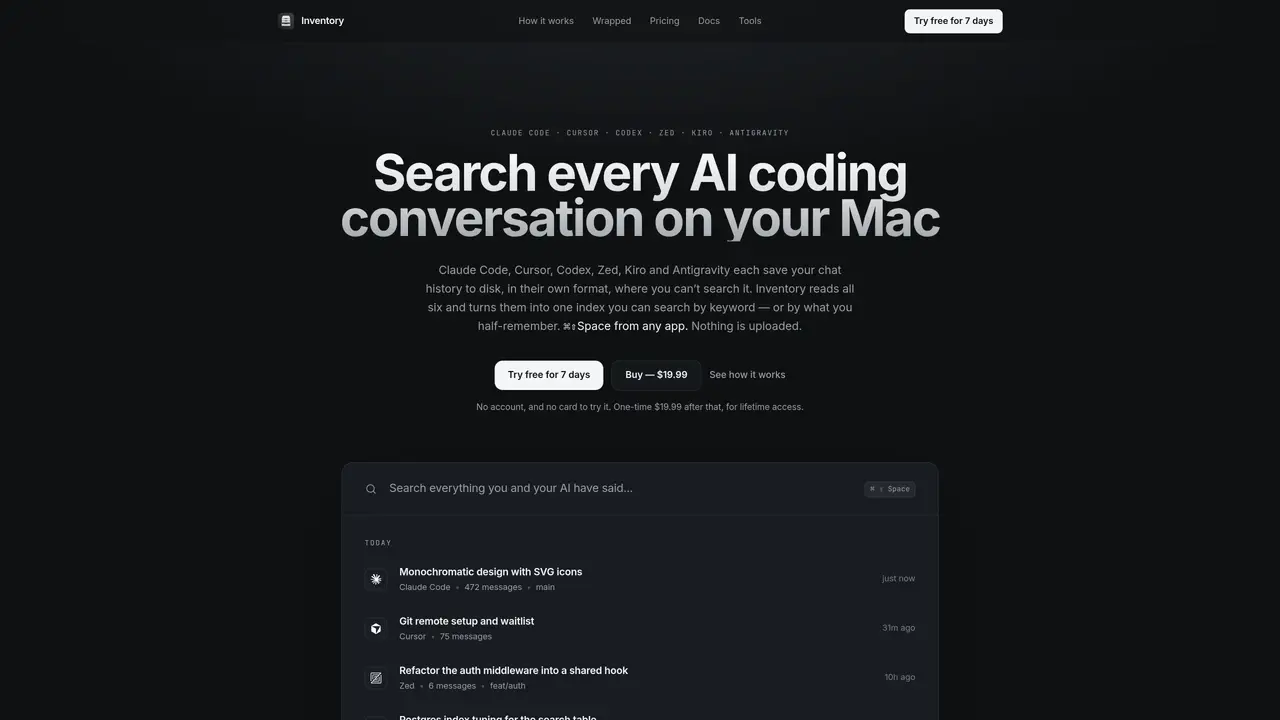
Inventory is a macOS desktop application that creates a local, searchable index of conversations from AI coding tools such as Claude Code, Cursor, Codex, Zed, Kiro, and Antigravity. It reads the chat histories these tools already store on disk in their native formats, merges them into a single timeline, and enables full-text and semantic search across all of them. The app operates entirely on-device with no cloud uploads, embedding models, or API calls, and indexes conversations in the background without requiring setup. Users can search by keywords or by meaning, with results ranked by outcome rather than similarity to improve relevance. Inventory also supports quick capture of thoughts, clipboard history, and agent access, allowing AI tools to query the user’s past conversations during active sessions. Sessions can be resumed with full context, and condensed summaries of threads can be copied for reuse elsewhere. The application prioritizes privacy, speed, and local-first operation, with a one-time purchase model and no ongoing costs.
Inventory supports local chat histories from Claude Code, Cursor, Codex, Zed, Kiro, and Antigravity. It reads these tools’ native, on-disk conversation stores and merges them into a single searchable index.
No, Inventory operates entirely on-device with no cloud uploads, embedding models, or API calls. All indexing and searching occur locally on the user’s Mac.
Inventory reads local conversation files in a read-only, snapshotted manner and does not require an account or onboarding. Agent access can be enabled to allow AI tools to query past conversations during active sessions, with all calls logged for transparency.
Yes, Inventory supports semantic search alongside full-text search. It ranks results by outcome (e.g., what worked) rather than similarity, improving relevance for queries like 'container stuck' matching 'pod stuck terminating'.
Install the macOS desktop app, and Inventory automatically locates and indexes the local chat histories of supported AI coding tools. No setup or account is required beyond the initial download.
Yes, Inventory provides a free trial period before requiring a one-time purchase for lifetime access.
We use essential cookies to run aitoolnavio™, and optional cookies to analyze traffic and measure our marketing. You choose what we use — optional cookies stay off unless you turn them on. See our Privacy Policy.
One short email a week: fresh tools worth trying, honest takes and the updates that actually matter. No spam, unsubscribe any time.
AI-powered website builder that generates a professional site in under a minute and includes tools for content, SEO, and analytics.
AI-powered coding platform that uses agents to plan, write, and test software with real-time feedback and verifiable artifacts.
Automate code, research, and documents using agents.
AI-powered code assistant that generates, reviews, optimizes, and debugs code with natural language prompts and editor integrations.
AI assistant for safe, reliable productivity with code, collaboration, and integrations.
AI-powered IDE for autonomous coding tasks and agentic development workflows
Privacy-focused AI chatbot that generates uncensored text, code, images, and translations without storing conversations or requiring an account.
A free web-based AI chatbot and agent for writing, coding, research, and content creation with multilingual support.
Write & run code in 50+ languages, auto-complete with AI, and code faster with an intuitive interface.
An IDE that automates legacy-to-modern code migration using autonomous coding agents.
AI models that return typed decisions with calibrated confidence for software automation
Practice coding challenges, improve technical skills, get detailed explanations, compare performance with peers.
Matched on what this tool does — grouped by the job you would be replacing.
matches Full-text and semantic search across multiple AI tools · Background indexing with live updates · Agent access for AI tools to query history
Indexes and searches AI assistant conversations across multiple tools
Desktop library to search and resume coding agent sessions locally
Local memory layer that indexes everything on a Mac for instant search and agent context
Native macOS application for managing and coordinating coding agents
matches Quick capture and clipboard history · Command palette for disk usage preview
matches Background indexing with live updates · Agent access for AI tools to query history · Session resumption with full transcript
AI-powered local file search for macOS that indexes documents, media, and other files offline for instant, private retrieval.
Mac command center with local AI, window management and clipboard history
Mac clipboard manager with history, screenshot OCR, and on-device AI
Local desktop app that consolidates multiple coding agents into one window
Local catalog and memory system for software projects on disk