

Tesla’s AI stack powers Full Self-Driving, Optimus humanoid robots, and real-world autonomy with neural networks, custom hardware, and Dojo-scale training.
31M visits/mo+5.5%#8 Coding & Development
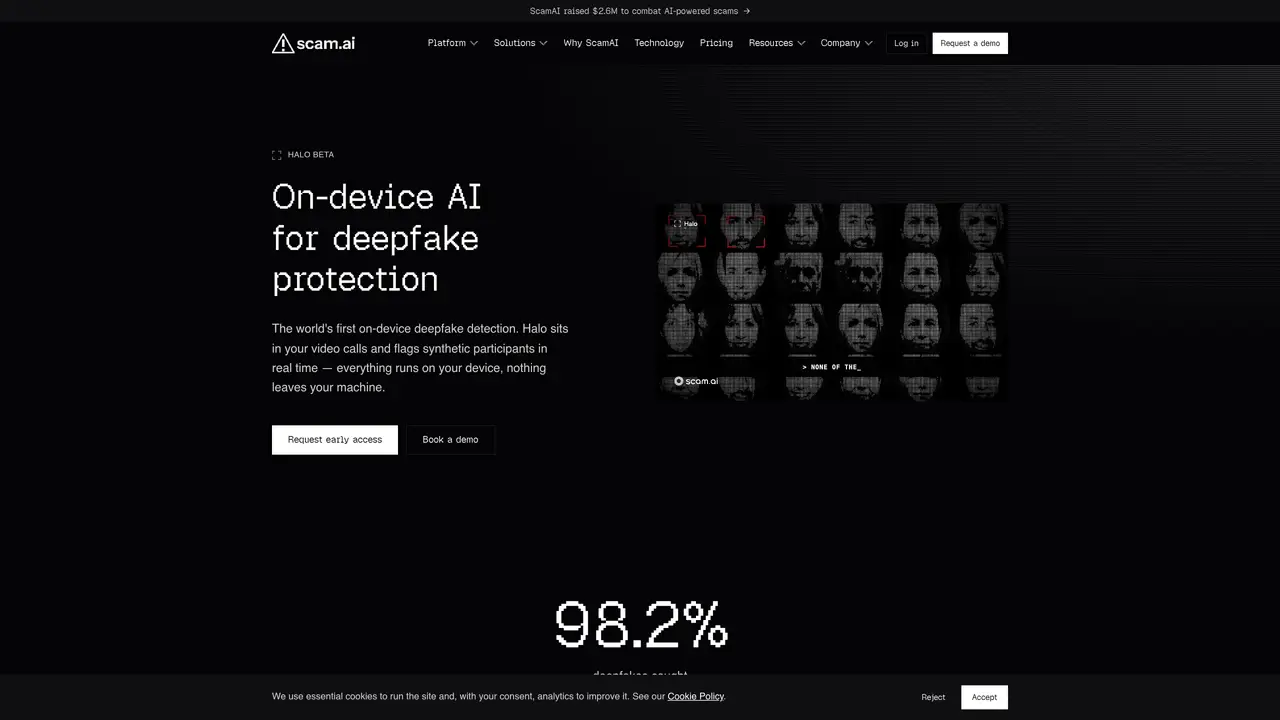
Halo is a lightweight application that integrates with video call clients to detect synthetic participants in real time. It operates entirely on the user’s device, analyzing video streams locally without uploading data to external servers. The tool flags deepfakes by evaluating multiple signals such as swapped faces, looped backgrounds, and fake camera feeds using the Eva V1.6 Detection Model. Halo is designed for fraud, risk, and trust & safety teams in sectors like banking, fintech, insurance, and marketplaces where verifying participant authenticity is critical. Installation involves running the app alongside existing meeting software, after which it monitors calls and provides immediate risk signals when synthetic content is detected. The detection process is private by default, ensuring no call data leaves the user’s machine. Halo is currently available as a beta version for Windows.
Halo is an on-device AI tool designed to detect deepfake participants in real time during video calls. It runs locally on the user's machine, analyzing video streams without uploading data to external servers, and flags synthetic content by evaluating multiple signals such as swapped faces or looped backgrounds.
Halo is primarily suited for fraud, risk, and trust & safety teams in sectors like banking, fintech, insurance, and marketplaces where verifying participant authenticity is critical. It is also relevant for organizations handling KYC, ID verification, or meeting security.
Halo operates as a lightweight app alongside existing meeting software. It monitors the video stream locally, analyzes it in real time using the Eva V1.6 Detection Model, and provides immediate risk signals when synthetic content is detected, including supporting evidence.
Halo is currently available as a beta version for Windows. The tool runs entirely on the user’s device, ensuring no call data leaves the machine.
Access to Halo is available through an early access program. Users can request the installer and activation code by submitting their details via the ScamAI website, or book a demo for a guided onboarding experience.
Halo is designed to work alongside existing video call clients as a standalone application. It does not require integration with other platforms but functions as an additional layer of security during meetings.
We use essential cookies to run aitoolnavio™, and optional cookies to analyze traffic and measure our marketing. You choose what we use — optional cookies stay off unless you turn them on. See our Privacy Policy.
One short email a week: fresh tools worth trying, honest takes and the updates that actually matter. No spam, unsubscribe any time.
Tesla’s AI stack powers Full Self-Driving, Optimus humanoid robots, and real-world autonomy with neural networks, custom hardware, and Dojo-scale training.
Customize, deploy, and control AI models securely.
Standardize application packaging and execution with portable containers for consistent local and cloud workflows.
AI-first electronic design automation for ICs, advanced packaging, and systems with hardware-assisted acceleration and elastic cloud delivery.
Unified AI-powered platform for real-time monitoring, analytics, and security across cloud infrastructure, applications, and services.
Prevention-first, AI-powered cybersecurity platform protecting networks, clouds, and endpoints with unified controls and autonomous response.
Automate tasks, analyze data, and ensure data security with advanced measures.
Cloud communications platform that lets developers embed SMS, voice, WhatsApp, email, video, verification, and conversational AI via APIs.
AI-powered endpoint security with XDR, cloud or on-prem control, and low system impact for ransomware, email threats, and account takeover prevention.
Automate error tracking, monitor application performance, and gain insights with advanced analytics.
Identify stolen identities, uncover copyright infringements, and find unauthorized use of images with precision.
Instant threat detection and response, AI-powered prevention, unified dashboard for full visibility and control.
Matched on what this tool does — grouped by the job you would be replacing.
matches Local video stream analysis · Real-time risk signal generation · Multi-signal detection (faces, backgrounds, camera feeds)
Detect manipulated images, recognize deepfakes, and analyze real and deepfake images with high accuracy.
Real-time AI assistant that provides live, private answers during calls using on-device processing
Browser-based suite for detecting AI-generated images, masking sensitive data, and anonymizing faces or IDs
matches Real-time face switching · Face swapping in videos, images, and GIFs · AI-powered face swapping
Transform into celebrities, switch faces with friends, and add fun effects to live streams or video calls.
AI tool that swaps faces in videos, images, and GIFs to create realistic deepfake content.
Real-time AI face-swapping for live camera feeds and video calls
Free AI Video Face Swap Online (no sign-up, no limits) - Arting.AI