
CLI tool for installing and managing reusable agent skills from a public skills pack
2.1M visits/mo-16.4%#21 Automation & Agents

Automate content generation, explore AI-powered tasks, and optimize WordPress performance for improved efficiency.
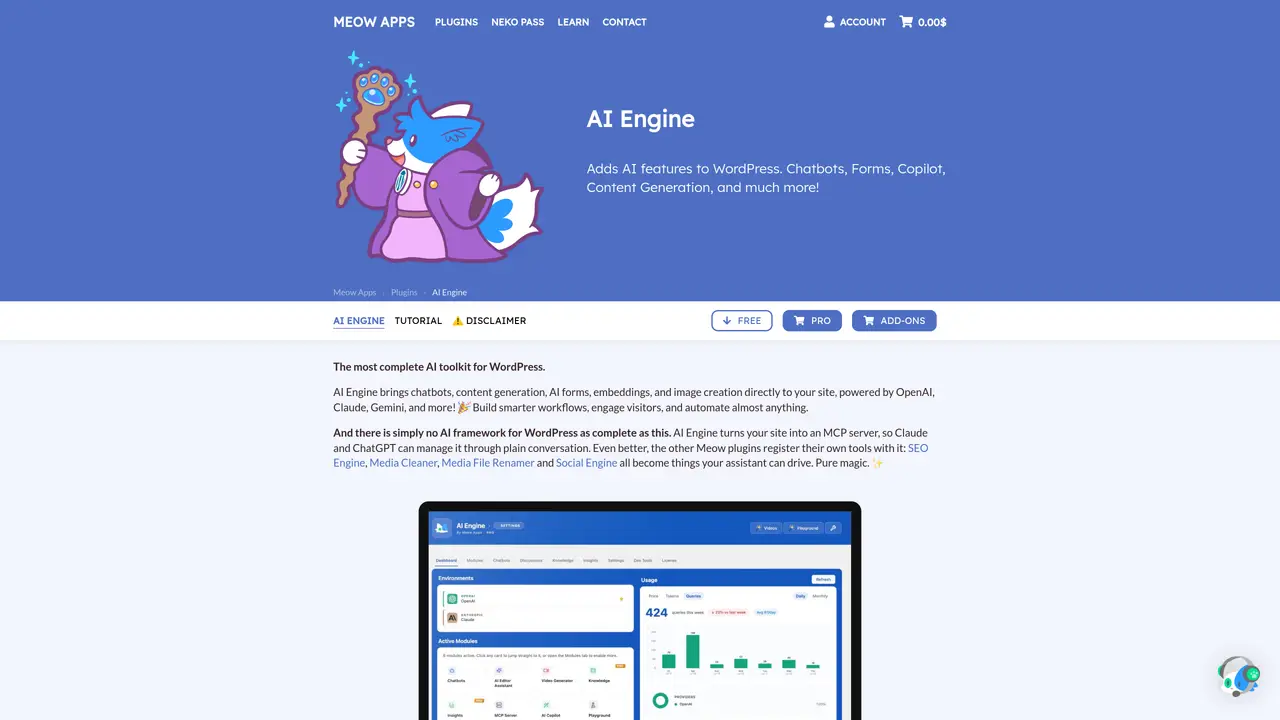
AI Engine is a powerful plugin for WordPress that utilizes the power of Artificial Intelligence (AI) to enhance the user experience. With AI Engine, users can create fresh and engaging content for their WordPress site using the latest GPT technology. Additionally, users can explore AI-powered tasks such as translation and correction in the AI playground, helping to improve their site’s performance. AI Engine makes it easy to add AI-enhanced features to any WordPress site with a few clicks. With its intuitive user interface and advanced features such as automated content generation and task optimization, users can quickly and easily create engaging content and see results. AI Engine also includes a variety of helpful tools and resources to help users get the most out of the plugin. AI Engine is an invaluable resource for anyone looking to take their WordPress site to the next level. With its powerful AI capabilities, users can create content faster, optimize tasks easily, and get the most out of their WordPress experience.
AI Engine is a WordPress plugin that integrates AI capabilities such as chatbots, content generation, forms, embeddings, and image creation directly into a WordPress site. It supports multiple AI providers like OpenAI, Claude, and Gemini, allowing users to leverage their own accounts and models without vendor lock-in.
AI Engine is designed for WordPress users looking to enhance their site with AI features, including content creators, developers, agencies, and site administrators. It suits those who want to automate workflows, engage visitors, or manage their site through AI agents.
No coding is required for most features. AI Engine offers an intuitive interface for building chatbots, generating content, and managing AI tasks. However, advanced users can leverage APIs or MCP integration for deeper customization.
Yes, AI Engine supports multiple AI providers including OpenAI, Anthropic, Google, Mistral, Perplexity, and OpenRouter. Users can switch between models or providers at any time without being locked into a single service.
AI Engine offers a free version with core features and a Pro version with advanced capabilities such as AI forms, function calling, embeddings, and usage insights. Pricing details are available on the plugin’s official website.
AI Engine allows users to bring their own AI provider accounts and API keys, ensuring data is processed according to the user’s chosen provider’s policies. The plugin itself does not store or manage user data beyond what is necessary for its operation.
We use essential cookies to run aitoolnavio™, and optional cookies to analyze traffic and measure our marketing. You choose what we use — optional cookies stay off unless you turn them on. See our Privacy Policy.
One short email a week: fresh tools worth trying, honest takes and the updates that actually matter. No spam, unsubscribe any time.
CLI tool for installing and managing reusable agent skills from a public skills pack
WordPress plugin exposing 240 tools to MCP-compatible AI clients for site management and data retrieval.
AI-driven personalized coaching for interview preparation, enhancing candidates' skills, confidence, and strategy.
Build AI-driven UI features directly in React.
Directory of third-party skills, MCP servers and plugins for Claude AI tools
Indexes and distributes plugins for DeepSeek Harness agents
AI-powered WordPress plugin advisor that searches, compares, and recommends plugins from a 61,000+ plugin index.
Marketplace for AI agent tools using the Model Context Protocol standard
Directory of portable AI agent plugins with source links and installation context
Automate data access, utilize complex computations, and enjoy a secure user experience with ChatGPT safety measures.
Enable natural language questions, real-time insights, interactive user experience, secure and reliable data querying.
A Stream Deck plugin for managing and triggering actions with customizable fingertip controls
Matched on what this tool does — grouped by the job you would be replacing.
matches Automate content generation · Explore AI-powered tasks such as translation and correction · Advanced features for automated content generation and task optimization
Generate content, correct spelling, suggest synonyms to enhance writing.
Generate tailored ideas, refine content, and effortlessly publish engaging, high-quality content with a few clicks.
AI Doc GPT automates document generation, generates high-quality content quickly, and summarizes large documents.
Create engaging content, optimize SEO, and customize with translation, correction, and more.
matches Optimize tasks for improved WordPress performance
Open source SEO platform offering keyword research, rank tracking, and AI agent integration for self-hosted or usage-based access.
WordPress plugin that helps users create and optimize SEO-friendly content with meta tags, featured images, and built-in tutorials.