Unleash creativity: edit photos, videos, and designs with AI-enhanced tools.
16M visits/mo-11.4%#6 Image & Design

Rename layers with one click, prevent renaming of components and instances using AI.
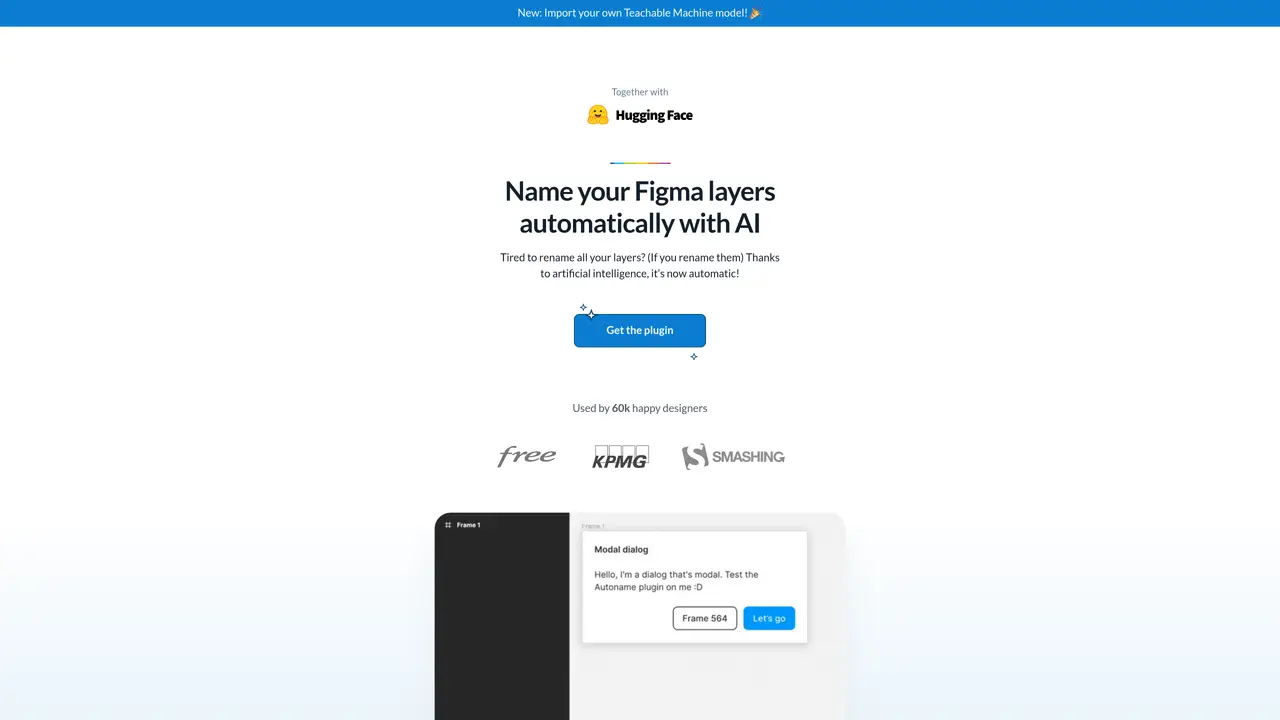
Autoname is the perfect solution for designers and developers who want to quickly and easily rename all of their Figma design layers. With its powerful Artificial Intelligence (AI) technology, users can instantly rename all of their layers with just one click, saving time and eliminating the need to manually rename each layer. Autoname is smart enough to detect and prevent renaming of components and instances layers, while still being fast and efficient. Plus, Autoname is completely free and open-source, released under the MIT License, and is powered by the Svelte framework. With Autoname, you can quickly and easily streamline your workflow and get more done in less time. Make tedious tasks a thing of the past and take your Figma designs to the next level with Autoname.
Autoname is a Figma plugin that automatically renames all design layers in a file using artificial intelligence with a single click.
The tool is designed for designers and developers who work with Figma and want to save time by automating the tedious task of manually renaming layers.
No, Autoname is smart enough to detect and prevent renaming of components and instances layers to preserve their structure.
Yes, Autoname is completely free and open-source, released under the MIT License, and users can contribute to its development.
You can get started by installing the Autoname plugin directly from the Figma Community or the Autoname website and using it to rename layers in your Figma files.
Yes, Autoname now supports importing your own Teachable Machine model for customized layer naming.
autoname.org · third-party estimates from Similarweb
Last 2 months · grows by one month every month
Share of visits · estimated visits
Image & Design · Sep 2026
Traffic figures are third-party estimates, good for scale and trends; they can differ from a company's own numbers. Updated monthly.
We use essential cookies to run aitoolnavio™, and optional cookies to analyze traffic and measure our marketing. You choose what we use — optional cookies stay off unless you turn them on. See our Privacy Policy.
One short email a week: fresh tools worth trying, honest takes and the updates that actually matter. No spam, unsubscribe any time.
Unleash creativity: edit photos, videos, and designs with AI-enhanced tools.
A drag-and-drop design platform for presentations and social graphics with AI photo tools and a large template library.
Create captivating, customizable presentations and easily share them across devices with a cloud-based platform.
Generate custom visuals for blogs, create unique social media images, and design eye-catching visuals for marketing campaigns.
Create stunning designs, edit photos, remove objects, make collages, and transform images with powerful AI tools and effects.
Create auto-resized campaign images and videos with DaVinci AI's generative media suite.
Create precise 3D models, collaborate on designs, and analyze simulations in real-time.
Cloudinary provides APIs and tools to integrate, manage, and optimize images and videos for AI-driven visual experiences.
Generate custom color palettes instantly with AI or from images for design projects.
Turn simple prompts into flyers, social posts, emails, event pages, and tickets using AI-powered design and marketing tools.
Generate high-quality images with flawless embedded text from text prompts, plus batch output and style control in a creative canvas.
Edit, transform, and enhance photos with text prompts using our free AI photo editor online.
Matched on what this tool does — grouped by the job you would be replacing.
matches Instantly rename all layers with one click · AI-powered to detect and prevent renaming of components and instances
Connects AI agents to a design system and design skills for consistent UI
macOS app that renames screenshots and files by content and provides private, offline search for Mac users.