
Unleash creativity: edit photos, videos, and designs with AI-enhanced tools.
16M visits/mo-11.4%#6 Image & Design
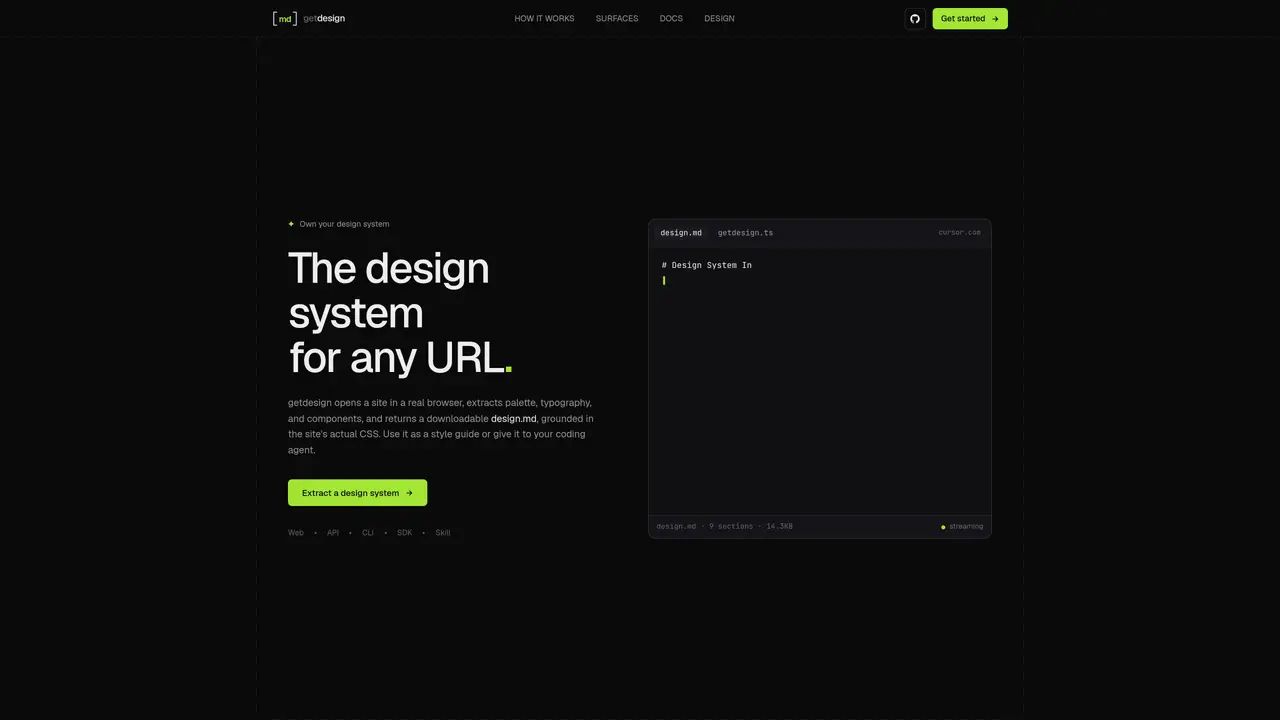
getdesign opens a public website in a real browser, extracts the rendered CSS, and generates a design.md file containing the site’s palette, typography, spacing, and components. The output is grounded in the site’s actual CSS values and can be used as a style guide or provided to a coding agent as context. Visual runs also include captured screenshots of the rendered page. The tool supports multiple interfaces: a web dashboard, an HTTP API, a CLI, a TypeScript SDK, and a portable Skill for coding agents. Each surface calls the same agent core, with the Skill variant running inside the agent’s own environment. Users must supply their own Daytona and OpenAI keys for hosted runs, while cached examples can be explored without providers.
getdesign extracts a design system from a public website by reading its CSS and capturing the rendered page. It generates a design.md file containing the site's colors, typography, spacing, and components, which can be used as a style guide or provided to a coding agent.
A design.md file is a Markdown document that describes a website's design system. It can be read as a style guide or shared with a coding agent to provide context when building or modifying an interface.
Save your Daytona and OpenAI keys in the Account settings, then paste a public website URL into the agent. getdesign reads CSS tokens, captures the page in a browser, and generates a design.md file you can download. Cached examples can be explored without provider keys.
Yes. You can provide the generated design.md and screenshots to your coding agent, or install the getdesign Skill to extract design context using the agent's own tools. The CLI and TypeScript SDK also run locally on Bun, and the HTTP API supports hosted runs.
The dashboard uses WorkOS sign-in. Hosted runs require your own Daytona and OpenAI keys; there is no getdesign API key in V1. V1 has no getdesign run billing, but you pay Daytona for browser capture and OpenAI for model usage.
Your dashboard runs are private by default. Publishing creates a shareable link for viewing and downloading the design document and screenshots. You can make a run private again to restrict future access, though previously downloaded copies remain with recipients.
getdesign.app · third-party estimates from Similarweb
Last 4 months · grows by one month every month
Share of visits by channel
Share of visits · estimated visits
Image & Design · Sep 2026
Traffic figures are third-party estimates, good for scale and trends; they can differ from a company's own numbers. Updated monthly.
We use essential cookies to run aitoolnavio™, and optional cookies to analyze traffic and measure our marketing. You choose what we use — optional cookies stay off unless you turn them on. See our Privacy Policy.
One short email a week: fresh tools worth trying, honest takes and the updates that actually matter. No spam, unsubscribe any time.
Unleash creativity: edit photos, videos, and designs with AI-enhanced tools.
A drag-and-drop design platform for presentations and social graphics with AI photo tools and a large template library.
Create captivating, customizable presentations and easily share them across devices with a cloud-based platform.
Generate custom visuals for blogs, create unique social media images, and design eye-catching visuals for marketing campaigns.
Create stunning designs, edit photos, remove objects, make collages, and transform images with powerful AI tools and effects.
Create auto-resized campaign images and videos with DaVinci AI's generative media suite.
Create precise 3D models, collaborate on designs, and analyze simulations in real-time.
Cloudinary provides APIs and tools to integrate, manage, and optimize images and videos for AI-driven visual experiences.
Generate custom color palettes instantly with AI or from images for design projects.
Turn simple prompts into flyers, social posts, emails, event pages, and tickets using AI-powered design and marketing tools.
Generate high-quality images with flawless embedded text from text prompts, plus batch output and style control in a creative canvas.
Edit, transform, and enhance photos with text prompts using our free AI photo editor online.
Matched on what this tool does — grouped by the job you would be replacing.
matches Extracts color palette from CSS · Captures typography rules and spacing values · Generates a design.md file with structured design tokens
Browser extension that extracts live website components as AI prompts or clean React code for reuse in development and design workflows.
Clone, extract, and remix any website design with AI, then generate production-ready code instantly.
Extracts a website's design tokens and layout into AI prompts
matches Real design tokens and spacing values extraction · Component API and prop validation · Pull request compliance checking
Enforces design system rules in AI-generated code and pull requests
Measures rendered UI against a reference design using property-level comparisons