Summarizes, extracts, and rewrites content from files.
89M visits/mo+8.7%#2 Productivity & Office

A Chrome extension that lets users upload PDFs, Word docs, Excel files, and images directly into ChatGPT for text extraction and analysis.
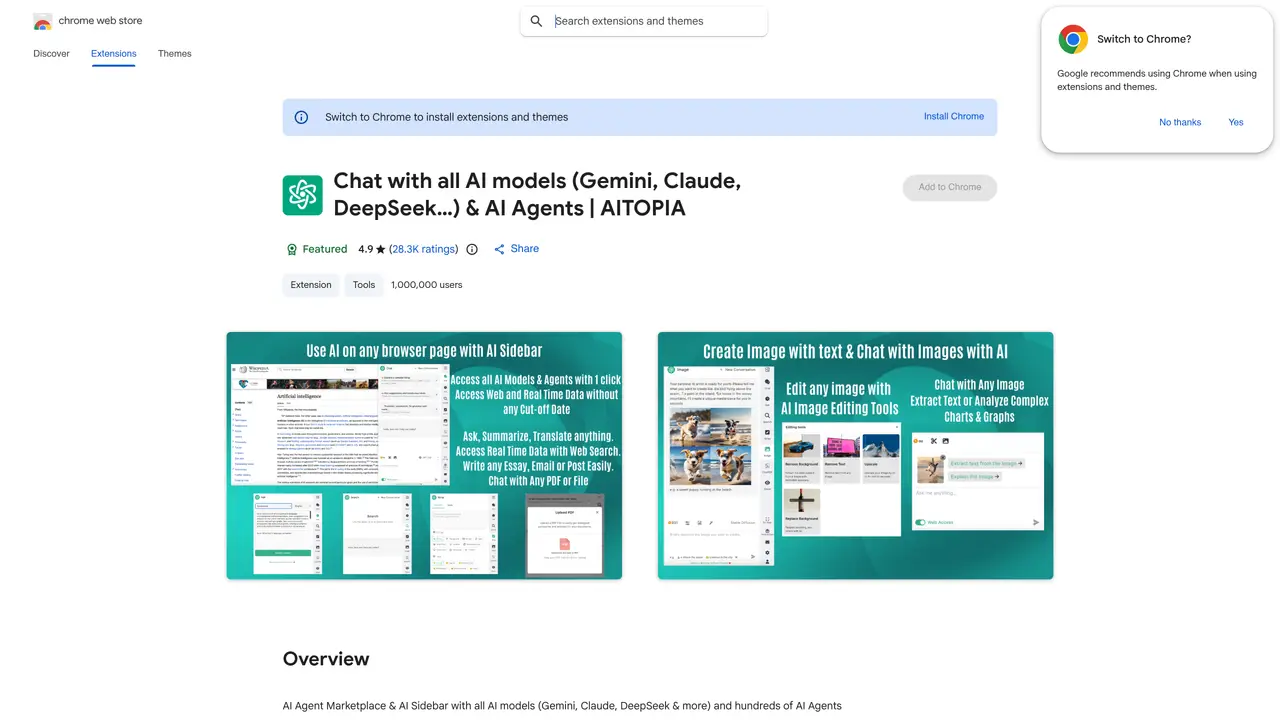
ChatGPT File Uploader Extended is a Google Chrome extension that enables users to upload and process multiple file types directly within the ChatGPT interface. It supports PDFs, Word documents, Excel spreadsheets, and image files, allowing for seamless integration of external documents into conversations. The extension automatically extracts text content from uploaded files and provides configurable chunked processing to handle large files efficiently. Users can generate conversation prompts based on file context, monitor upload progress through a user-friendly interface, and leverage compatibility with Google Chrome for a smooth experience. By bridging the gap between file-based data and ChatGPT’s conversational AI, this tool enhances workflows for tasks like document analysis, data extraction, and contextual querying. It is designed for professionals, researchers, and anyone needing to incorporate external files into AI-driven discussions without manual copying or reformatting.
It is a Google Chrome extension that allows users to upload and analyze files directly within ChatGPT or other supported AI models, enabling contextual querying and document processing.
Professionals, researchers, and users who need to incorporate external files into AI-driven discussions without manual copying or reformatting, such as analyzing documents, extracting data, or querying file content.
The extension supports multiple AI models including OpenAI, Anthropic, Google, and DeepSeek, allowing users to choose the best model for their needs.
Yes, the tool includes web access features that allow users to retrieve up-to-date information beyond the AI model's training cut-off dates.
It supports PDFs, Word documents, Excel spreadsheets, and image files, enabling text extraction and analysis from these formats.
Install the extension from the Chrome Web Store, then use the sidebar interface to upload files and interact with AI models directly from your browser.
We use essential cookies to run aitoolnavio™, and optional cookies to analyze traffic and measure our marketing. You choose what we use — optional cookies stay off unless you turn them on. See our Privacy Policy.
One short email a week: fresh tools worth trying, honest takes and the updates that actually matter. No spam, unsubscribe any time.
Summarizes, extracts, and rewrites content from files.
Automate citation and reference management, aid research with text and data mining, and securely store and share documents.
Capture, organize, and share ideas, notes, and documents effortlessly.
Headless CMS that lets developers manage structured content and deliver it anywhere via flexible APIs and real-time collaboration tools.
Efficiently create and manage cases, streamline workflows, securely store and share documents, and collaborate with colleagues.
Access files, collaborate, and secure your data with unbeatable customizable system.
An AI-powered PDF editor and converter for editing, OCR, signing, annotating, merging, and chatting with documents across devices.
Browser-based PDF editor that edits, signs, converts, merges, compresses, and shares files, with AI for form filling, document chat, and PDF creation.
Securely store, access, and search documents from any device with ease.
Create and customize legal documents, consult lawyers, and access legal guides all in one platform.
Centralize brand assets, automate approvals, and collaborate with external partners in a single digital asset management platform.
AI diagramming and documentation tool for engineering teams to create and update cloud architecture, ERDs, and flowcharts from prompts, code, and CI/CD workflows.
Matched on what this tool does — grouped by the job you would be replacing.
matches Upload PDF, Word, Excel, and image files directly in ChatGPT · Automatic text extraction from uploaded files · Configurable chunked processing for large files
Upload and chat with multiple PDFs using AI-generated links for private, secure document analysis and summarization.
Revolutionize productivity with 1-Click AI: Chat, summarize, translate, and visualize effortlessly.
Extract insights from PDFs, Word docs, CSVs, Excel files, and SQL databases by chatting with them in natural language.
Browser extension that lets users query web pages and documents with multiple AI models via a side panel
matches Upload PDF, Word, Excel, and image files directly in ChatGPT · Automatic text extraction from uploaded files · User-friendly file selection and progress monitoring
Summarizes, extracts, and rewrites content from files.
Convert PDFs to Word, Excel, PowerPoint, HTML, merge multiple PDFs, and extract images.
Turn images to well-structured text notes with AI