Summarizes, extracts, and rewrites content from files.
89M visits/mo+8.7%#2 Productivity & Office

Cleans and token-optimizes documents for AI prompts with on-device PII scrubbing
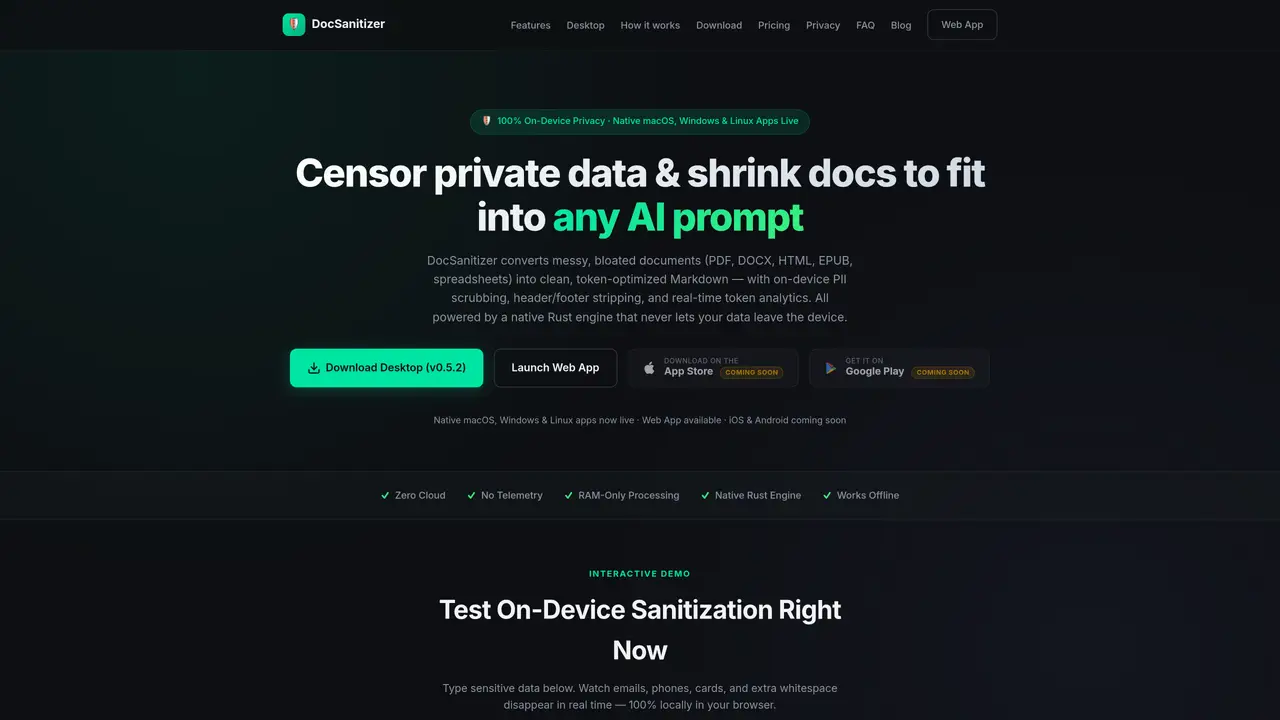
DocSanitizer processes documents to prepare them for AI prompts by removing personally identifiable information and optimizing token usage. It supports formats including PDF, DOCX, HTML, EPUB, spreadsheets, and images via on-device OCR. The tool performs PII redaction such as emails, phone numbers, credit cards, and medical codes, with advanced features like reversible pseudonyms and privacy audit reports. Processing occurs entirely on the user’s device using a native Rust engine and ONNX Runtime, ensuring no data leaves the system. Token optimization reduces document size for better AI prompt fitting, and features include auto-chunking, custom regex rules, and multi-format support. The desktop application is available for macOS, Windows, and Linux, with a web app and mobile apps planned for the future.
DocSanitizer prepares documents for AI prompts by removing personally identifiable information and optimizing token usage. It supports formats like PDF, DOCX, HTML, EPUB, spreadsheets, and images via on-device OCR, ensuring all processing occurs locally on the user’s device.
The tool is designed for professionals handling sensitive documents, such as researchers, legal teams, healthcare providers, and developers who need to sanitize data before using AI tools while maintaining strict privacy.
No, DocSanitizer operates entirely offline, with all processing performed locally on the user’s device using a native Rust engine and ONNX Runtime. No data is sent to external servers.
DocSanitizer ensures 100% on-device processing with no telemetry, cloud uploads, or network calls. It uses RAM-only processing and provides privacy audit reports to document what data was removed or masked.
The free version allows processing up to 5 files per day, with a limit of 15 pages per file. It includes basic PII redaction (emails, phone numbers, NDC, and ICD-10 codes), header/footer stripping, and on-device token counting.
Users can download the native desktop app for macOS, Windows, or Linux from the official website. The web app is also available for immediate use, with mobile apps planned for future release.
We use essential cookies to run aitoolnavio™, and optional cookies to analyze traffic and measure our marketing. You choose what we use — optional cookies stay off unless you turn them on. See our Privacy Policy.
One short email a week: fresh tools worth trying, honest takes and the updates that actually matter. No spam, unsubscribe any time.
Summarizes, extracts, and rewrites content from files.
Automate citation and reference management, aid research with text and data mining, and securely store and share documents.
Capture, organize, and share ideas, notes, and documents effortlessly.
Headless CMS that lets developers manage structured content and deliver it anywhere via flexible APIs and real-time collaboration tools.
Efficiently create and manage cases, streamline workflows, securely store and share documents, and collaborate with colleagues.
Access files, collaborate, and secure your data with unbeatable customizable system.
An AI-powered PDF editor and converter for editing, OCR, signing, annotating, merging, and chatting with documents across devices.
Browser-based PDF editor that edits, signs, converts, merges, compresses, and shares files, with AI for form filling, document chat, and PDF creation.
Securely store, access, and search documents from any device with ease.
Create and customize legal documents, consult lawyers, and access legal guides all in one platform.
Centralize brand assets, automate approvals, and collaborate with external partners in a single digital asset management platform.
AI diagramming and documentation tool for engineering teams to create and update cloud architecture, ERDs, and flowcharts from prompts, code, and CI/CD workflows.
Matched on what this tool does — grouped by the job you would be replacing.
matches PII redaction (emails, phones, credit cards, SSNs, IBAN, API keys) · Privacy audit report generation with export options · Reversible pseudonyms for data restoration
Offline macOS app that auto-detects and blurs sensitive data in screenshots, images, and PDFs for privacy-focused Mac users.
Browser extension that automatically redacts sensitive data from AI assistant prompts
Browser-based tools to clean, compress and anonymize text before sending it to AI models
matches Token optimization with on-device tiktoken counting · Auto-chunking with structured XML wrappers · Multi-format document processing (PDF, DOCX, HTML, EPUB, CSV/Excel, images)
matches Hardware-accelerated on-device OCR for images · AI Deep Scan for person-name detection using on-device DistilBERT
A cloud-based document transformation tool that converts files and web content into AI-ready Markdown or structured JSON for developers and data teams.
Converts files to structured Markdown with audit trails
Converts PDFs, documents and code to clean Markdown on a local Windows machine
Parse unstructured invoices, resumes, tickets, emails, etc., and export data as CSV.
Extracts text from images and PDFs online with OCR
Converts owned books into on-device AI skills for local agent use