Summarizes, extracts, and rewrites content from files.
89M visits/mo+8.7%#2 Productivity & Office

AI-powered contract analyzer and secure document scanner with e-signatures
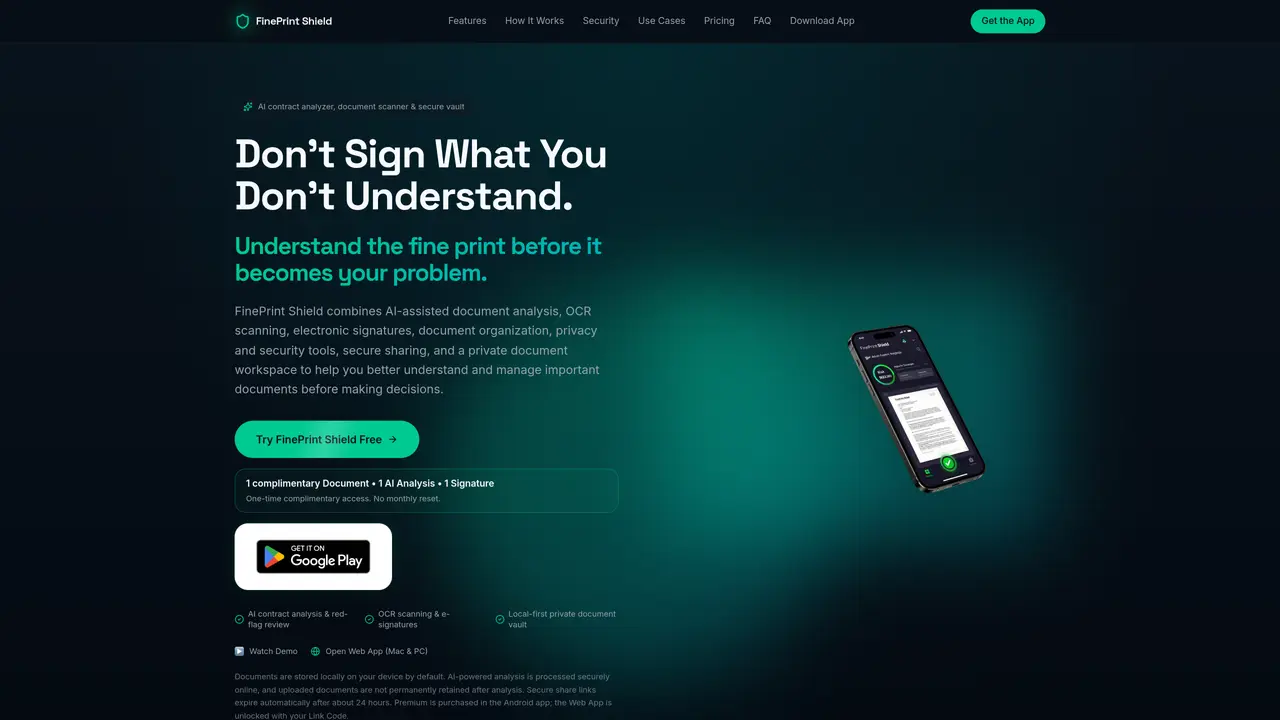
FinePrint Shield is a document workspace designed to help users analyze, organize, and manage contracts and agreements with AI assistance. The tool processes documents locally by default while leveraging secure online AI analysis to identify critical terms such as hidden fees, obligations, deadlines, and red-flag clauses in leases, contracts, and other legal documents. It supports OCR scanning to convert photos or images into searchable PDFs, allowing users to quickly locate and reference specific content within their documents. The platform enables users to annotate files, apply stamps, and organize documents efficiently within a secure workspace. FinePrint Shield also facilitates time-limited secure sharing of documents with others, ensuring controlled access to sensitive information. Electronic signatures can be added directly within the app, streamlining the signing process without requiring external tools. All files are encrypted and stored in a private vault, accessible across devices, providing users with a centralized and secure repository for their documents. Premium features include unlimited AI analysis, the ability to ask follow-up questions about documents, and the option to create reusable custom stamps for consistent document handling.
FinePrint Shield is a document workspace that combines AI-assisted contract analysis, OCR scanning, electronic signatures, and a secure local vault. It helps users understand leases, contracts, and agreements by detecting hidden fees, obligations, deadlines, and other red-flag terms before signing.
The tool is designed for individuals and professionals who need to review, understand, and manage important documents such as leases, contracts, purchase agreements, or service agreements before making decisions or commitments.
FinePrint Shield offers a complimentary one-time access with limited features, including one document analysis and one signature. Premium features, such as unlimited AI analysis and reusable custom stamps, are available through the Android app or via a Link Code for the Web App.
FinePrint Shield operates as a standalone workspace and does not list specific integrations with other platforms. It focuses on providing a self-contained solution for document scanning, analysis, signing, and secure storage.
Documents are stored locally by default, and AI analysis is processed securely online without permanent retention of uploaded files. Secure sharing links expire automatically after about 24 hours, and additional privacy controls are included.
Users can start by accessing the free web app on Mac or PC, uploading a document via camera or file import, and receiving an AI analysis. Premium features can be unlocked through the Android app or with a Link Code for the Web App.
We use essential cookies to run aitoolnavio™, and optional cookies to analyze traffic and measure our marketing. You choose what we use — optional cookies stay off unless you turn them on. See our Privacy Policy.
One short email a week: fresh tools worth trying, honest takes and the updates that actually matter. No spam, unsubscribe any time.
Summarizes, extracts, and rewrites content from files.
Automate citation and reference management, aid research with text and data mining, and securely store and share documents.
Capture, organize, and share ideas, notes, and documents effortlessly.
Headless CMS that lets developers manage structured content and deliver it anywhere via flexible APIs and real-time collaboration tools.
Efficiently create and manage cases, streamline workflows, securely store and share documents, and collaborate with colleagues.
Access files, collaborate, and secure your data with unbeatable customizable system.
An AI-powered PDF editor and converter for editing, OCR, signing, annotating, merging, and chatting with documents across devices.
Browser-based PDF editor that edits, signs, converts, merges, compresses, and shares files, with AI for form filling, document chat, and PDF creation.
Securely store, access, and search documents from any device with ease.
Create and customize legal documents, consult lawyers, and access legal guides all in one platform.
Centralize brand assets, automate approvals, and collaborate with external partners in a single digital asset management platform.
AI diagramming and documentation tool for engineering teams to create and update cloud architecture, ERDs, and flowcharts from prompts, code, and CI/CD workflows.
Matched on what this tool does — grouped by the job you would be replacing.
matches AI contract analysis with plain-language explanations · OCR scanning and PDF text extraction · Follow-up document questions answered from document content only
AI-powered contract risk scanner for client agreements
AI-powered tool that scans contracts for risks and translates legal clauses
matches Secure local document vault with PIN and biometric protection · Time-limited secure sharing links · Cross-device support for up to 3 devices
matches Electronic signatures and document annotations · Custom document stamps and photo-to-PDF conversion
A secure personal document vault with smart folders, expiry reminders, and AI guidance for storing and organizing files like IDs, contracts, and medical records.
Mobile app for scanning, organizing and redacting documents offline
An AI-powered PDF editor and converter for editing, OCR, signing, annotating, merging, and chatting with documents across devices.
AI-powered PDF editor with built-in agents for summarization, translation, and document analysis.
Web-based PDF editor with AI features for editing, summarizing and transforming documents
A free online PDF tool that lets you AI OCR, merge, compress, sign, convert and protect PDFs directly in your browser.