

Summarizes, extracts, and rewrites content from files.
89M visits/mo+8.7%#2 Productivity & Office
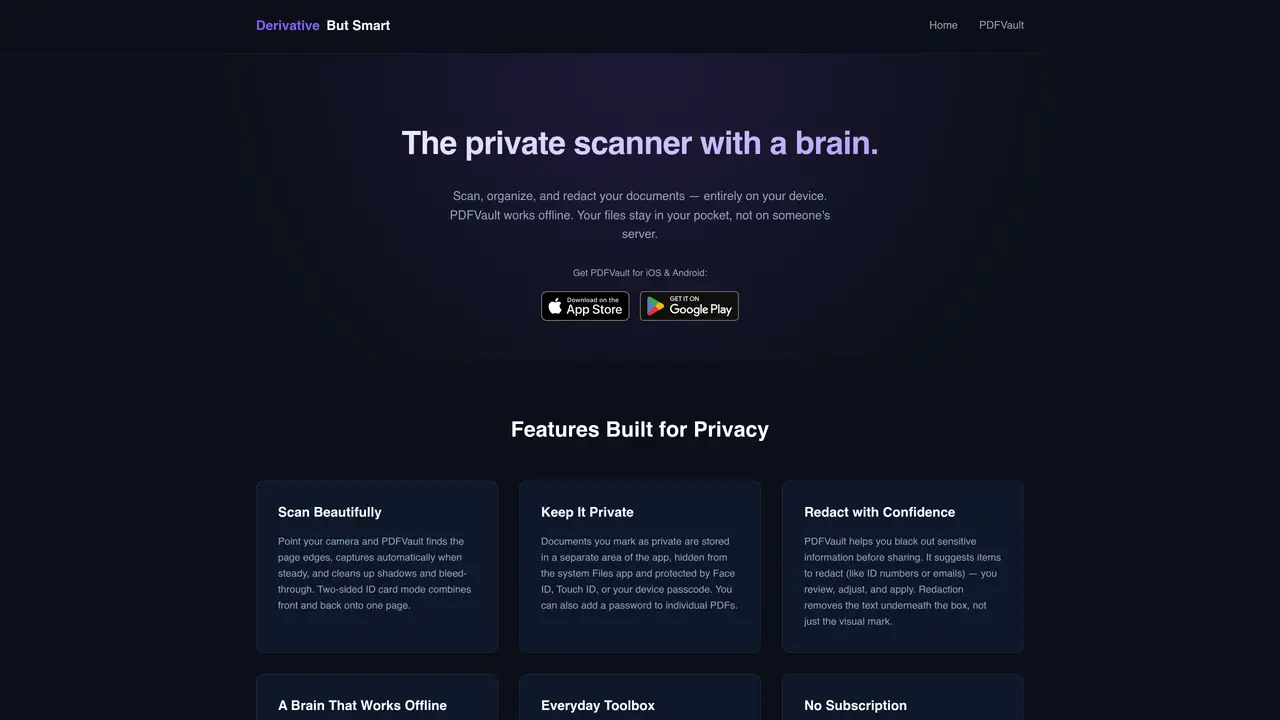
PDFVault is a mobile application designed for scanning, organizing, and redacting documents entirely on the user’s device. The tool operates offline, ensuring that files remain stored locally rather than being uploaded to external servers. It supports automatic document capture with edge detection, shadow removal, and two-sided scanning for ID cards. Users can store sensitive documents in a private vault protected by biometric authentication or a passcode, with additional password protection for individual files. The redaction feature allows users to black out sensitive information such as ID numbers or email addresses, with the text permanently removed rather than merely obscured. An optional on-device AI assists with tasks like generating filenames, folder suggestions, document summaries, and answering questions about scanned content. The app also includes utilities for compressing files, converting formats, signing documents, and stripping metadata before sharing.
PDFVault is a mobile application that scans, organizes, and redacts documents entirely on the user’s device without uploading files to external servers. It uses automatic edge detection, shadow removal, and two-sided scanning for ID cards, with optional on-device AI for tasks like summarizing documents or generating filenames.
PDFVault is designed for individuals who need to securely manage sensitive documents such as IDs, contracts, or receipts. It suits privacy-conscious users who prefer offline processing and local storage to avoid cloud-based risks.
No, PDFVault operates entirely offline. Files remain stored locally, and optional AI features run on downloaded models without sending documents to external servers. The app can function in airplane mode.
The redaction tool permanently removes sensitive text (e.g., ID numbers or emails) from documents rather than merely obscuring it. Users review suggested redactions, adjust as needed, and apply them before sharing.
Optional on-device AI can generate filenames, suggest folder organization, summarize documents, and answer questions about scanned content. AI models are downloaded once and run offline, with options to delete them anytime.
Download PDFVault from the App Store or Google Play, open the app, and begin scanning documents using the camera. Users can explore features like redaction, compression, or AI tools in the app’s interface without creating an account.
We use essential cookies to run aitoolnavio™, and optional cookies to analyze traffic and measure our marketing. You choose what we use — optional cookies stay off unless you turn them on. See our Privacy Policy.
One short email a week: fresh tools worth trying, honest takes and the updates that actually matter. No spam, unsubscribe any time.
Summarizes, extracts, and rewrites content from files.
Automate citation and reference management, aid research with text and data mining, and securely store and share documents.
Capture, organize, and share ideas, notes, and documents effortlessly.
Headless CMS that lets developers manage structured content and deliver it anywhere via flexible APIs and real-time collaboration tools.
Efficiently create and manage cases, streamline workflows, securely store and share documents, and collaborate with colleagues.
Access files, collaborate, and secure your data with unbeatable customizable system.
An AI-powered PDF editor and converter for editing, OCR, signing, annotating, merging, and chatting with documents across devices.
Browser-based PDF editor that edits, signs, converts, merges, compresses, and shares files, with AI for form filling, document chat, and PDF creation.
Securely store, access, and search documents from any device with ease.
Create and customize legal documents, consult lawyers, and access legal guides all in one platform.
Centralize brand assets, automate approvals, and collaborate with external partners in a single digital asset management platform.
AI diagramming and documentation tool for engineering teams to create and update cloud architecture, ERDs, and flowcharts from prompts, code, and CI/CD workflows.
Matched on what this tool does — grouped by the job you would be replacing.
matches Offline document scanning with automatic capture · Local file organization with suggested folders
Private AI training and assistant software that runs entirely on a user's PC
Indexes photos and videos on-device to make every memory searchable by text, speech, faces and objects
matches Smart redaction with permanent text removal
matches Private vault storage with biometric protection · On-device AI for summaries and natural-language search
matches PDF compression and format conversion tools · Document signing and metadata stripping
AI-powered contract analyzer and secure document scanner with e-signatures
Browser-based PDF editor with AI tools and local file processing
An AI-powered note-taking app that organizes, summarizes, and transcribes notes offline with local privacy.
AI-powered local file search for macOS that indexes documents, media, and other files offline for instant, private retrieval.
Free online directory offering AI-powered file editing tools for PDFs, images, videos, QR codes, and text.
Document creation, organization, signing and secure sharing platform