Summarizes, extracts, and rewrites content from files.
89M visits/mo+8.7%#2 Productivity & Office

Exports Slack, GitHub, Linear, Notion and Google Docs conversations as Markdown folders for AI agents
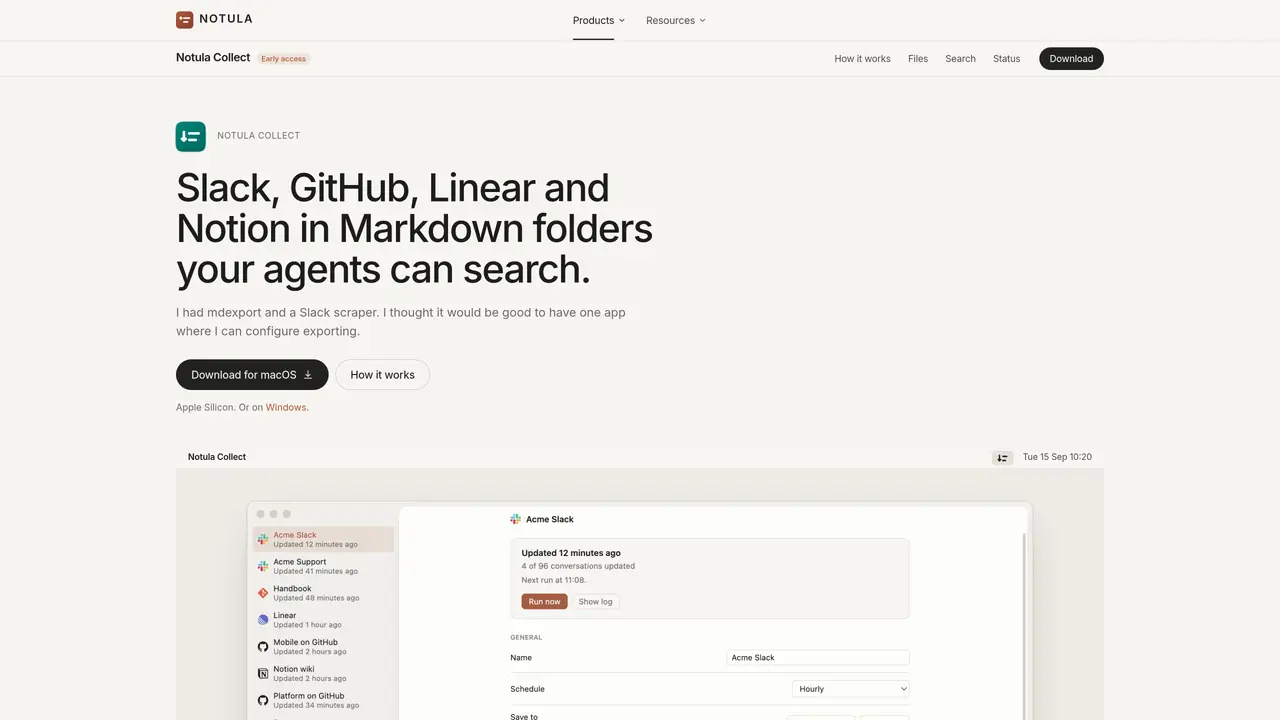
Notula Collect is a desktop application that exports conversations and documents from Slack, GitHub, Linear, Notion and Google Docs into local Markdown folders. The tool runs on macOS or Windows and connects directly to each service without requiring a server or account. Users can configure sources, set custom schedules for updates, and direct exports to specific folders. After each export run, the application updates an index that AI agents can query to retrieve relevant information. The exported Markdown files preserve conversation structure, timestamps and speaker names, making them suitable for downstream processing by tools like llmdex or Claude Code. The application avoids writing back to the original services, ensuring data remains unchanged in the source platforms.
Notula Collect is a desktop application that exports conversations and documents from Slack, GitHub, Linear, Notion, and Google Docs into local Markdown folders. It runs directly on macOS or Windows without requiring a server or account, preserving conversation structure, timestamps, and speaker names for downstream AI processing.
Notula Collect is designed for teams or individuals who need to archive and search conversations and documents from multiple platforms in a structured format. It suits users who want to integrate exported data with AI agents like llmdex or Claude Code for querying and analysis.
Users can configure custom schedules for updates, such as hourly, every few hours, daily, or manual runs. The tool filters updates by the last sync and checks for changes in issues, pull requests, or documents to avoid redundant exports.
No, Notula Collect only reads data from Slack, GitHub, Linear, Notion, and Google Docs. It never writes back to these services, ensuring the original data remains unchanged.
The tool exports data into local Markdown folders, preserving the structure of conversations, timestamps, and speaker names. These files can then be indexed and queried by AI agents.
No, Notula Collect does not require users to create an account or use a server. It runs locally on the user's device and connects directly to each service using provided tokens or sign-ins.
We use essential cookies to run aitoolnavio™, and optional cookies to analyze traffic and measure our marketing. You choose what we use — optional cookies stay off unless you turn them on. See our Privacy Policy.
One short email a week: fresh tools worth trying, honest takes and the updates that actually matter. No spam, unsubscribe any time.
Summarizes, extracts, and rewrites content from files.
Automate citation and reference management, aid research with text and data mining, and securely store and share documents.
Capture, organize, and share ideas, notes, and documents effortlessly.
Headless CMS that lets developers manage structured content and deliver it anywhere via flexible APIs and real-time collaboration tools.
Efficiently create and manage cases, streamline workflows, securely store and share documents, and collaborate with colleagues.
Access files, collaborate, and secure your data with unbeatable customizable system.
An AI-powered PDF editor and converter for editing, OCR, signing, annotating, merging, and chatting with documents across devices.
Browser-based PDF editor that edits, signs, converts, merges, compresses, and shares files, with AI for form filling, document chat, and PDF creation.
Securely store, access, and search documents from any device with ease.
Create and customize legal documents, consult lawyers, and access legal guides all in one platform.
Centralize brand assets, automate approvals, and collaborate with external partners in a single digital asset management platform.
AI diagramming and documentation tool for engineering teams to create and update cloud architecture, ERDs, and flowcharts from prompts, code, and CI/CD workflows.
Matched on what this tool does — grouped by the job you would be replacing.
matches Exports Slack threads as Markdown files with timestamps · Pulls GitHub issues and pull requests with update filtering · Retrieves Linear issues and project data
GitHub MCP lets assistants browse repositories, read code, open issues, and manage pull requests directly.
MCP Notion Server connects Notion to Cursor, Claude Desktop, and Windsurf via the MCP protocol.
AI-powered workspace for creating, editing and sharing live documents, decks and spreadsheets as web links