
Design, distribute, and analyze surveys online or via email with real-time insights using Survey Monkey.
38M visits/mo-3.9%#2 Business & Marketing

AI-powered form builder that drafts custom forms from natural language prompts
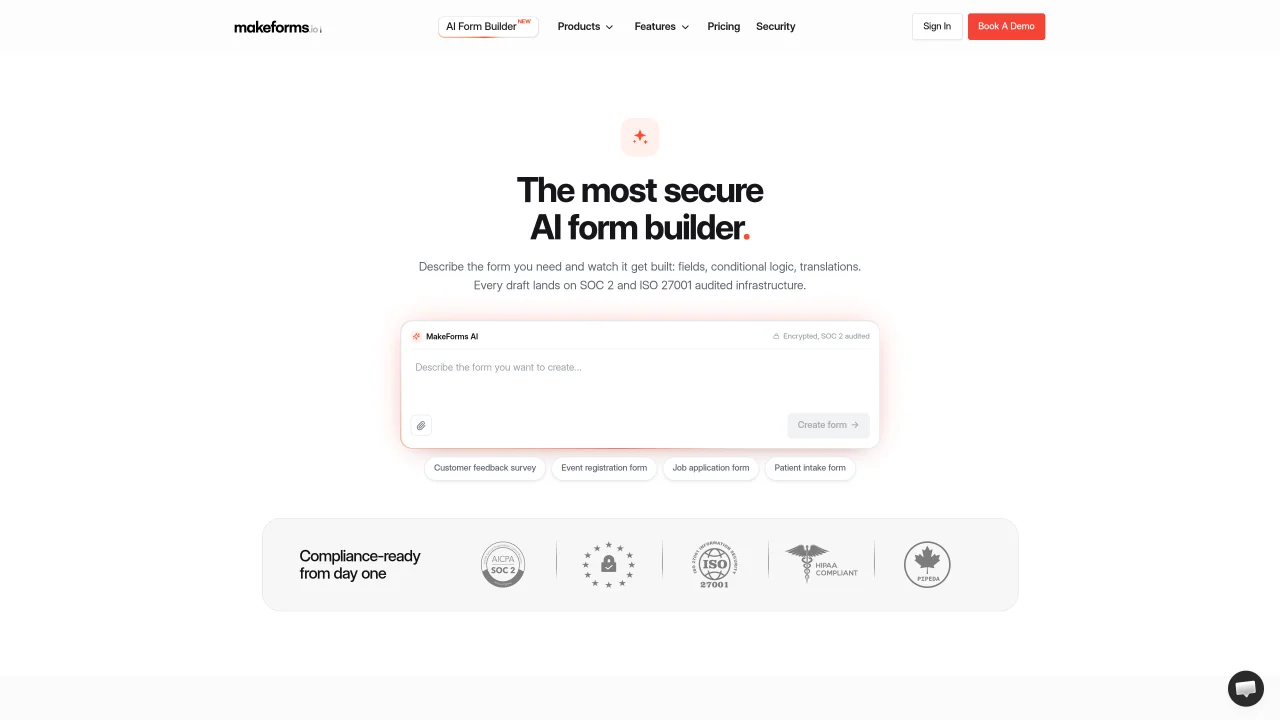
The AI Form Builder creates custom online forms by interpreting natural language descriptions or uploaded documents. It generates field types, validations, conditional logic, multi-step layouts, and translations in real time while the user watches. Forms can be built from a single sentence, a PDF, a Word document, or a photo of a paper form. The tool supports conditional branching, scored quizzes, payment collection, and spam protection including email OTP verification. Completed forms inherit the same security and compliance controls as hand-built forms on the platform, including SOC 2 and ISO 27001 audited infrastructure, HIPAA-ready configurations, end-to-end encryption, and customizable data residency. Users can publish immediately or continue refining the form through an interactive chat interface.
The AI Form Builder interprets natural language descriptions or uploaded documents to generate custom online forms with fields, validations, conditional logic, multi-step layouts, and translations in real time. It supports features like scored quizzes, payment collection, and spam protection.
The tool is designed for users who need to create secure, compliant forms quickly without manual coding. It suits businesses, healthcare providers, educators, and teams requiring data residency control and audit trails.
No account is required to begin building a form. The AI generates a draft immediately, and an email is only requested when publishing, saving, or continuing edits in the MakeForms dashboard.
Forms can be built from a single sentence, a PDF, a Word document, or a photo of a paper form. The AI interprets the content to draft the appropriate fields and logic.
Forms inherit SOC 2 and ISO 27001 audited infrastructure, HIPAA-ready configurations, end-to-end encryption, customizable data residency, and spam protection like email OTP verification. Access controls include 2FA, SSO, and sensitive-field restrictions.
Yes, the AI generates conditional branching, validation rules, and multi-step layouts based on the user's description or document. Logic is wired into the form schema as fields are created.
We use essential cookies to run aitoolnavio™, and optional cookies to analyze traffic and measure our marketing. You choose what we use — optional cookies stay off unless you turn them on. See our Privacy Policy.
One short email a week: fresh tools worth trying, honest takes and the updates that actually matter. No spam, unsubscribe any time.
Design, distribute, and analyze surveys online or via email with real-time insights using Survey Monkey.
Build conversational forms, capture rich responses, and automate follow-ups with AI-powered surveys and workflows.
AI-powered customer feedback platform for mid-market businesses to run conversational surveys and extract insights.
Engage audience with interactive polls, quizzes, and surveys, and monitor responses with powerful analytics.
Generate unique online forms with customizable answer options.
Track customer service, analyze feedback, create surveys, segment customers, and monitor & act on feedback easily.
AI-powered market research platform that gathers customer feedback through surveys and delivers fast insights for product and marketing decisions.
Create secure surveys and polls with AI-driven forms, control data with encryption, and protect user information.
Generate survey questions, analyze results, and customize the survey's appearance to align with your brand.
AI-powered platform that automates user interviews, recruitment, and reporting for faster, cost-effective qualitative research.
Drag-and-drop online form builder with payments, automation and analytics
A no-code platform for marketers and SMBs to build interactive quizzes, surveys, polls, and forms with AI content generation and analytics.
Matched on what this tool does — grouped by the job you would be replacing.
matches Natural language form creation · Multi-step form builder · Document upload for form generation
AI-powered web form builder for product teams and developers to create custom forms with conditional logic and workflow automation.
AI-powered conversational form builder that creates and publishes forms in minutes
AI-powered form builder that creates forms from plain English descriptions
AI-powered form builder with payments, bookings and spreadsheet sync
matches Conditional logic and branching · Conditional logic support · Advanced form logic with conditional rules and validation
Build conversational forms, capture rich responses, and automate follow-ups with AI-powered surveys and workflows.
Drag-and-drop online form builder with payments, automation and analytics
Create interactive, no-code forms with AI assistance, templates, and drag-and-drop customization to boost response rates.