Summarizes, extracts, and rewrites content from files.

DocuAssist.AI
$10/moStarting price
0Popularity
About DocuAssist.AI
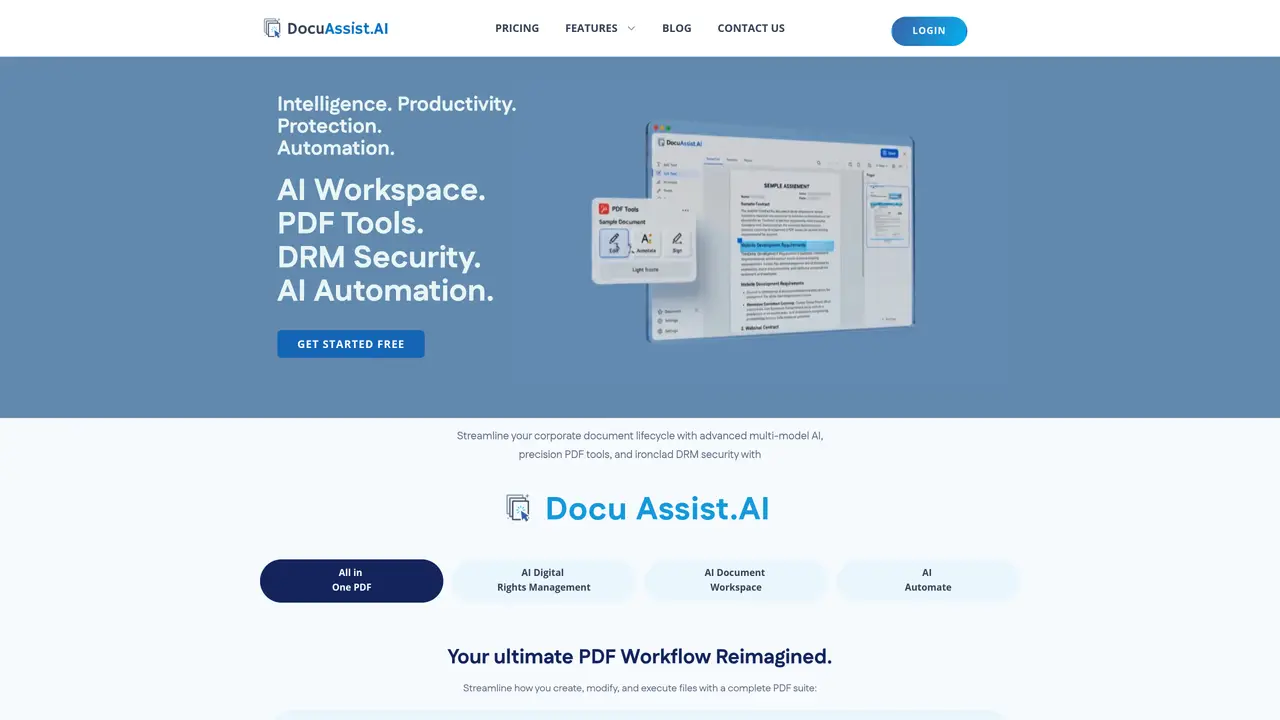
DocuAssist.AI provides a unified workspace for creating, editing, and managing PDF documents alongside AI-driven automation and digital rights management. The platform combines precision PDF tools with semantic search, multi-model AI processing, and enterprise-grade security features. Users can fill forms, redact sensitive text, insert images, apply signatures, and compress files without leaving the application. AI Workspace enables document classification, cross-file querying, summarization, and insight extraction to accelerate workflows. AI Automate handles routing, organization, and multi-source imports from cloud services like SharePoint and OneDrive. Enterprise security includes dynamic watermarking, geofencing, rasterization, and granular access controls to prevent copying, printing, or unauthorized access. Audit trails track all interactions for up to 90 days, supporting compliance and oversight requirements.
Key features
- Smart form-filling and precision PDF editing
- Secure redaction and password protection
- Digital and e-signature capabilities
- Dynamic watermarking and geofencing
- Document rasterization and blurring
- Universal search and semantic matching
- Multi-source cloud integration
- Audit trails with 90-day retention
Use cases
- Automating contract review and signing workflows
- Redacting sensitive information from legal or financial documents
- Centralizing and querying large document repositories for insights
Pros
- Unified PDF editing and AI automation in one suite
- Semantic search across documents and cloud sources
- Enterprise-grade DRM with granular access controls
- Multi-model AI for summarization, drafting, and insight extraction
- Cross-document Q&A and universal search
Cons
- No free tier beyond basic personal plan
- DRM features require paid add-on plans
- Limited DRM document allowance on standard plans
- No explicit mobile or offline support mentioned
Frequently asked questions about DocuAssist.AI
What is DocuAssist.AI and what does it do?
DocuAssist.AI is an all-in-one PDF workspace that combines precision editing, AI-driven automation, and enterprise-grade digital rights management. It allows users to create, edit, redact, and manage PDF documents while leveraging semantic search, multi-model AI processing, and secure collaboration features.
Who is DocuAssist.AI designed for?
The tool is designed for businesses and professionals who need to handle sensitive documents securely while automating workflows. It suits teams requiring advanced PDF editing, AI-powered document classification, and robust digital rights management for compliance and intellectual property protection.
How does DocuAssist.AI handle document security?
DocuAssist.AI provides enterprise-grade security with features like dynamic watermarking, geofencing, rasterization, granular access controls, and audit trails. These measures prevent unauthorized copying, printing, or access, ensuring sensitive documents remain protected.
Can DocuAssist.AI integrate with cloud storage services?
Yes, DocuAssist.AI supports multi-source imports from cloud services such as SharePoint, OneDrive, and Outlook. It can read emails with attachments and automatically organize documents in connected cloud drives.
What AI capabilities does DocuAssist.AI offer?
The platform offers AI Workspace for document classification, cross-file querying, summarization, and insight extraction. AI Automate handles routing, organization, and workflow automation, while semantic search enables quick retrieval of documents based on meaning rather than exact phrasing.
How do I get started with DocuAssist.AI?
Users can start by signing up on the DocuAssist.AI website and accessing the platform through a web browser. The tool offers a guided tour and onboarding resources to help users explore its features and begin managing documents efficiently.