AI assistant for safe, reliable productivity with code, collaboration, and integrations.

Bindlore
FreeStarting price
0Popularity
About Bindlore
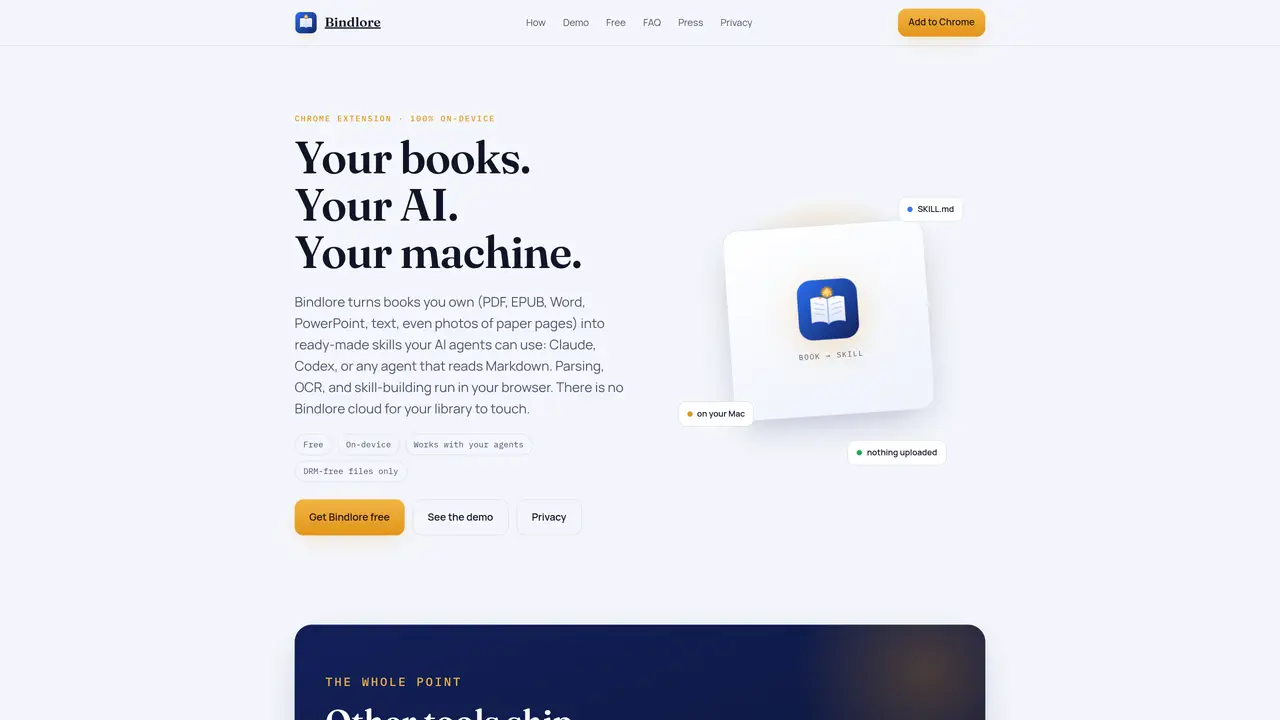
Bindlore is a Chrome extension that transforms books owned by the user into structured AI skills usable by agents such as Claude or Codex. The tool processes files locally in the browser, including PDF, EPUB, Word, PowerPoint, plain text, and photos of paper pages, without uploading content to any cloud. It performs on-device parsing, OCR for scans, and generates a SKILL.md file with chapter references, enabling agents to search, quote, and reason over the book’s content. Users can preview titles, authors, sections, and token counts before exporting the skill or alternative formats like Markdown, Word, or plain text. Batch processing allows multiple files to be converted at once, producing a single skill bundle. Optional AI extras such as summaries, insights, and Anki flashcards can be generated using the user’s own OpenAI or Anthropic API key, with requests routed directly to the provider. The tool explicitly refuses DRM-locked files, focusing on legally owned or public-domain content.
Key features
- On-device OCR for scans and photos
- Batch conversion of multiple files
- SKILL.md export with chapter references
- Preview of title, author, sections, and token count
- Export options: AI Skill, Markdown, Word, Text
- Optional AI summaries and flashcards via user’s API key
- DRM-free file processing only
- Works with Claude, Codex, and custom Markdown-reading agents
Use cases
- Convert owned books into AI-ready skills for research or study
- Process physical books via photos for digital agent use
- Batch convert a personal library into structured formats for agents
Pros
- Local processing with no cloud uploads for book content
- Supports multiple input formats including scans and photos
- Generates structured AI skills with chapter references
- Batch processing for multiple files
- Optional AI extras use user’s own API keys
Cons
- Requires Chrome browser and extension installation
- Does not support DRM-locked files
- Optional AI features require external API keys
- Limited to on-device processing; no cloud backup
Frequently asked questions about Bindlore
What is Bindlore?
Bindlore is a free Chrome extension that converts books owned by the user into structured AI skills (SKILL.md) for agents like Claude or Codex. It processes files locally in the browser without uploading content to any cloud.
Does Bindlore upload my books to a server?
No. On the core conversion path, parsing and skill-building occur entirely on the user's device. There is no Bindlore cloud involved in processing book content.
Is an account required to use Bindlore?
No account is required for the core conversion functionality. The tool focuses on privacy and local processing.
What file types does Bindlore support?
Supported input formats include PDF, EPUB, Word, PowerPoint, plain text, and photos or scans of paper pages. Export options include AI Skill (SKILL.md with references), Markdown, Word, or plain text.
Does Bindlore work with DRM-locked files like Kindle books?
No. Bindlore explicitly refuses DRM-locked files, as it is designed for legally owned or public-domain content only.
Where does optional AI processing (summaries, Anki flashcards) run?
Optional AI extras use the user's own OpenAI or Anthropic API key. Requests are sent directly from the browser to the provider, bypassing any Bindlore cloud.