
Automate citation and reference management, aid research with text and data mining, and securely store and share documents.
15M visits/mo+13.2%#12 Productivity & Office

Instagram Reels AI summarizer that extracts notes and code into local Markdown files
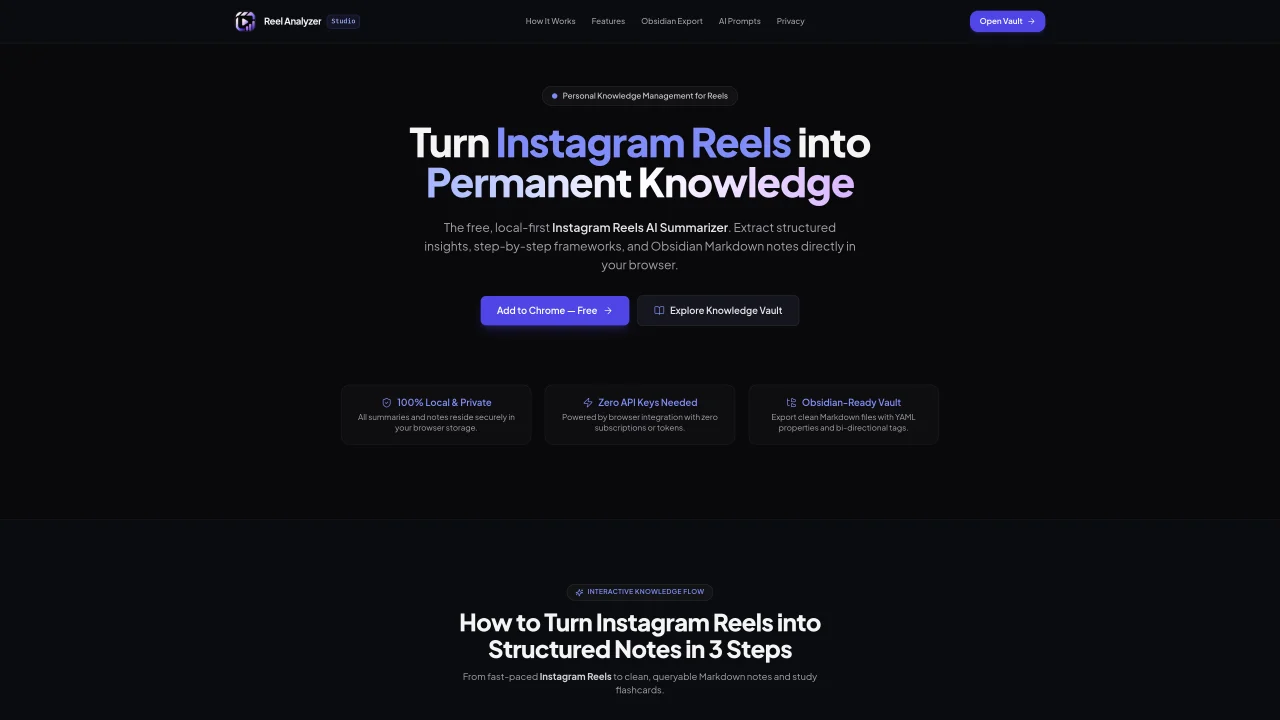
Reel Analyzer is a browser-based tool that converts Instagram Reels into structured knowledge using AI. It captures transcripts, code snippets, and key takeaways from saved Reels and organizes them into clean Markdown notes. The tool operates locally within the browser, storing all data securely without requiring cloud uploads or API keys. Users can export notes directly to Obsidian, Notion, or Apple Notes with automatic tagging and creator attribution. It supports real-time parsing of technical content, including system design and web development topics, and generates study flashcards for active recall. The extension integrates with Meta AI for secure transcript analysis while maintaining privacy. Notes are searchable by keyword, topic, or creator, enabling quick retrieval of previously viewed content.
Reel Analyzer automatically detects when a user opens a saved Instagram Reel in the browser. It sends a clean transcript and visual cues to Meta AI for analysis in a secure, local-first workflow, then extracts structured insights, key takeaways, step-by-step frameworks, and code blocks without requiring cloud uploads or external API keys.
No, Reel Analyzer does not require users to provide their own API keys. It operates locally in the browser and uses Meta AI for transcript analysis, eliminating the need for additional subscriptions or tokens.
Reel Analyzer exports notes as clean Markdown files with YAML properties and bi-directional tags, making them ready for import into Obsidian or other note-taking apps. The exported notes include creator attribution and automatically generated tags for easy organization and searchability.
Yes, all summaries and notes are stored securely in the user's local browser storage with zero tracking. The tool does not require cloud uploads or account creation, ensuring complete privacy and offline access to saved content.
Yes, Reel Analyzer allows users to search through saved notes by keyword, topic, or creator. The tool also supports instant filtering and auto-generated tags to help users quickly retrieve and organize their content.
Users can install the free Chrome extension from the Reel Analyzer website. Once installed, the tool automatically processes saved Instagram Reels, extracts structured notes, and allows direct export to note-taking apps like Obsidian or Notion.
We use essential cookies to run aitoolnavio™, and optional cookies to analyze traffic and measure our marketing. You choose what we use — optional cookies stay off unless you turn them on. See our Privacy Policy.
One short email a week: fresh tools worth trying, honest takes and the updates that actually matter. No spam, unsubscribe any time.
Automate citation and reference management, aid research with text and data mining, and securely store and share documents.
AI research assistant that finds trusted sources, summarizes documents and videos, and generates cited answers with a browser extension for capturing findings.
Transforms queries into real-time, customized pages with expert insights.
Create interactive lessons, track student progress, deliver assessments for personalized learning.
Search scientific papers, discover relevant publications, and enhance understanding of academic literature.
Revolutionizing UX research with AI-driven insight summaries, friction detection, and sentiment analysis.
Access research, sort data, and get insights with predictive analytics.
Legal search engine specializing in Indian case law and statutes
AI browser extension that reads, writes, and creates across any webpage with integrated models like ChatGPT, Claude, and Gemini.
Free tool to collect, organize, cite and share research sources
Quickly summarize documents, identify key themes, and analyze for insights.
Access applications and data, find information easily, stay informed with intuitive interface.
Matched on what this tool does — grouped by the job you would be replacing.
matches AI-powered transcript extraction · Code snippet capture · Obsidian Markdown export
Chrome extension that turns online videos into structured Markdown notes with code, formulas, and timestamped screenshots for developers and students.