Tailor your booking page, sync availability with calendars, set recurring events, and avoid double-booking with reminders.

Toki
$3.99/moStarting price
87KMonthly visits
32Popularity
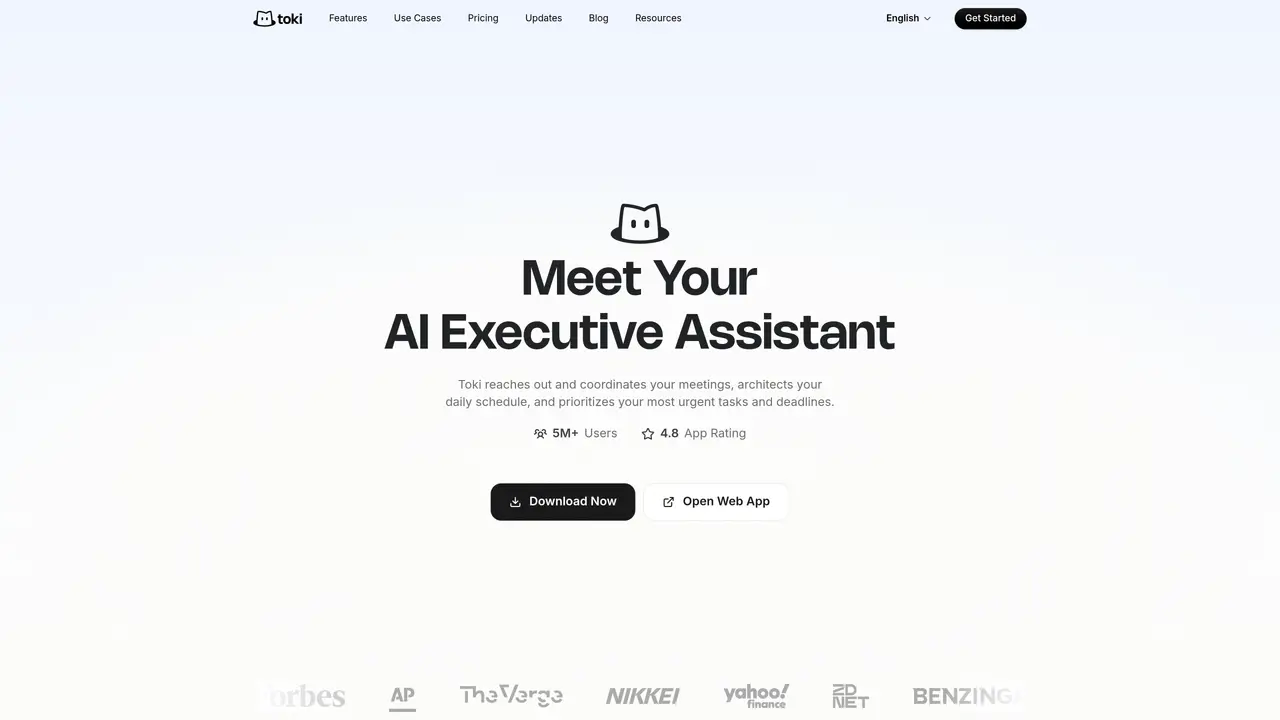
About Toki
Toki functions as an AI executive assistant that coordinates meetings, plans daily schedules and prioritizes tasks. It captures inputs from text messages, voice notes, screenshots and emails, converting them into actionable plans that are automatically scheduled and followed up. The tool synchronizes with multiple calendars including Google Calendar, iCloud and Outlook, and supports devices such as Apple Watch and Siri. Toki uses adaptive reminders, conflict resolution suggestions and daily or weekly insights to ensure plans are executed. It learns user preferences over time to improve scheduling decisions and can monitor specific triggers such as price thresholds or deadlines. The interface allows natural interaction through voice notes, quick texts or informal requests.
Key features
- AI scheduling and meeting coordination
- Multi-calendar sync across Google, iCloud and Outlook
- Adaptive reminders and escalation via CallMe
- Conflict resolution suggestions for scheduling conflicts
- Personal preference memory for tailored scheduling
- Trigger-based monitoring for deadlines and prices
- Daily and weekly time-use insights
- Natural interaction via voice notes and text
Use cases
- Automating meeting scheduling and follow-ups
- Prioritizing daily tasks and deadlines
- Monitoring price thresholds or release dates
Pros
- Multi-calendar synchronization with Google Calendar, iCloud and Outlook
- Natural-language scheduling and task management via text or voice
- Adaptive reminders including push notifications and phone alerts
- Personal preference memory that improves over time
- Conflict resolution suggestions for overlapping events
Cons
- No free tier available
- Limited to calendar and scheduling functions
- Requires subscription for full feature access
Frequently asked questions about Toki
What is Toki?
Toki is an AI executive assistant that coordinates meetings, plans daily schedules, and prioritizes tasks. It captures inputs from text messages, voice notes, screenshots, and emails, converting them into actionable plans that are automatically scheduled and followed up.
Who is Toki designed for?
Toki is designed for individuals managing personal tasks, executives streamlining complex schedules, and groups coordinating plans together. It adapts to different user needs, from busy professionals to families or teams.
How does Toki handle meeting coordination?
Toki reaches out to attendees to find mutually convenient times for meetings, similar to a real assistant. It also supports scheduling links for self-service booking, reducing back-and-forth communication.
What devices and platforms does Toki support?
Toki is available on iPhone, iPad, Apple Watch, Mac, Android phones, and tablets. It synchronizes with Google Calendar, iCloud, and Outlook, and integrates with Siri for voice-based interactions.
Can Toki work with WhatsApp?
Toki no longer operates directly on WhatsApp due to recent platform-wide updates to WhatsApp Business Solution Terms, which prohibit standalone AI products. Users can continue using Toki via the official mobile app for a full-featured experience.
How does Toki ensure data security?
Toki places a high emphasis on data security and privacy. The organization has implemented comprehensive measures to protect user data, aligning with industry standards for security and compliance.
Toki Website Engagement
Last Update: 21 hours ago
Total Monthly Visits
0
Bounce Rate
0%
Visit Duration (avg)
0.00s
Pages Per Visit
0
Country Rank
0
Brazil
Global Rank
0
Monthly Traffic
Traffic Sources
Traffic Share By Country
- Brazil52.7%
- United States14.1%
- Mexico5%
- Singapore3.8%
- South Korea3.2%