

AI-powered video messaging tool that records, shares, and manages video messages with AI-generated titles, summaries, and tasks.
16M visits/mo-3.4%#5 Chatbots & Assistants
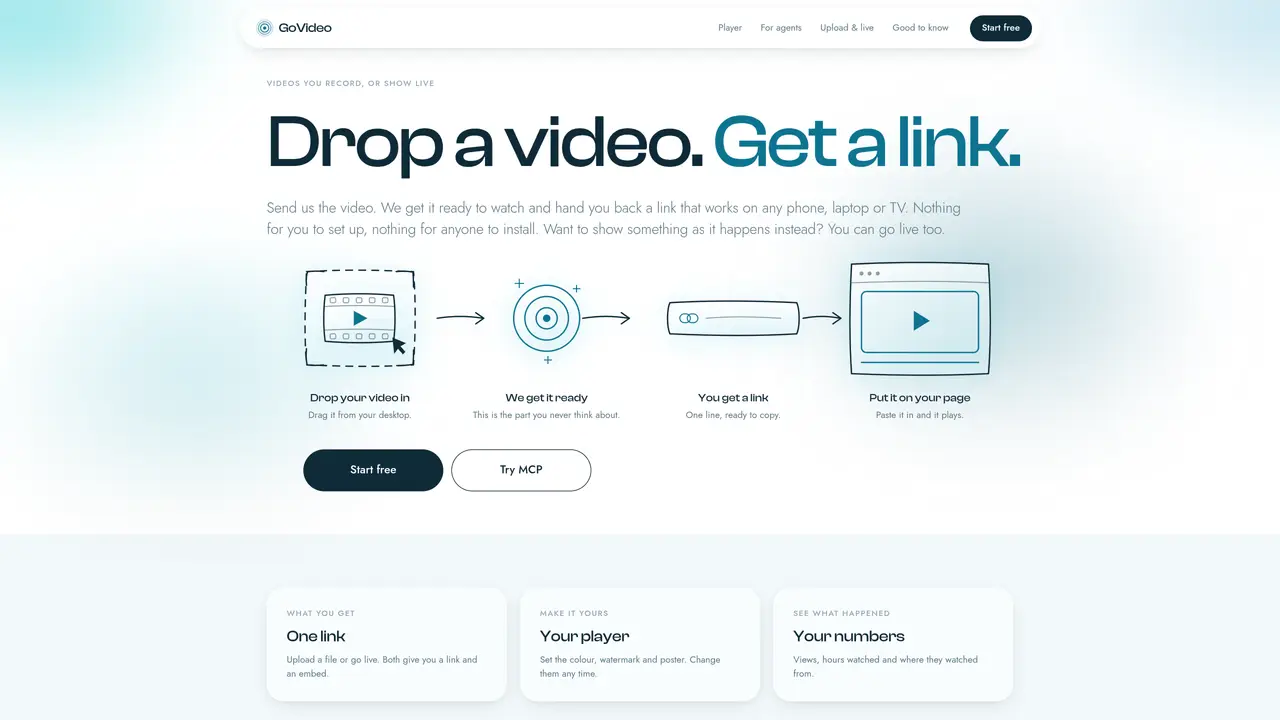
GoVideo accepts video files or live streams and returns a single link that plays in any browser without requiring viewers to install software. Users drag a file into the web interface or configure a live stream key in their encoder, and the service handles encoding, storage, and delivery. The resulting link can be shared via message, email, or embedded on a website, where it adapts playback quality to each viewer’s connection. The player interface is customizable: colors, watermark, and thumbnail can be changed at any time without re-encoding the source video. Analytics show views, watch duration, and geographic locations of viewers. A companion MCP server allows programmatic upload and live stream control from external agents, bypassing the browser interface.
GoVideo is a service that converts video files or live streams into a shareable link that plays in any browser without requiring viewers to install software. Users upload a video file or configure a live stream key, and the service handles encoding, storage, and adaptive delivery.
GoVideo is suitable for individuals or teams who need to share videos or live streams easily, such as content creators, educators, businesses, or developers looking for a simple way to distribute video content without complex setups.
To get started, sign in to GoVideo, upload a video file or configure a live stream key, and receive a shareable link. The process can be completed in about a minute, and no payment details are required during the preview period.
Yes, the player interface is customizable. Users can adjust colors, watermark, and thumbnail settings at any time without re-encoding the source video. These changes apply to the link and any embedded versions of the video.
Yes, GoVideo offers analytics that show views, watch duration, and geographic locations of viewers, helping users track engagement and performance of their shared content.
Yes, GoVideo supports live streaming. Users can configure a live stream key in their encoder, and the service handles the broadcast delivery, providing a link that works on any device.
We use essential cookies to run aitoolnavio™, and optional cookies to analyze traffic and measure our marketing. You choose what we use — optional cookies stay off unless you turn them on. See our Privacy Policy.
One short email a week: fresh tools worth trying, honest takes and the updates that actually matter. No spam, unsubscribe any time.
AI-powered video messaging tool that records, shares, and manages video messages with AI-generated titles, summaries, and tasks.
Unleash creativity: edit photos, videos, and designs with AI-enhanced tools.
Record lectures, create tutorials, and securely share videos with teams.
Create stunning videos in a few clicks, customize with powerful tools, and automate editing without experience.
Create, convert, and enhance videos effortlessly with professional effects and royalty-free music.
Create marketing videos quickly, customize with templates, music, and photos, optimize for different platforms with AI.
Automate video editing, add text-to-speech voice-overs, and optimize videos for impactful results.
Freemium, uncensored AI video and image creation for individual creators with text-to-video, image effects, and gem-based upgrades for HD and no watermarks.
Create, edit, subtitle, and translate pro-grade videos instantly.
Cloudinary provides APIs and tools to integrate, manage, and optimize images and videos for AI-driven visual experiences.
All-in-one AI suite for creators to automate workflows, edit media, and generate content across video, design, and productivity tools.
Generate cinematic video clips from text or images and refine them with AI-powered editing tools for creators and visual professionals.
Matched on what this tool does — grouped by the job you would be replacing.
matches Upload videos or go live to receive a shareable link and embed code · Drag-and-drop video upload · Live stream key generation
End-to-end encrypted file sharing with built-in AI editing for photos, videos, and documents.
Build and share interactive product demos and walkthroughs from live app flows with editing, analytics, and embed options.
Bring videos to life with Qvio, allowing viewers to ask questions and receive real-time answers.
AI tool integration for video transcoding and media workflows via Model Context Protocol