
Automate video editing, add text-to-speech voice-overs, and optimize videos for impactful results.
4.4M visits/mo-5%#13 Video & Animation

Video player with real-time AI subtitles, translation and language-learning flashcards
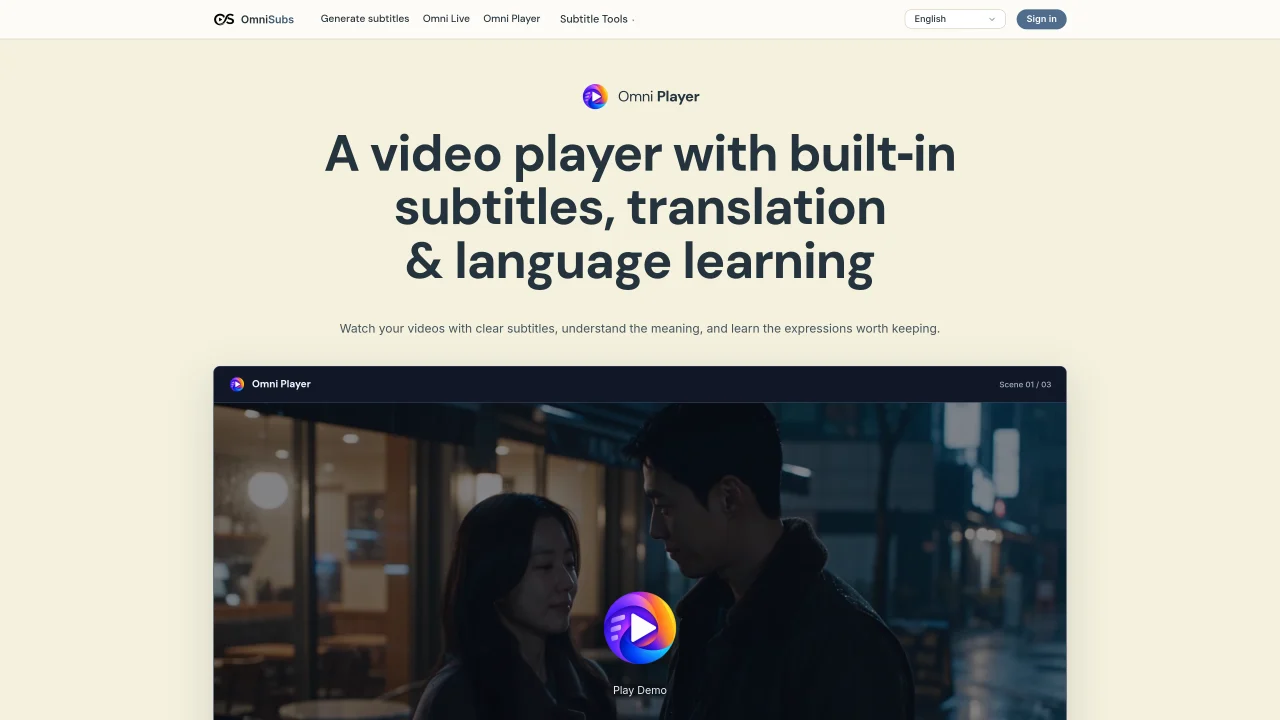
Omni Player is a desktop video player that generates real-time subtitles and translations from video audio while maintaining character names, tone and context. It supports playback from local files or streaming links including YouTube, Vimeo and Dailymotion. Subtitles can be customized for font, size, color and positioning without disrupting the learning panel. The player identifies expressions worth learning and turns them into interactive flashcards for later review. Users can practice recalling phrases, rebuilding them from word tiles, or explaining meanings in their own words. Each card retains the original sentence and timestamp so viewers can jump back to the scene for context. Learning sessions can be saved and resumed later, and subtitle generation continues even when playback is paused. All processing runs locally on the user’s machine, avoiding cloud uploads or per-minute fees.
Omni Player is a desktop video player that generates real-time subtitles and translations from video audio while preserving character names, tone, and context. It supports playback from local files or streaming links such as YouTube, Vimeo, and Dailymotion.
The tool is designed for language learners who want to improve their skills while watching videos, as well as viewers who prefer customizable subtitles and translations without cloud processing.
No, Omni Player operates on a one-time license model with local AI processing, avoiding monthly subscriptions or per-minute fees for subtitle generation.
Yes, users can paste a supported video link directly into Omni Player, which will open the video with the same subtitle and learning tools as local files.
The learning panel identifies expressions worth learning and converts them into interactive flashcards for review. Users can practice recalling phrases, rebuilding them from word tiles, or explaining meanings in their own words.
No, all processing—including speech recognition, translation, and learning analysis—runs locally on the user’s machine, so videos are not uploaded to the cloud.
We use essential cookies to run aitoolnavio™, and optional cookies to analyze traffic and measure our marketing. You choose what we use — optional cookies stay off unless you turn them on. See our Privacy Policy.
One short email a week: fresh tools worth trying, honest takes and the updates that actually matter. No spam, unsubscribe any time.
Automate video editing, add text-to-speech voice-overs, and optimize videos for impactful results.
Create custom titles, 3D objects, adjust color and contrast, add special effects, transitions, and animations.
Vmake is an all-in-one AI-powered video creation and enhancement platform designed to help creators, marketers, and businesses produce high-quality video content quickly and effortlessly.
AI-enhanced photo and video editing software with local, secure processing.
Efficiently convert, burn, and customize videos for optimal results.
Create lifelike videos from text and images.
Create stunning videos effortlessly with HitPaw's intuitive interface and advanced editing features.
Web-based AI video editor that repurposes YouTube or TikTok clips into scroll-stopping short-form videos with AI voiceovers and viral subtitles.
AI-powered aim trainer that analyzes performance and delivers personalized exercises for FPS gamers to improve accuracy and track progress.
Web-based AI editor that upscales videos to 4K, removes backgrounds and watermarks, generates subtitles, makes clips, and translates videos.
Automatically enhance videos, create stunning results, and supports multiple file formats, with an intuitive chat-based interface.
AI plugin for Adobe Premiere Pro that automates repetitive video editing tasks like silence removal, captioning, and chapter detection.
Matched on what this tool does — grouped by the job you would be replacing.
matches Real-time AI subtitles from video audio · Translation into 38 languages with context preservation
macOS video player that generates and translates subtitles in real time for foreign media or language learning with offline processing.
On-device subtitle and caption generator for videos with animated styles
Language immersion tool with interactive subtitles and flashcards
AI captioning and transcription web app that generates, edits, and exports subtitles and 4K videos with viral templates for creators and marketers.
matches Interactive flashcards for vocabulary and expressions · Practice modes: recall, rebuild, and meaning self-check · Session-based word tracking with scene timestamps
Enhance learning with AI-driven flashcards, tests, and games.
An AI web app and Chrome extension that lets users chat with YouTube videos to get answers, summaries with timestamps, and translations.