

Generate lifelike human videos with AI, making professional video creation fast and accessible for any user.
41M visits/mo+26.2%#1 Video & Animation
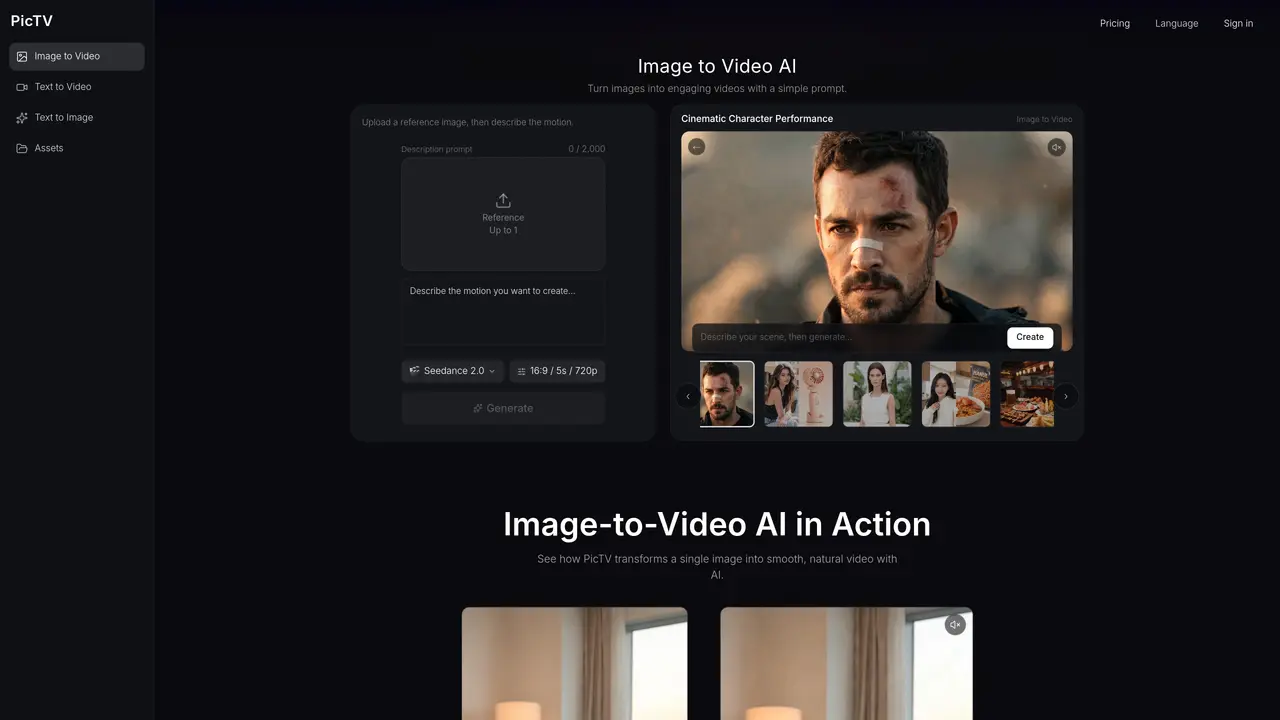
PicTV is an online service that transforms static images into short videos by applying AI-generated motion based on user-provided prompts. Users upload a reference image and describe the desired movement, such as camera angles or subject motion, then select video settings like duration and aspect ratio. The platform supports multiple AI video models, each offering different styles and output characteristics. Video generation occurs in the browser with no software installation required. Outputs are typically short clips suitable for social media, presentations, or creative projects. The service operates on a credit-based pricing model where costs vary depending on the chosen model, duration, resolution, and input type. Commercial use rights may apply and depend on the selected model and terms of service.
An image-to-video AI generator transforms a still image into a video by using AI to create motion based on the image and a motion prompt. PicTV allows users to upload an image, describe the desired motion, and generate the result entirely online.
Upload an image, add a short motion prompt describing how the subject, camera, or scene should move, choose the available video settings, and generate the video with PicTV. The process is completed in three simple steps.
PicTV accepts JPG, PNG, and WebP files up to 10MB in size for image-to-video generation.
PicTV provides model-supported options such as aspect ratio, resolution, and duration. Available settings can vary depending on the selected AI video model.
PicTV offers multiple AI video models, and the models shown in the generator are the ones currently available for the selected workflow. Their supported settings may differ.
PicTV operates on a credit-based pricing model where costs vary depending on the selected model, duration, resolution, and input type. Generation costs are shown before starting a generation.
We use essential cookies to run aitoolnavio™, and optional cookies to analyze traffic and measure our marketing. You choose what we use — optional cookies stay off unless you turn them on. See our Privacy Policy.
One short email a week: fresh tools worth trying, honest takes and the updates that actually matter. No spam, unsubscribe any time.
Generate lifelike human videos with AI, making professional video creation fast and accessible for any user.
xAI builds Grok frontier AI models for reasoning, coding, voice, images, video, enterprise workflows, and developer APIs.
AI-powered video messaging tool that records, shares, and manages video messages with AI-generated titles, summaries, and tasks.
Explore and test Google’s experimental AI tools and prototypes before they become products.
Creates licensed videos, images, music.
Web and mobile AI platform for generating, editing, and training custom visuals from prompts with community models and face-swap tools.
Create stunning videos in a few clicks, customize with powerful tools, and automate editing without experience.
Create, convert, and enhance videos effortlessly with professional effects and royalty-free music.
Create engaging videos with voiceovers, music, and customizations using a library of royalty-free assets.
Create auto-resized campaign images and videos with DaVinci AI's generative media suite.
Freemium, uncensored AI video and image creation for individual creators with text-to-video, image effects, and gem-based upgrades for HD and no watermarks.
Generate cinematic video clips from text or images and refine them with AI-powered editing tools for creators and visual professionals.
Matched on what this tool does — grouped by the job you would be replacing.
matches Converts still images into short videos using AI motion prompts · Image upload with JPG, PNG, or WebP support up to 10MB · Motion prompt control for camera and subject movement
Converts still images into short AI-generated videos in-browser
Converts still images into short AI-generated videos with adjustable motion and aspect ratio
Converts text or still images into short cinematic videos using multiple AI models
Online AI tool that converts still images into short video clips with motion and audio