Generate lifelike human videos with AI, making professional video creation fast and accessible for any user.

Screenify Studio
$149Starting price
0Popularity
About Screenify Studio
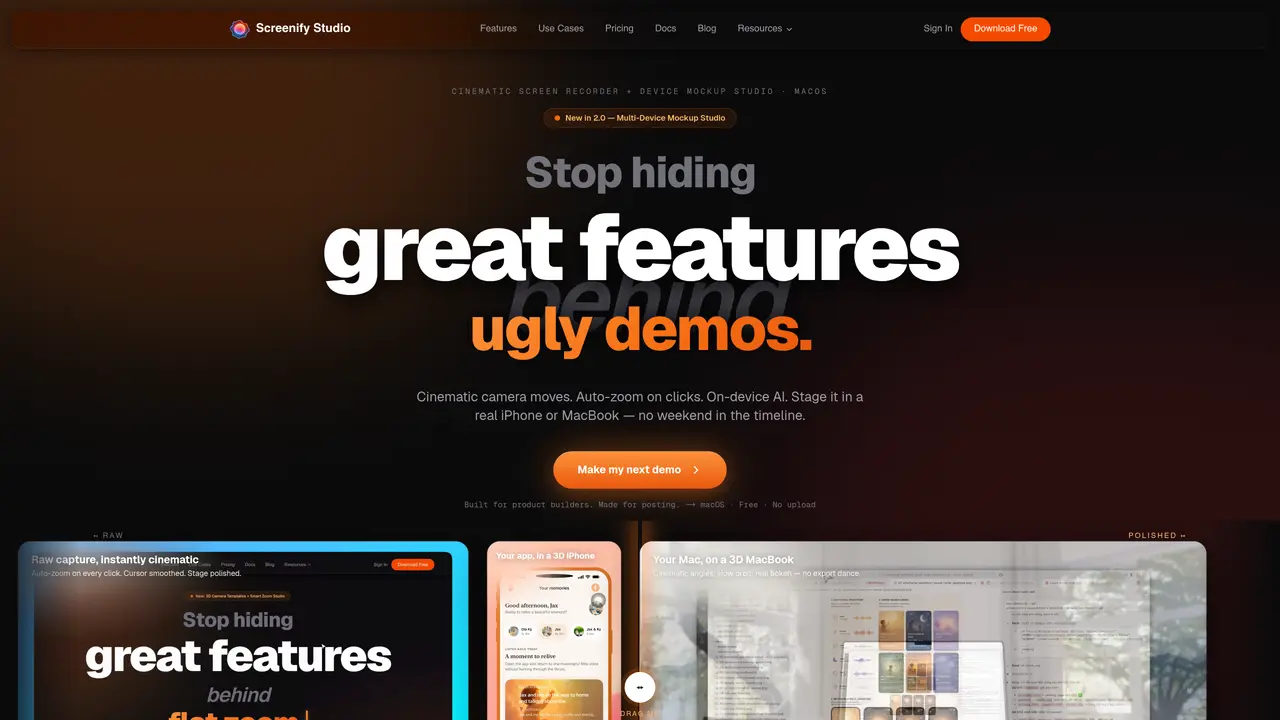
Screenify Studio is a macOS application designed to record and enhance screen captures for product demonstrations. It targets indie hackers, app developers, and solo founders who need to create polished demo videos quickly. The tool captures raw screen activity and applies cinematic effects such as auto-zoom on clicks, cursor smoothing, and 3D camera movements without requiring manual editing. It supports staging recordings on mockups of real devices like iPhones or MacBooks, offering professional camera angles, slow orbits, and depth-of-field effects. AI features include background removal, auto-generated captions with word-level highlighting, and on-device processing to maintain privacy and speed. Exports are native 4K at 60fps with HDR support, and the application runs entirely offline using Metal GPU acceleration on Apple Silicon.
Key features
- 3D cinematic camera with dolly, pan-tilt, orbit, and crane modes
- Auto-zoom triggered by clicks, typing, or mouse dwell
- AI background removal with blur, solid color, or custom image replacement
- Word-level AI captions with karaoke-style highlighting
- 30+ camera templates with unlimited keyframes and custom paths
- 6 camera layouts including PiP, side-by-side, and focused views
- Cursor smoothing and polished staging effects
- 4K 60fps HDR native export
Use cases
- Creating feature demos for social media posts
- Daily build-in-public clips with cinematic camera moves
- Bug fix walkthroughs with callout effects and keystrokes
Pros
- Apple Silicon native with Metal GPU acceleration
- On-device AI for background removal and captions
- 30+ cinematic camera templates with multi-keyframe support
- Auto-zoom on clicks and cursor smoothing
- 4K native export at 60fps with HDR support
Cons
- macOS only
- Not intended for meetings or async work
- No free tier beyond basic functionality
Frequently asked questions about Screenify Studio
What is Screenify Studio and who is it designed for?
Screenify Studio is a macOS application designed to record and enhance screen captures for product demonstrations. It targets indie hackers, app developers, and solo founders who need to create polished demo videos quickly.
How does Screenify Studio enhance screen recordings?
The tool captures raw screen activity and applies cinematic effects such as auto-zoom on clicks, cursor smoothing, and 3D camera movements without requiring manual editing. It also supports staging recordings on mockups of real devices like iPhones or MacBooks.
Does Screenify Studio require an internet connection to function?
No, Screenify Studio runs entirely offline using on-device AI processing, including background removal and auto-generated captions, ensuring privacy and speed.
What export options does Screenify Studio offer?
Exports are native 4K at 60fps with HDR support, and the application uses Metal GPU acceleration on Apple Silicon for faster performance.
What pricing models does Screenify Studio offer?
Screenify Studio offers a free tier with a lifetime option, as well as a Pro plan priced at a one-time fee or an annual subscription.
Can Screenify Studio be used for meetings or async work?
No, Screenify Studio is not designed for meetings or async work; it is specifically built for creating polished product demo videos.