Generate lifelike human videos with AI, making professional video creation fast and accessible for any user.
41M visits/mo+26.2%#1 Video & Animation

AI platform that automatically generates step-by-step product tutorials and demo videos from product details and user behavior.
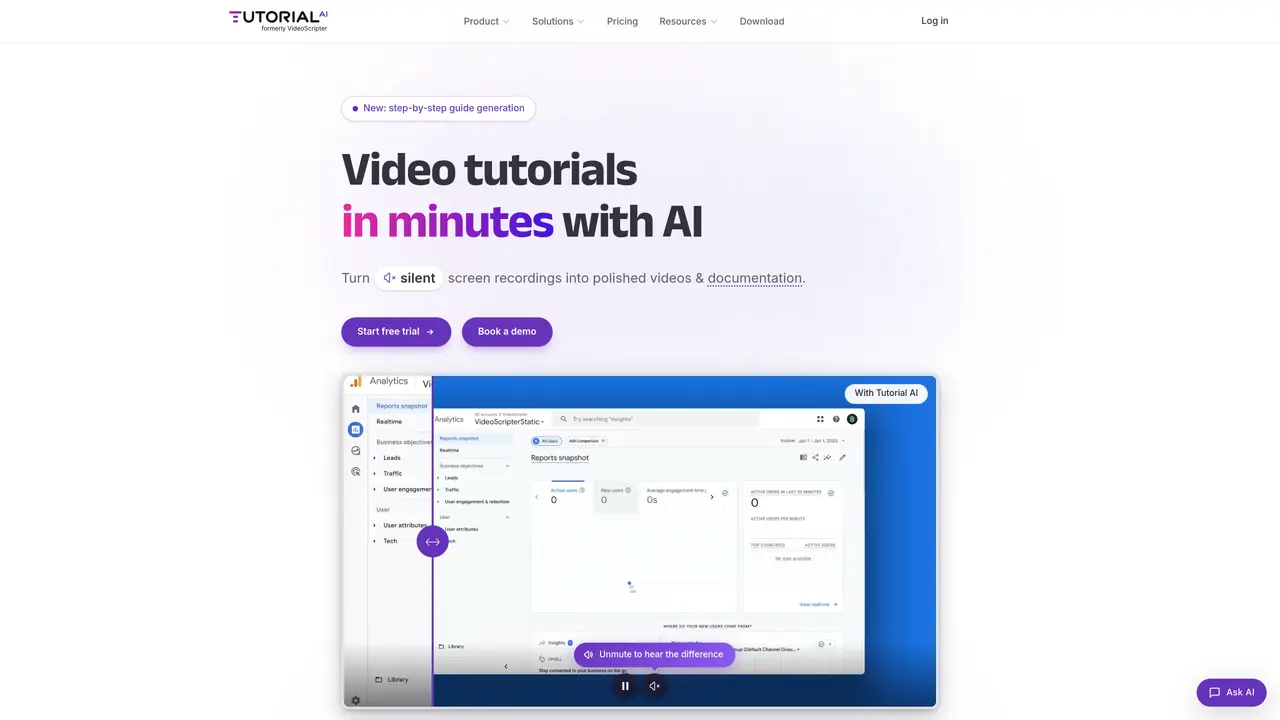
Tutorial AI is an AI-powered platform designed to automate the creation of product tutorials by generating engaging step-by-step guides and demo videos. The tool leverages artificial intelligence to analyze product details and user behavior, producing tailored documentation that can be updated or scaled as needed. Businesses can use Tutorial AI to deliver clear and comprehensive onboarding or support content without manual effort, ensuring consistency and efficiency. The platform is particularly useful for companies looking to quickly educate users or customers with dynamic and interactive materials that enhance understanding and satisfaction. By reducing the time and cost associated with traditional tutorial creation, Tutorial AI helps organizations maintain high-quality documentation while adapting to evolving product features or user needs. It is ideal for teams in customer support, product development, or marketing who require scalable and up-to-date training resources. The AI-driven approach ensures that tutorials remain relevant and accessible, improving user engagement and reducing support overhead. Tutorial AI is suitable for businesses of all sizes seeking to streamline their documentation processes and improve user onboarding experiences.
Tutorial AI is an AI-powered platform that transforms silent screen recordings into polished tutorials with AI voiceovers, captions, zooming effects, and documentation. It automates script refinement, branding, and translations to create scalable training and onboarding materials.
The tool is ideal for customer support, product marketing, learning and development, and sales enablement teams. It helps businesses of all sizes create consistent, up-to-date tutorials and documentation for user onboarding, training, and knowledge bases.
Tutorial AI supports 74 languages for voiceovers, captions, and documentation. Translations are auto-synced, and AutoRetime™ adjusts timing to maintain synchronization across languages.
Yes, Tutorial AI offers SCORM export for LMS integration and supports embedding or publishing tutorials directly to knowledge bases or help centers. It also allows for branded content and collaborative editing.
Users can record or upload a screen recording, then use AI to refine the script, add voiceovers, apply zooming effects, and generate captions. The tutorial can be customized with branding, reviewed collaboratively, and exported in HD or shared via a link.
Yes, the platform includes time-stamped comments for feedback and allows teams to view, edit, and finalize tutorials together before publishing or sharing.
tutorial.ai · third-party estimates from Similarweb
Last 4 months · grows by one month every month
Share of visits by channel
Share of visits · estimated visits
Other countries: 49.9%
Video & Animation · Sep 2026
Traffic figures are third-party estimates, good for scale and trends; they can differ from a company's own numbers. Updated monthly.
We use essential cookies to run aitoolnavio™, and optional cookies to analyze traffic and measure our marketing. You choose what we use — optional cookies stay off unless you turn them on. See our Privacy Policy.
One short email a week: fresh tools worth trying, honest takes and the updates that actually matter. No spam, unsubscribe any time.
Generate lifelike human videos with AI, making professional video creation fast and accessible for any user.
xAI builds Grok frontier AI models for reasoning, coding, voice, images, video, enterprise workflows, and developer APIs.
AI-powered video messaging tool that records, shares, and manages video messages with AI-generated titles, summaries, and tasks.
Explore and test Google’s experimental AI tools and prototypes before they become products.
Creates licensed videos, images, music.
Web and mobile AI platform for generating, editing, and training custom visuals from prompts with community models and face-swap tools.
Create stunning videos in a few clicks, customize with powerful tools, and automate editing without experience.
Create, convert, and enhance videos effortlessly with professional effects and royalty-free music.
Create engaging videos with voiceovers, music, and customizations using a library of royalty-free assets.
Create auto-resized campaign images and videos with DaVinci AI's generative media suite.
Freemium, uncensored AI video and image creation for individual creators with text-to-video, image effects, and gem-based upgrades for HD and no watermarks.
Generate cinematic video clips from text or images and refine them with AI-powered editing tools for creators and visual professionals.
Matched on what this tool does — grouped by the job you would be replacing.
matches Automated generation of step-by-step guides · AI-created demo videos · Product detail and user behavior analysis
Transform screen recordings into multilingual videos and documents effortlessly.
Turns silent screen recordings into polished, narrated tutorials with AI voiceovers and auto-syncing in minutes.
Turns browser click-throughs into polished, branded how-to videos automatically with AI scripting, voiceovers, and editing.
AI-powered tool that converts video recordings into interactive process documentation and training materials