Summarizes, extracts, and rewrites content from files.
89M visits/mo+8.7%#2 Productivity & Office

AI-powered tool that converts video recordings into interactive process documentation and training materials
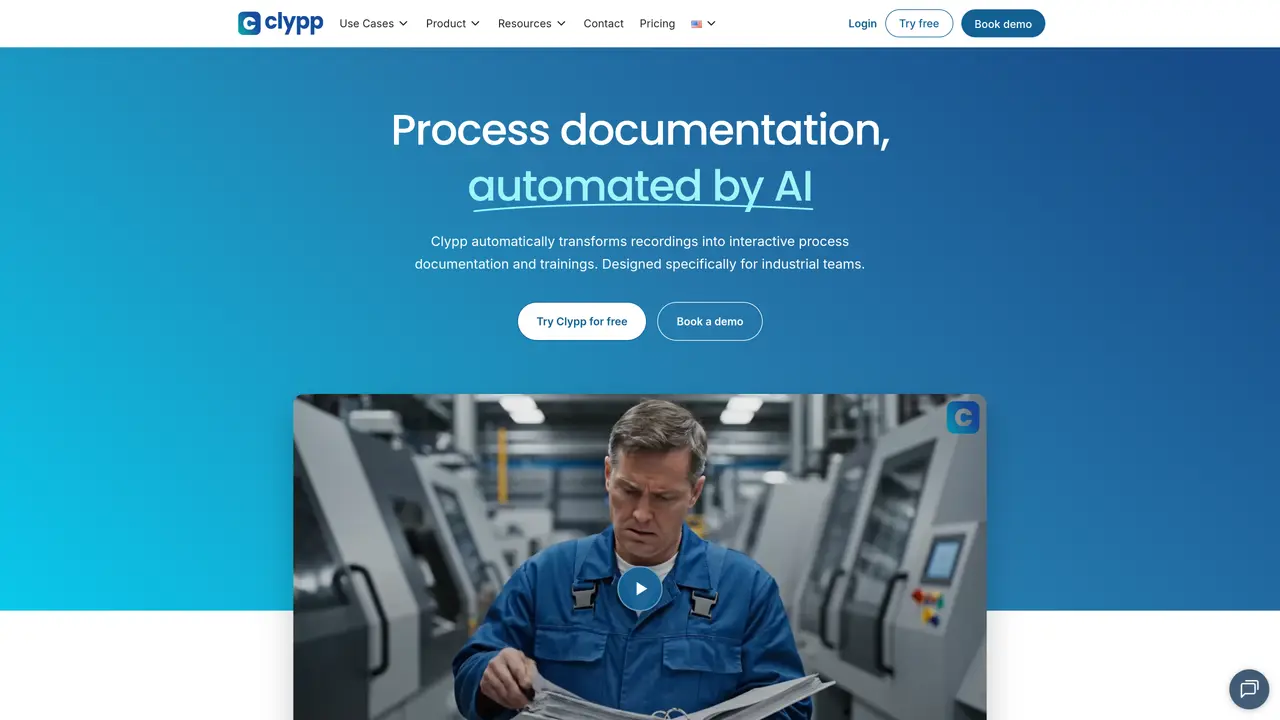
Clypp automates the creation of structured process documentation and training content from video recordings. It is designed for industrial teams and supports both physical process capture via camera and digital workflows through screen recording. The tool generates step-by-step SOPs with screenshots, AI voiceovers, and captions in over 100 languages. It also creates interactive training modules with quizzes and supports BPMN process modeling. Documentation can be shared via QR codes, ERP systems, or the Clypp platform, with access controls for internal and external audiences. The system includes noise reduction, stabilization, and AI avatars to enhance video quality. It is used for work instructions, onboarding, training, knowledge retention, and self-service support.
Clypp automates the creation of structured process documentation and training content from video recordings. It captures industrial processes via camera or screen recording and generates step-by-step SOPs with screenshots, AI voiceovers, and captions in over 100 languages.
Clypp is designed specifically for industrial teams, including manufacturing, engineering, and corporate environments where standardizing work instructions, onboarding, and training is critical.
Clypp extracts steps from raw video recordings, applies noise reduction and stabilization, and creates structured SOPs with screenshots, AI voiceovers, and translations. It also supports BPMN process modeling and interactive training modules with quizzes.
Yes, Clypp allows documentation to be shared via QR codes, ERP systems, or the Clypp platform, with access controls for internal and external audiences.
Clypp is used for creating work instructions, onboarding and ramp-up training, upskilling employees, knowledge retention, and self-service support across teams.
Users can start by recording their process via camera or screen, uploading the video to Clypp, and letting the AI generate structured documentation, SOPs, or training modules automatically.
getclypp.com · third-party estimates from Similarweb
Last 4 months · grows by one month every month
Share of visits by channel
Share of visits · estimated visits
Productivity & Office · Sep 2026
Traffic figures are third-party estimates, good for scale and trends; they can differ from a company's own numbers. Updated monthly.
We use essential cookies to run aitoolnavio™, and optional cookies to analyze traffic and measure our marketing. You choose what we use — optional cookies stay off unless you turn them on. See our Privacy Policy.
One short email a week: fresh tools worth trying, honest takes and the updates that actually matter. No spam, unsubscribe any time.
Summarizes, extracts, and rewrites content from files.
Automate citation and reference management, aid research with text and data mining, and securely store and share documents.
Capture, organize, and share ideas, notes, and documents effortlessly.
Headless CMS that lets developers manage structured content and deliver it anywhere via flexible APIs and real-time collaboration tools.
Efficiently create and manage cases, streamline workflows, securely store and share documents, and collaborate with colleagues.
Access files, collaborate, and secure your data with unbeatable customizable system.
An AI-powered PDF editor and converter for editing, OCR, signing, annotating, merging, and chatting with documents across devices.
Browser-based PDF editor that edits, signs, converts, merges, compresses, and shares files, with AI for form filling, document chat, and PDF creation.
Securely store, access, and search documents from any device with ease.
Create and customize legal documents, consult lawyers, and access legal guides all in one platform.
Centralize brand assets, automate approvals, and collaborate with external partners in a single digital asset management platform.
AI diagramming and documentation tool for engineering teams to create and update cloud architecture, ERDs, and flowcharts from prompts, code, and CI/CD workflows.
Matched on what this tool does — grouped by the job you would be replacing.
matches AI-powered step extraction from video · Automated SOP generation with screenshots · AI voiceover and captions in 100+ languages
AI-powered interactive demo builder for B2B teams to record workflows, add voiceovers, and share trackable demos.
Convert videos into documentation, localized videos, and help-center articles with AI-generated subtitles, voiceovers, and screenshots.
Transforms screen recordings into interactive product demos with AI-generated instructions, voiceovers, and captions in up to 20 languages.
Turn recorded processes into shareable step-by-step guides with automatic screenshots and editing tools.
matches AI-powered step extraction from video · Automated SOP generation with screenshots · Interactive training creation with quizzes
Automate step-by-step tutorial creation by capturing on-screen actions with this AI-powered tool.
AI-powered Chrome extension that records browser workflows and turns them into editable step-by-step guides and SOPs.