

AI video clipping and editing tool that turns long videos into short clips with captions, reframing, and one-click social publishing.
5.1M visits/mo-0.4%#9 Video & Animation
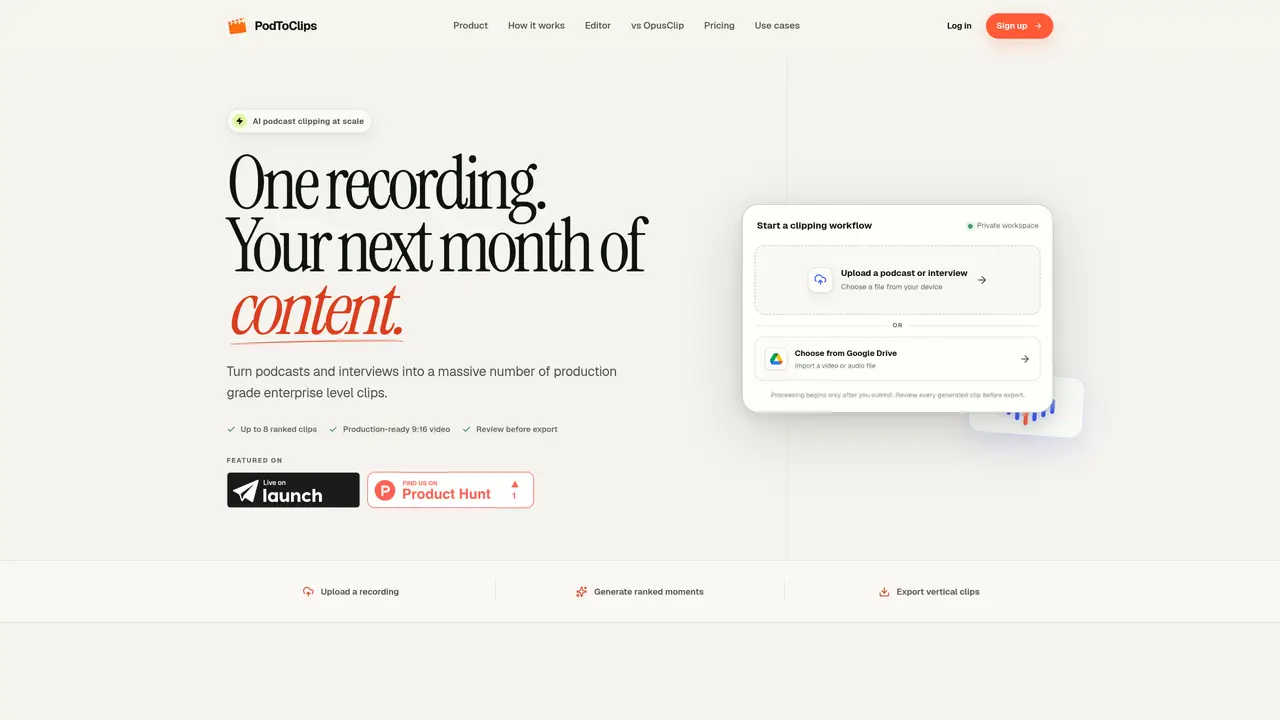
PodToClips automates the extraction of high-value moments from long-form audio or video recordings, transforming them into production-ready vertical clips optimized for social media platforms. The tool processes full-length podcasts, interviews, or presentations, identifying complete insights, stories, and explanations within the content. It ranks these moments by relevance to ensure users capture the most engaging segments for sharing. Each selected clip is enhanced with speaker tracking, synchronized captions, and adaptive framing that stabilizes faces and preserves titles or screen content, maintaining visual integrity. Users can review and refine clips in an intuitive timeline interface before exporting them as MP4 files, with full control over edits, audio adjustments, and transitions. The workflow is designed to support expert-led content, executive communications, educational material, and product demonstrations by preserving context and ensuring clips are ready for immediate distribution. By automating the tedious process of manual editing, PodToClips enables creators to focus on storytelling while delivering polished, platform-optimized clips efficiently.
PodToClips automates the extraction of high-value moments from long-form audio or video recordings and converts them into production-ready vertical clips. It processes full-length podcasts or interviews, identifies complete insights, stories, and explanations, and ranks them by relevance.
The tool is designed for expert-led content creators, executives, educators, and brands looking to repurpose long-form recordings into short-form video content for social media and distribution platforms.
PodToClips offers a usage-based pricing model where users pay for a set number of clips generated per month, with options to scale volume as needed. The exact pricing tiers and usage limits are outlined on the platform.
Yes, the platform includes a private workspace feature that allows teams to review, refine, and approve clips before export, ensuring final control over the editing process.
Yes, the tool uses adaptive framing to stabilize faces and preserve titles, screen content, graphics, and animations, ensuring visual integrity in the final clips.
Users can start by uploading a recording from their device or Google Drive, then review and refine the generated clips in the timeline before exporting them as MP4 files.
We use essential cookies to run aitoolnavio™, and optional cookies to analyze traffic and measure our marketing. You choose what we use — optional cookies stay off unless you turn them on. See our Privacy Policy.
One short email a week: fresh tools worth trying, honest takes and the updates that actually matter. No spam, unsubscribe any time.
AI video clipping and editing tool that turns long videos into short clips with captions, reframing, and one-click social publishing.
AI-powered video clipping and editing tool that extracts viral moments, adds captions, and schedules shorts for TikTok, YouTube, and Instagram.
Cloud-based video editor with AI-powered clip generation, voiceovers, and auto-subtitles for fast, browser-based editing.
Free online AI video editor for beginners to create videos with text, music, animations, and effects.
Create captivating videos with AI-based captions, edit and customize them, and easily share on social media.
Submagic is an AI tool that helps content creators create viral reels and shorts 10 times faster than any other video editing tool.
AI-powered tool for accurate captions, video clipping, and impactful face centering.
Web-based AI editor that upscales videos to 4K, removes backgrounds and watermarks, generates subtitles, makes clips, and translates videos.
AI video generator that turns scripts or prompts into faceless TikTok and YouTube Shorts with voiceovers, captions, and music for creators and small businesses.
Web-based drag-and-drop video editor for adding animated text, templates, and AI captions to social and marketing videos.
Turn long videos or text into viral short-form clips with AI avatars, captions, and auto-scheduling for TikTok, Reels, and YouTube Shorts.
AI-powered video editor for clips, captions, supercuts and web animations
Matched on what this tool does — grouped by the job you would be replacing.
matches AI ranking of high-value moments · 9:16 vertical video output · Face and screen stabilization
AI-powered video clipping and editing tool that extracts viral moments, adds captions, and schedules shorts for TikTok, YouTube, and Instagram.
AI-powered tool that automatically turns long videos into ready-to-post short clips for TikTok, Reels, and Shorts.
AI platform that turns long videos into short, social-ready clips with captions, translations, and scheduling for TikTok, Reels, and YouTube Shorts.
Converts podcasts and videos into subtitled vertical clips with highlights and captions